EasyManua.ls Logo

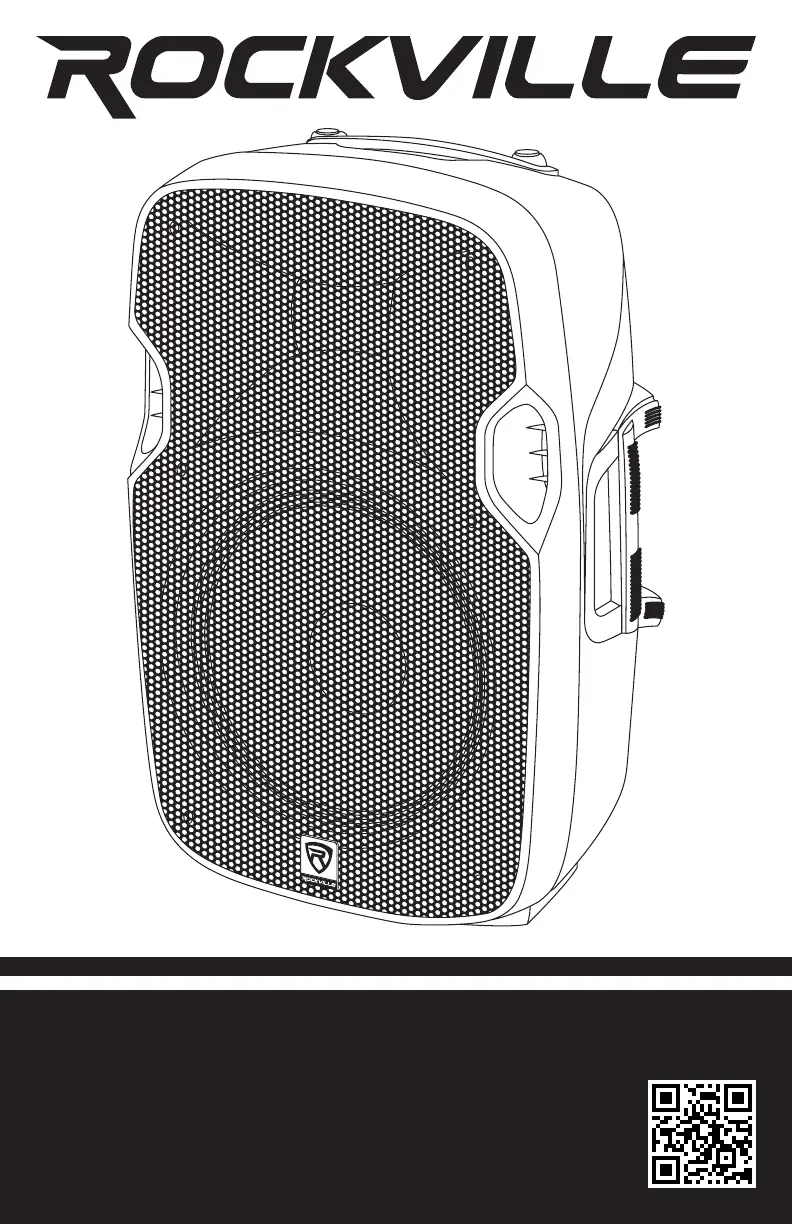
Rockville BPA10 - User Manual

Rockville BPA10
16 pages
Print Icon
To Next Page IconTo Next Page
Loading...
1
Who reads manuals?
Instead, go to vimeo.com/480983315 or scan the QR code and watch a short
video, which shows you how to set this item up and how to use it.
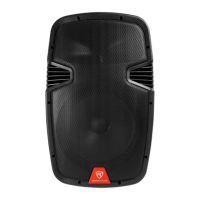
BPA10
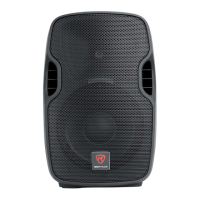
10˝ ACTIVE DJ/PA SPEAKERS w/BLUETOOTH
OWNER’S MANUAL

Questions and Answers

  • J
    Jonathan JenningsJul 27, 2025
    How to fix Rockville BPA10 when there is no power?
    • J
      James OwensJul 27, 2025
      If your Rockville Speakers aren't powering on, ensure the unit is plugged in and the power switch is in the ON position. Also, verify the power cable is securely connected to the unit. Check the fuse and replace it if needed. Try using a different power cable to rule out any shorts in the original cable. Dispose of any damaged power cables immediately.
  • A
    Ann GrantJul 31, 2025
    What to do if Bluetooth pairing fails on my Rockville BPA10 Speakers?
    • W
      William BrownJul 31, 2025
      If you are experiencing Bluetooth pairing issues with your Rockville Speakers, verify that both devices are turned on and that your Bluetooth device is discoverable. Try turning both devices off and then on again. Make sure you've selected the proper source on the speakers. Ensure that the Bluetooth device is within 5 feet of the unit. Move both devices away from other Bluetooth devices, microwaves, wireless routers, and other electronics. Also, make sure that the unit is not paired to a previously paired device.
  • A
    Ashley SmithAug 4, 2025
    Why is there no sound or distorted sound coming from my Rockville BPA10?
    • J
      Jeremy WatkinsAug 5, 2025
      If you are experiencing no sound or distorted sound from your Rockville Speakers, first check that all the appropriate cables are correctly plugged in. Then, check the volume settings (Volume 1, Volume 2, and MP3 Volume). Ensure the Volume and Gain of the appropriate channels are set above level 0 and matched correctly. If you are using a microphone, be sure it is turned on. If you're using a mixing console, make sure the fader and balance are set to the center positions and levels are increased. If volume and EQ settings are maxed out, turn one of them down to avoid overdriving the unit.
  • M
    Melissa AllenAug 9, 2025
    Why do my Rockville BPA10 make a buzzing sound?
    • A
      anthonyrodriguezAug 9, 2025
      To address buzzing sounds from your Rockville Speakers, ensure you are using a proper cable. Verify the requirements of the connected gear and the input of the speaker, and make sure you are using the appropriate cable.
  • G
    Gregory PerezAug 13, 2025
    How to improve poor mic sound on Rockville BPA10?
    • J
      juliesimpsonAug 13, 2025
      To resolve poor microphone sound with your Rockville Speakers, ensure that you are using the Mic In port. If using wireless mics, connect them to the Line input of your mixer.
  • W
    William WalkerAug 18, 2025
    How to stop mic feedback on Rockville Speakers?
    • D
      David YatesAug 18, 2025
      To eliminate mic feedback from your Rockville Speakers, point the microphones away from the speaker. Ensure the mics are positioned behind the speaker, not in front of it.
  • T
    timothy11Aug 22, 2025
    Why is there no SD or USB playback on my Rockville BPA10 Speakers?
    • T
      Tina GeorgeAug 22, 2025
      If you're having trouble with SD or USB playback on your Rockville Speakers, first, make sure you've selected the proper source. Then, verify that the audio files are properly formatted. Finally, ensure that the USB drive or SD card is not damaged.

Rockville BPA10 Specifications

General IconGeneral
Woofer Size10 inches
Impedance8 Ohms
Weight25 lbs
Speaker TypeActive
Woofer DetailsHigh Efficiency Woofer
Frequency Response20Hz - 20KHz
InputsXLR, 1/4", RCA
OutputsXLR
Tweeter Size1 inch

Related product manuals