EasyManua.ls Logo

Rockville RPA14 - User Manual

Rockville RPA14
16 pages
Print Icon
To Next Page IconTo Next Page
Loading...
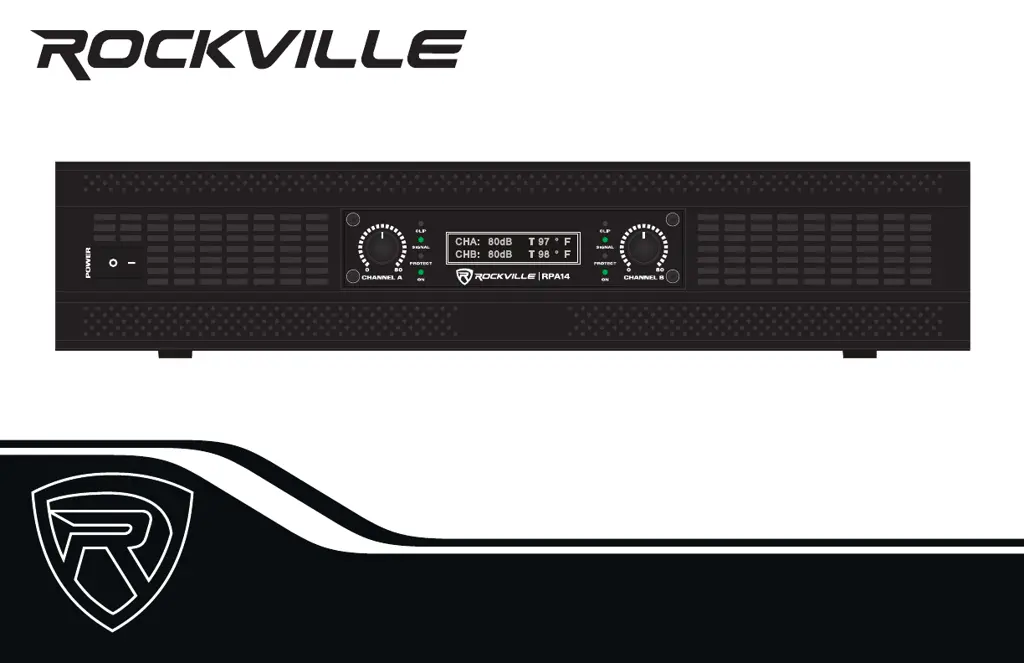
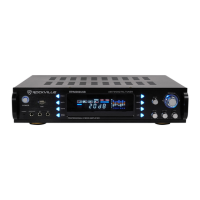
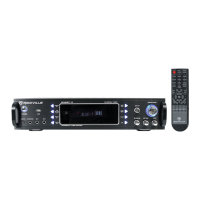
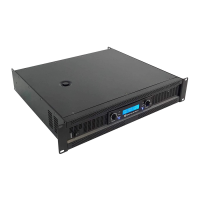
7000-WATT PRO RACK AMPLIFIER
OWNER’S MANUAL
RPA14

Questions and Answers

  • B
    Brian JenkinsJul 28, 2025
    How to troubleshoot a Rockville RPA14 with no power?
    • R
      Ryan RileyJul 28, 2025
      If your Rockville Amplifier is not getting power, ensure the unit is plugged in and the power switch is in the ON position. Check that the power cable is properly plugged into the wall socket and inspect the power cable for any damage, especially if it's been stepped on or rolled over. If damaged, stop using the unit until the cable is repaired. Also, check and replace the fuse if necessary.
  • H
    Henry GordonAug 7, 2025
    What to do if my Rockville RPA14 has no sound?
    • C
      Cole SmithAug 7, 2025
      If your Rockville Amplifier has no sound, begin by verifying that all cables and wires are correctly plugged in. Check the channel level settings, volume settings on your input devices, and the mixer’s master and input volumes. Ensure you're using the correct cables and that speakers are connected to the amp’s OUTPUT, not INPUT, and the mixer is connected to the amp’s INPUT, not OUTPUT. Also, check that the mixer’s mute function is off.
  • B
    Brian WeeksAug 17, 2025
    Why is the clipping light on my Rockville RPA14 Amplifier?
    • R
      Robin HolmesAug 17, 2025
      If the clipping light is on your Rockville Amplifier, try turning down the signal level controls (gain). Also, check the impedance of your speakers or subs.

Summary

Safety and Support

Important Safety Instructions

Essential safety warnings and precautions for operating the amplifier.

Technical Assistance Contact

Phone number and hours for technical support.

Front Panel Operation

Controls and Indicators Overview

Description of the front panel knobs, LEDs, LCD screen, and power button.

Setup and Connections

Connectivity Ports Explained

Details of all input, output, and power connectors on the rear panel.

Rack Mounting Guide

Instructions for installing the amplifier in a standard 19-inch rack.

Amplifier Modes and Settings

Mode and Crossover Switch Configuration

How to set Stereo, Parallel, Bridged modes and crossover frequencies.

Advanced Connectivity

XLR Link Out Setup

Using XLR Link Out ports to send signals to other audio devices.

Specifications and Features

Key Product Features

Summary of the amplifier's main capabilities and functionalities.

Power Output and Frequency Response

Detailed RMS/Peak power output and frequency response specifications.

Electrical and Physical Specifications

Comprehensive technical data including impedance, sensitivity, weight, and dimensions.

Troubleshooting

Problem Resolution Guide

Solutions for common issues like no power, no sound, or clipping.

Rockville RPA14 Specifications

General IconGeneral
Channels2
Impedance4-8 Ohms
Frequency Response20 Hz - 20 kHz
Signal to Noise Ratio> 100 dB
Input Sensitivity0.775V
Input Impedance20 kOhms
Damping Factor> 200
THD< 0.1%
RMS Power @ 8 Ohms500 Watts
Input Voltage110V-120V
Input ConnectorsXLR, ¼” TRS
Output ConnectorsBinding Posts
Protection FeaturesShort Circuit, Overload, Thermal
CoolingFan Cooled

Related product manuals