EasyManua.ls Logo

Rockville RPA16 - User Manual

Rockville RPA16
16 pages
Print Icon
To Next Page IconTo Next Page
Loading...
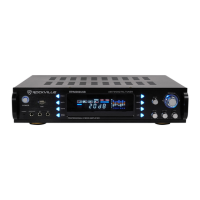
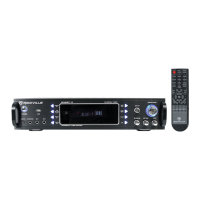
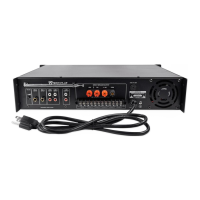
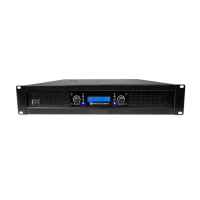
10,000-WATT PRO RACK AMPLIFIER
OWNER’S MANUAL
RPA16

Questions and Answers

  • J
    Jose PerezJul 29, 2025
    Why is there no sound coming from my Rockville Amplifier?
    • P
      Perry SavageJul 29, 2025
      If there is no sound, verify that all cables and wires are correctly plugged in. Check the channel level settings and volume settings on your input devices. Also, check the mixer’s master and input volumes. Ensure you're using the correct cables and that speakers are connected to the amp’s OUTPUT, not INPUT. Confirm the mixer is connected to the amp’s INPUT, not OUTPUT, and that the mixer’s mute isn’t activated.
  • J
    jamesdavidAug 8, 2025
    What to do if my Rockville Amplifier has no power?
    • J
      john56Aug 8, 2025
      If your unit has no power: * Ensure the unit is plugged in and the power switch is in the ON position. * Check that the power cable is properly plugged into the wall socket. * Check and replace the fuse if necessary. If the cable is damaged, stop using the unit until it can be repaired because people or equipment tend to step on and roll over or stretch your power cable.
  • E
    edward19Aug 17, 2025
    How to fix the clipping light on a Rockville Amplifier?
    • E
      Eric WilsonAug 17, 2025
      If the clipping light is on, try the following: turn down the signal level controls (gain) and check the impedance of speakers or subs.

Summary

Important Safety Instructions

Features

Front Panel Components

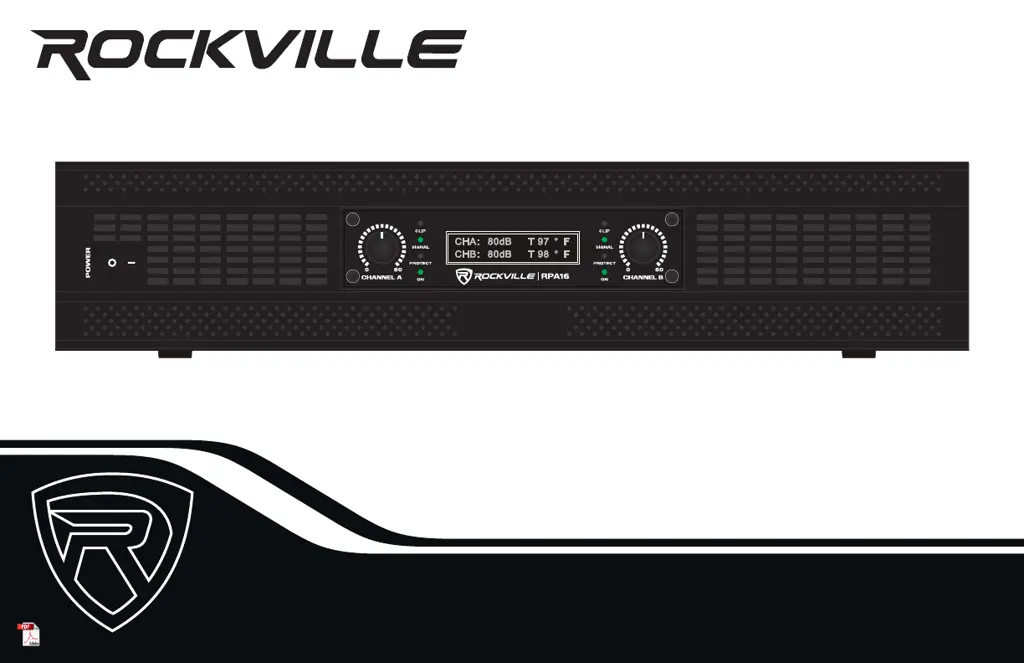
Details the power switch, level controls, LEDs, LCD screen, and ventilation on the amplifier's front.

Setup

Rack Mounting

Provides guidelines for installing the RPA16 amplifier into a standard 19-inch rack.

Configurations

Crossover and Mode Switches

Explains STEREO, PARALLEL, and BRIDGED modes and crossover switch settings.

Link Out XLR

Features and Specifications

Technical Specifications

Details technical data including power output, frequency response, input/output, and physical dimensions.

Troubleshooting

Rockville RPA16 Specifications

General IconGeneral
BrandRockville
ModelRPA16
CategoryAmplifier
LanguageEnglish

Related product manuals