EasyManua.ls Logo

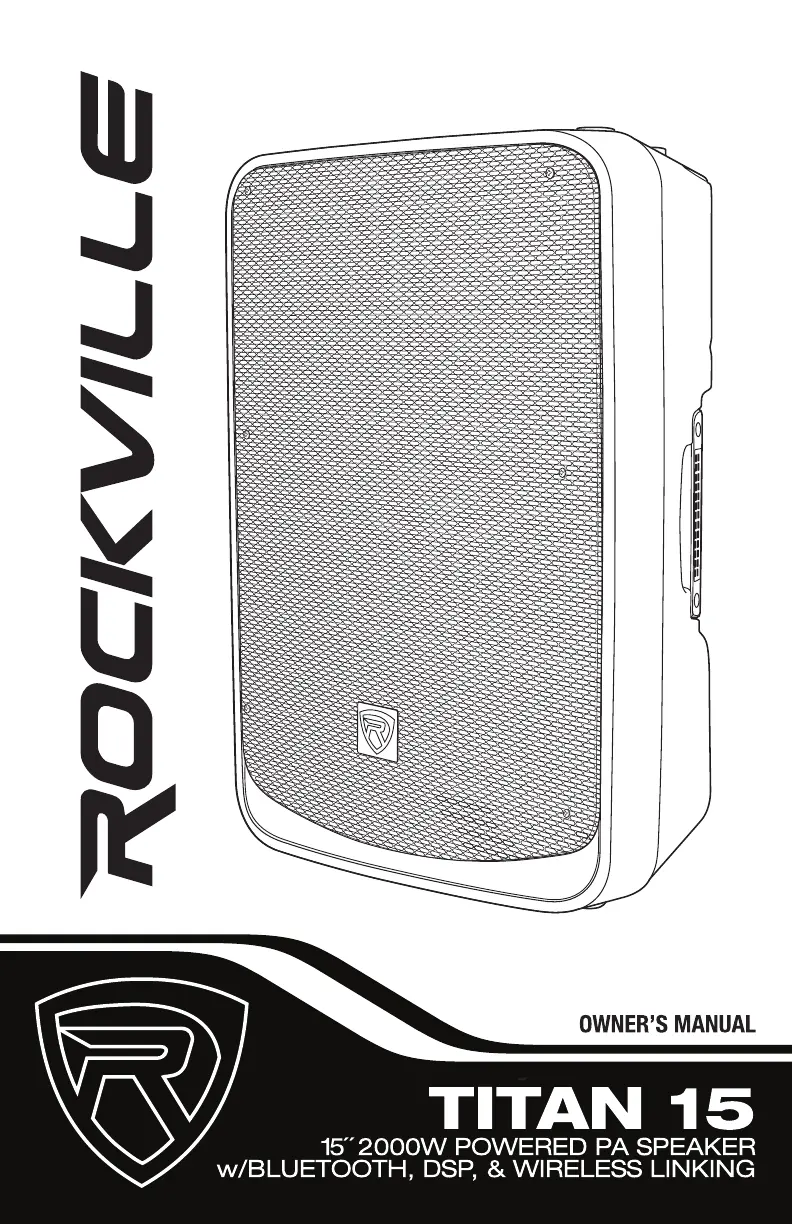
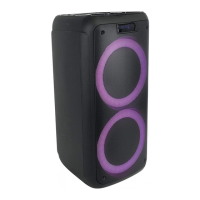
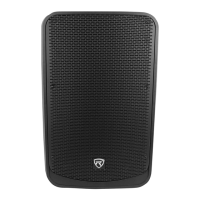
Rockville TITAN 15 - User Manual

Rockville TITAN 15
26 pages
Print Icon
To Next Page IconTo Next Page
Loading...

Questions and Answers

  • W
    walshdanielJul 28, 2025
    Why is Bluetooth/TWS pairing failing on my Rockville TITAN 15 Speakers?
    • A
      Alexandra StoneJul 28, 2025
      If Bluetooth/TWS pairing is failing on your Rockville Speakers, check that both devices are on and your Bluetooth device is discoverable. Try turning both devices off and on again. Ensure you've selected the correct source. Make sure the Bluetooth device is within 5 feet of the unit. Move both devices away from other Bluetooth devices, microwaves, wireless routers, and other electronics. Verify that the unit isn't paired with a previously connected device or another speaker. Please refer to pages 6 and 7 for Bluetooth and TWS pairing procedures.
  • C
    Cody BellAug 3, 2025
    What to do if my Rockville Speakers have no sound or distorted sound?
    • M
      Miranda RosalesAug 3, 2025
      If your Rockville Speakers have no sound or the sound is distorted, ensure all cables are correctly plugged in. Check the level settings, referring to the "Setting Level Controls" section on page 4 of this manual for instructions on how to properly adjust the input level controls. Verify your microphone is on and plugged into the correct input. If you're using a mixing console, confirm that the fader and balance are set to center positions and levels are increased, and that the mixer is plugged into the correct input. If channel or BT levels are maxed out, reduce them to avoid overdriving the unit. Also, check the volume and level settings on all input sources.
  • C
    chavezstevenAug 9, 2025
    What to do if my Rockville Speakers have no power?
    • M
      Mary BrownAug 9, 2025
      If your Rockville Speakers have no power, first ensure the unit is plugged in and the power switch is in the ON position. Next, check that the power cable is securely plugged into the unit. Inspect the fuse and replace it if necessary. If the power cable has been subjected to being stepped on, rolled over, or stretched, try using a different cable to test for shorts in the original cable. Dispose of damaged power cables immediately.
  • S
    Samuel ManningAug 15, 2025
    What can I do about mic feedback on my Rockville TITAN 15 Speakers?
    • A
      Aaron WrightAug 15, 2025
      To reduce mic feedback on your Rockville Speakers, point the microphones away from the speaker. Ensure the microphones are positioned behind the speaker, not in front of it.
  • R
    Randall OconnorAug 21, 2025
    Why do my Rockville TITAN 15 Speakers have poor mic sound?
    • I
      ihuffmanAug 21, 2025
      If your Rockville Speakers have poor mic sound, ensure you are using the XLR part of the Mic/Line ports. If using wireless mics, connect them into the Line input of your mixer.

Summary

Important Safety Instructions

Safety Precautions

Essential safety guidelines for operating the speaker.

Feedback Avoidance

Setting Level Controls

Wireless Speaker Linking

TWS Bluetooth Pairing Procedure

Step-by-step instructions for linking two speakers wirelessly via Bluetooth.

Bluetooth Connectivity

Pairing and Connecting Bluetooth Devices

Instructions for pairing and connecting Bluetooth-enabled devices to the speaker.

Functions and Controls Overview

Troubleshooting Guide

Resolving Power & Sound Issues

Solutions for common problems like no power, distorted sound, or buzzing.

Bluetooth & TWS Pairing Solutions

Guides for resolving issues with Bluetooth and TWS pairing failures.

Rockville TITAN 15 Specifications

General IconGeneral
BrandRockville
ModelTITAN 15
CategorySpeakers
LanguageEnglish

Related product manuals