EasyManua.ls Logo

Rockwell RK3440K - User Manual

Rockwell RK3440K
40 pages
Print Icon
To Next Page IconTo Next Page
Loading...
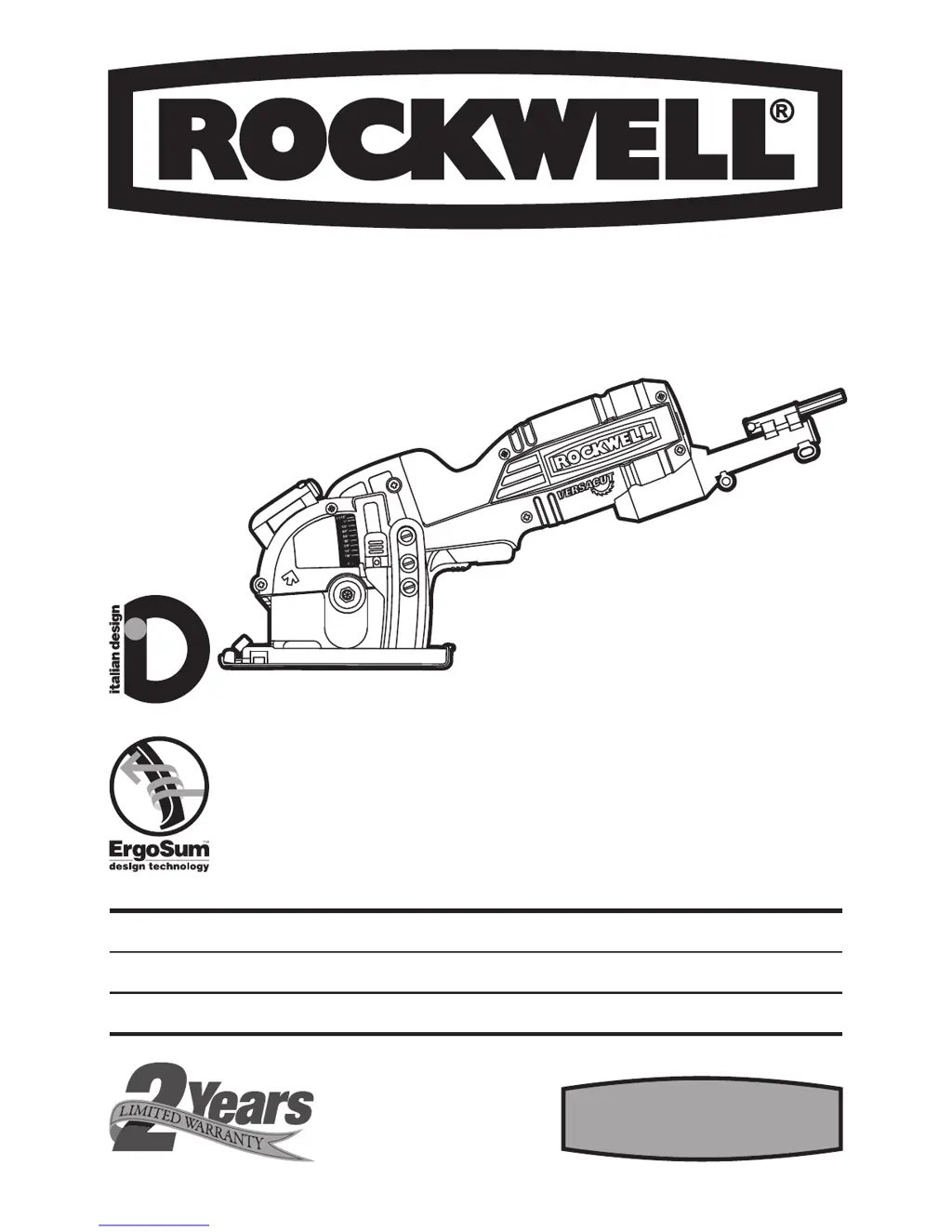
RK3440K
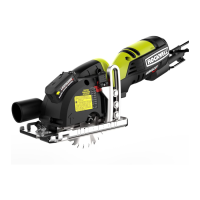
MINI CIRCULAR SAW WITH LASER PAGE 5 ENG
SIERRA CIRCULAR PEQUEÑA CON LÁSER PAGE 15 ESP
MINI SCIE CIRCULAIRE AVEC LASER PAGE 27 FRE

Questions and Answers

  • K
    Kimberly DuarteAug 1, 2025
    Why won't my Rockwell RK3440K blade cut a straight line?
    • J
      Joseph PhillipsAug 1, 2025
      If your Rockwell Saw blade won't cut straight, it might be due to a dull blade. Try mounting a new, sharp blade. Also, make sure the blade is properly mounted. If the issue persists, consider using an edge guide to ensure the saw is guided correctly.
  • M
    Meredith WashingtonAug 8, 2025
    What to do if my Rockwell Saw won't start?
    • P
      pricekimberlyAug 8, 2025
      If your Rockwell Saw won't start when you operate the on/off switch, first, check to make sure the power cord is well connected to a working outlet. If it's still not working, the power cord might be broken and should be replaced by a qualified maintenance person after unplugging it. Another potential cause is a worn-down carbon brush, which should also be replaced by a qualified maintenance person.
  • A
    Angel MckenzieAug 16, 2025
    Why is the cutting depth less than set on my Rockwell RK3440K?
    • W
      william66Aug 16, 2025
      If the cutting depth of your Rockwell Saw is less than what you set, it's likely due to sawdust accumulated at the rear of the base. Shake out the sawdust, and consider connecting a vacuum for dust collection to prevent this issue.
  • A
    Amanda SimsAug 23, 2025
    What to do if my Rockwell Saw blade spins or slips?
    • C
      cherrylisaAug 25, 2025
      If the blade of your Rockwell Saw spins or slips, it's possible that the blade is not tightly engaged with the spindle. Remove the blade and reassemble it as described in the INSTALL /CHANGE THE BLADE section.

Summary

Component List

Accessories

General Power Tool Safety Warnings

Work Area Safety

Ensures safe operation by maintaining a clean and well-lit work environment, avoiding hazards.

Electrical Safety

Covers proper grounding, avoiding wet conditions, and cord care to prevent electric shock.

Personal Safety

Advises staying alert, using PPE, preventing unintentional starts, and proper dress.

Power Tool Use and Care

General Use and Care

Discusses not forcing the tool, proper switch operation, and disconnecting power for maintenance.

Service

Emphasizes using qualified personnel for repairs and identical replacement parts to maintain safety.

Additional Safety Rules for Your Versacut

Safety Instructions for All Saws

Kickback Prevention

Details causes of kickback and provides operator prevention methods and precautions.

Safety Warning for Your Laser

Additional Safety Warning

Provides crucial safety advice for laser operation, including avoiding staring into the beam.

Safety Instructions for Plunge Type Saw

Specific safety checks and operational guidance for plunge cutting operations.

Symbols

Technical Data

Operating Instructions

Intended Use

Defines the primary purpose and capabilities of the Versacut™ saw.

Assembly: Install;Change the Blade

Step-by-step guide for safely mounting and changing the saw blade.

Parallel Guide

Instructions on using the parallel guide for precise, parallel cuts.

Sawdust Removal

Details on connecting a vacuum adapter for efficient dust extraction.

Non-Scratch Base Cover

Information on attaching the cover to protect delicate surfaces during cutting.

Operation: Trigger Switch

Explains how to activate and deactivate the saw's trigger switch.

Blade Depth

Guidance on choosing and setting the correct cutting depth for optimal results.

Set the Blade Depth

Step-by-step instructions for adjusting and locking the cutting depth.

Using the Laser

Instructions on how to turn the laser guide on/off and its proper use.

Replace Laser Batteries

Detailed steps for replacing the batteries in the laser guide.

Cutting Guide

How to use the blade alignment indicator as a guide for accurate cuts.

Function: Making Cross Cuts and Rip Cuts

Guidance on performing cross and rip cuts, including avoiding kickback.

Making Rip Cuts

Advice on using guides for making long, accurate rip cuts.

Pocket Cutting (Soft Materials Only)

Specific instructions and warnings for performing pocket cuts on soft materials.

Working Hints for Your Tool

Maintain Tools With Care

Troubleshooting

2-Year Warranty Statement

Rockwell RK3440K Specifications

General IconGeneral
BrandRockwell
ModelRK3440K
CategorySaw
LanguageEnglish

Related product manuals