RC310 1080P Video PTZ Camera User Manual
5
8. OFF
TRACKING OFF: When enabled tracking
function, press [OFF] key to turn off the Single
Tracking, Voice Tracking or Auto Framing
function.
9. Mute Key
Turn On/Off microphone (restart automatically
to take effect).
10. HOME Key
Confirm selection or press to turn PTZ back to
the middle position.
11. ZOOM + Key
Zoom in camera lens (non-effect when enabled
the tracking function).
12. ZOOM - Key
After zooming in, press this key to zoom out the
camera lens.
13. SWITCH Key
Press repeatedly to select and enable the
Single Tracking/Voice Tracking/Auto Framing
function (before enable the Voice Tracking
function, you need to set the “Audio Enable”
to of
in setting menu).
5 GUI Settings
5.1 MENU
Press [MENU] key to display the main menu on
the screen. Use the arrow key to move the cursor
to desired item and press the [HOME] key to
confirm to enter the corresponding sub-menu.
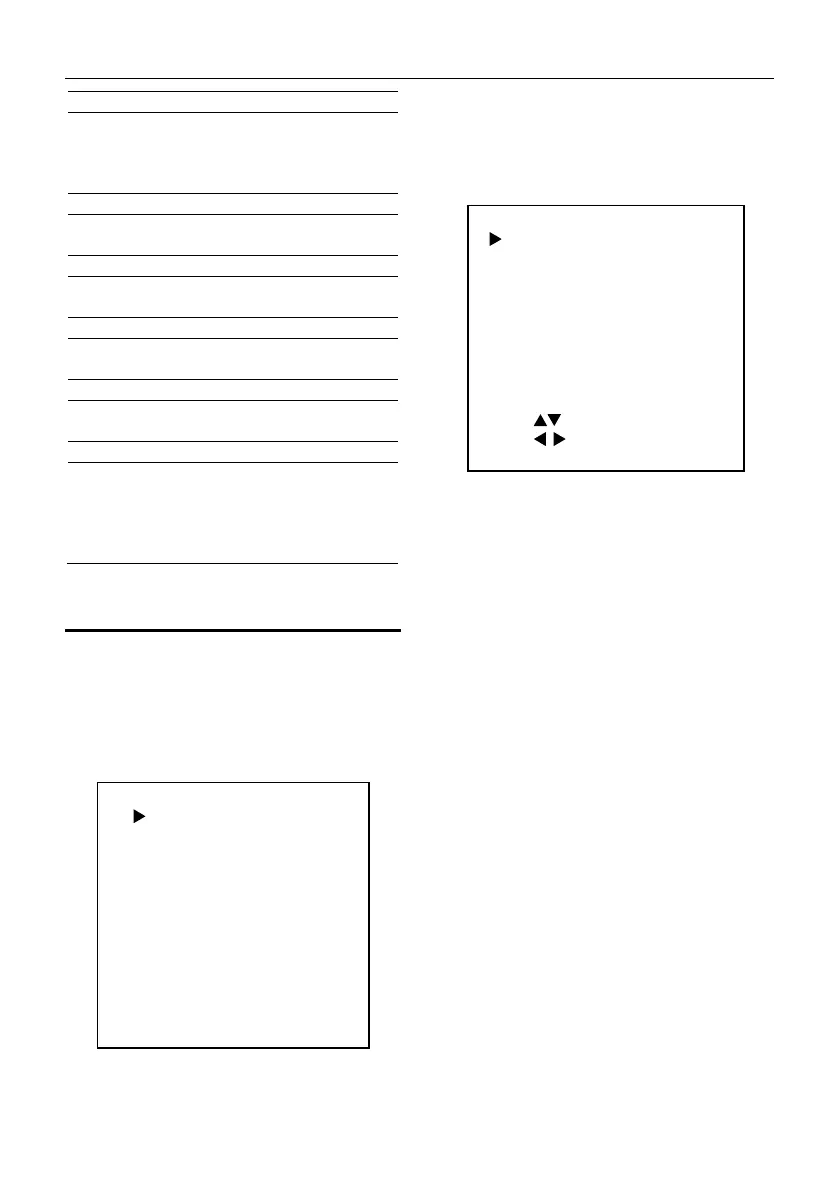
MENU
Exposure
Color
Image
P/T/Z
Noise Reduction
Setup
Communication Setup
Information
Restore Default
[HOME] Enter
[MENU] Exit
5.2 EXPOSURE
When in main menu page, move the cursor to
[Exposure] and press [HOME] key to confirm to
enter the Exposure page as below.
EXPOSURE
Mode Auto
ExpCompMode
ExpComp
On
-1
Gain Limit 2
Meter Average
Backlight Of
DRC 1
Anti-Flicker 50Hz
Select Item
Change Value
[MENU] Exit
Mode: Auto, Manual, SAE.
ExpCompMode (Exposure Compensation Mode):
On, Off (Effective only in Auto mode).
ExpComp (Exposure Compensation Value): -7~7
(Effective only in ExpCompMode On).
Gain Limit: 0~15 (Effective in Auto, SAE mode).
Meter: Average, Center, Bottom, Top (Effective in
Auto, SAE mode).
Backlight: On, Off (Effective only in Auto mode).
Anti-Flicker: Off, 50Hz, 60Hz (Effective only in
Auto mode).
Shutter: 1/30, 1/50, 1/60, 1/100, 1/125, 1/200,
1/250, 1/350, 1/500, 1/725, 1/1000, 1/1500,
1/2000, 1/3000, 1/4000, 1/6000, 1/10000 (Effective
in Manual, SAE mode).
Gain: 0~31 (Effective only in Manual mode).
DRC: 0~8.
5.3 COLOR
When in main menu page, move the cursor to
[Color] and press [HOME] key to confirm to enter
the Color page as below.


 To Next Page