RC310 1080P Video PTZ Camera User Manual
6
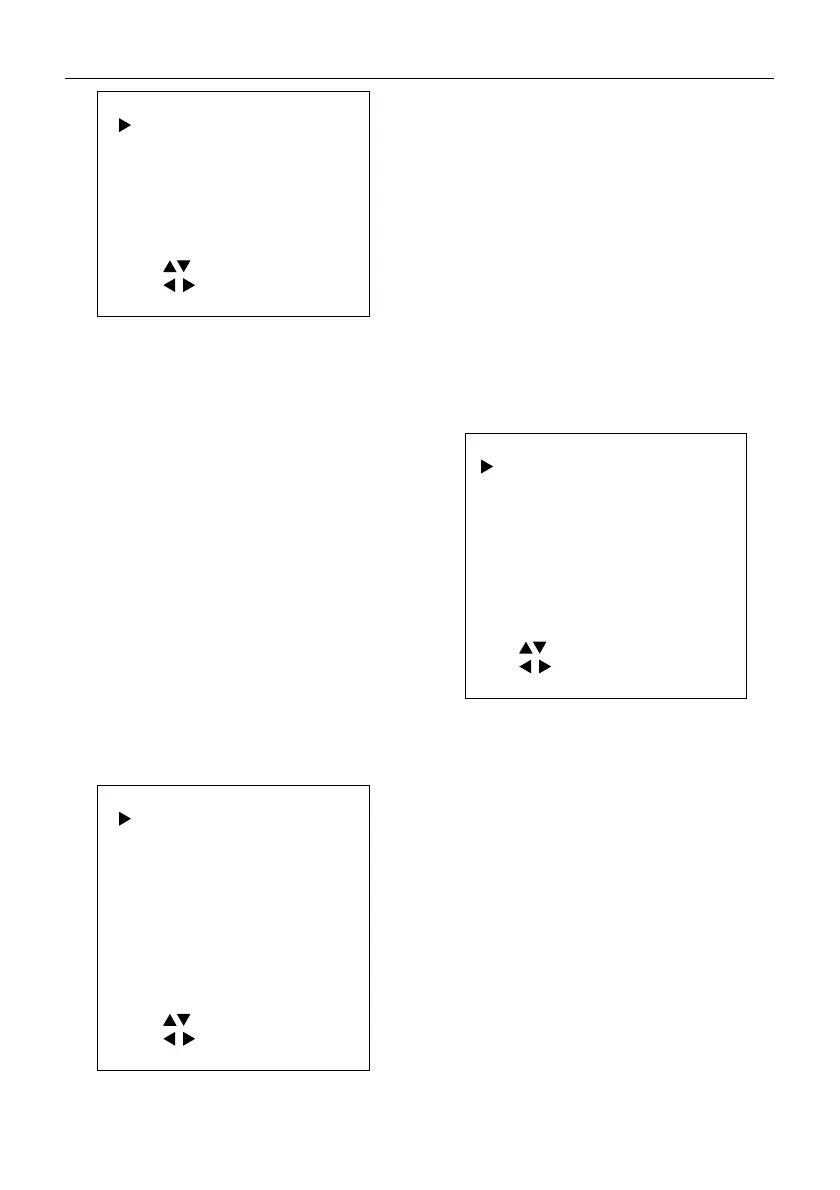
COLOR
WB Mode Auto
AWB Sens Middle
RG Tuning 2
BG Tuning 1
Saturation 120%
Hue 7
Select Item
Change Value
[MENU] Exit
WB-Mode (White Balance Mode): Auto, Indoor,
Outdoor, One Push, Manual, VAR.
AWB Sens (The White Balance Sensitivity): Low,
Middle, High (Effective in Auto, One Push mode).
RG (Red Gain): 0~255 (Effective in Manual mode).
BG (Blue Gain): 0~255 (Effective in Manual mode).
RG Tuning (Red Gain Tuning): -10~10 (Effective in
Auto, One Push, VAR mode).
BG Tuning (Blue Gain Tuning): -10~10 (Effective
in Auto, One Push, VAR mode).
Saturation: 60%~200%.
Hue: 0~14.
Color Temp: 2500K~8500K (Effective only in VAR
mode).
5.4 IMAGE
When in main menu page, move the cursor to
[Image] and press [HOME] key to confirm to enter
the Image page as below.
IMAGE
Luminance 45
Contrast 50
Sharpness 16
B&W-Mode Of
Flip-H Of
Flip-
Of
Gamma Default
Image Style Default
LDC 6
Select Item
Change Value
[MENU] Exit
Luminance: 0~99.
Contrast: 0~99.
Sharpness: 0~99.
B&W-Mode: On, Off.
Flip-H: On, Off.
Flip-V: On, Off.
Gamma: Ext, Default, 0.45, 0.5, 0.56, 0.63.
Image Style: Default, Norm, Clarity, Bright, Soft.
LDC: Off, 1~8.
5.5 P/T/Z
When in main menu page, move the cursor to
[P/T/Z] and press [HOME] key to confirm to enter
the P/T/Z page as below.
P/T/Z
ToF Focus On
D-Zoom Limit x4
AF-Sense High
AF-Zone Front
Speed By Zoom On
Display Info On
Call Preset Speed
Pre Zoom Speed
18
5
Select Item
Change Value
[MENU] Exit
ToF Focus: On, Off.
D-Zoom Limit: On, x2, x4, x8, x16.
AF-Sense: Low, Normal, High.
AF-Zone: Front, Top, Middle, Bottom.
SpeedByZoom (Depth of Field Ratio): On, Off.
Display Info: On, Off.
Call Preset Speed: 0~24.
Pre Zoom Speed: 0~7.
5.6 NOISE REDUCTION
When in main menu page, move the cursor to
[Noise Reduction] and press [HOME] key to
confirm to enter the Noise Reduction page as
below.


 To Next Page