RC310 1080P Video PTZ Camera User Manual
7
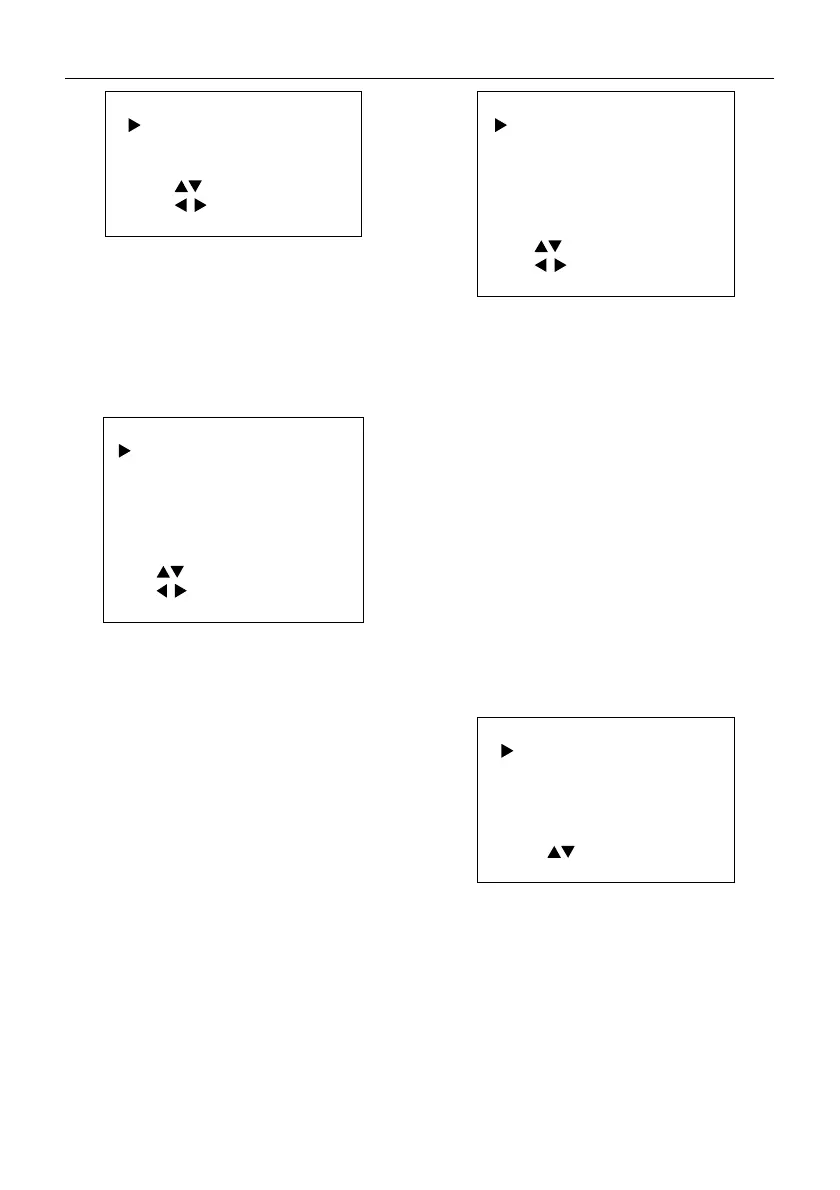
NOISE REDUCTION
2D NR 1
3D NR 3
Select Item
Change Value
[MENU] Exit
2D NR (2D Noise Reduction): Auto, Off, 1~5.
3D NR: (3D Noise Reduction): Auto, Off, 1~8.
5.7 SETUP
When in main menu page, move the cursor to
[Setup] and press [HOME] key to confirm to enter
the Setup page as below.
SETUP
Language
UVC Setting
English
Audio Enable On
rack Debug Of
OSD Mirror Of
Select Item
Change Value
[MENU] Exit
Language: English, Chinese.
UVC Setting: Press HOME key to confirm to enter
to the UVC setting page to select turn on/off H264
Enable, NV 12 Enable and Bulk Enable (restart
automatically to take effect).
Audio Enable: On, Off (restart automatically to
take effect).
Track Debug: On, Off.
OSD Mirror: On, Off.
5.8 COMMUNICATION SETUP
When in main menu page, move the cursor to
[Communication Setup] and press [HOME] key to
confirm to enter the Communication setup page
as below.
COMMUNICATION SETUP
Protocol
ISCA
_Address 1
_AddrFix Of
Net Mode Serial
Baudrate 9600
Select Item
Change Value
[MENU] Exit
Protocol: VISCA, PELCO-D, PELCO-P.
V_Address: 1~7 (Effective only in VISCA protocol).
V_AddrFix: On, Off (When set to On, the 88 30 01
FF command does not work. Effective only in
VISCA protocol).
P_D_Address: 0~254 (Effective only in PELCO-D
protocol).
P_P_Address: 0~31 (Effective only in PELCO-P
protocol).
Net Mode: Serial, Paral (Effective only in VISCA
protocol).
Baudrate: 2400, 4800, 9600, 19200, 38400.
5.9 INFORMATION
When in main menu page, move the cursor to
[Information] and press [HOME] key to confirm to
check the product information.
INFORMATION
ersion 8.1.10
Model A9.
Date 2023-02-13
AF
ersion 4.4.13
Select Item
[MENU] Exit
5.10 RESTORE DEFAULT
When in main menu page, move the cursor to
[Restore Default] and press [HOME] key to confirm
to enter the Restore Default page as below.


 To Next Page