EasyManua.ls Logo

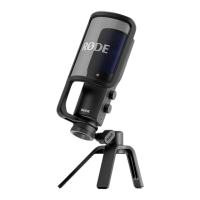
RODE Microphones NT-USB+ - Getting Started with NT-USB+; Attaching to Ring Mount and Pop Filter; Desk Stand and Other Mount Attachments

RODE Microphones NT-USB+
10 pages
Print Icon
To Next Page IconTo Next Page
To Previous Page IconTo Previous Page
Loading...
07-07-2023 10:21
NT-USB+ | USER GUIDE & SUPPORT | RØDE
https://rode.com/en/user-guides/nt-usb-plus
2/10
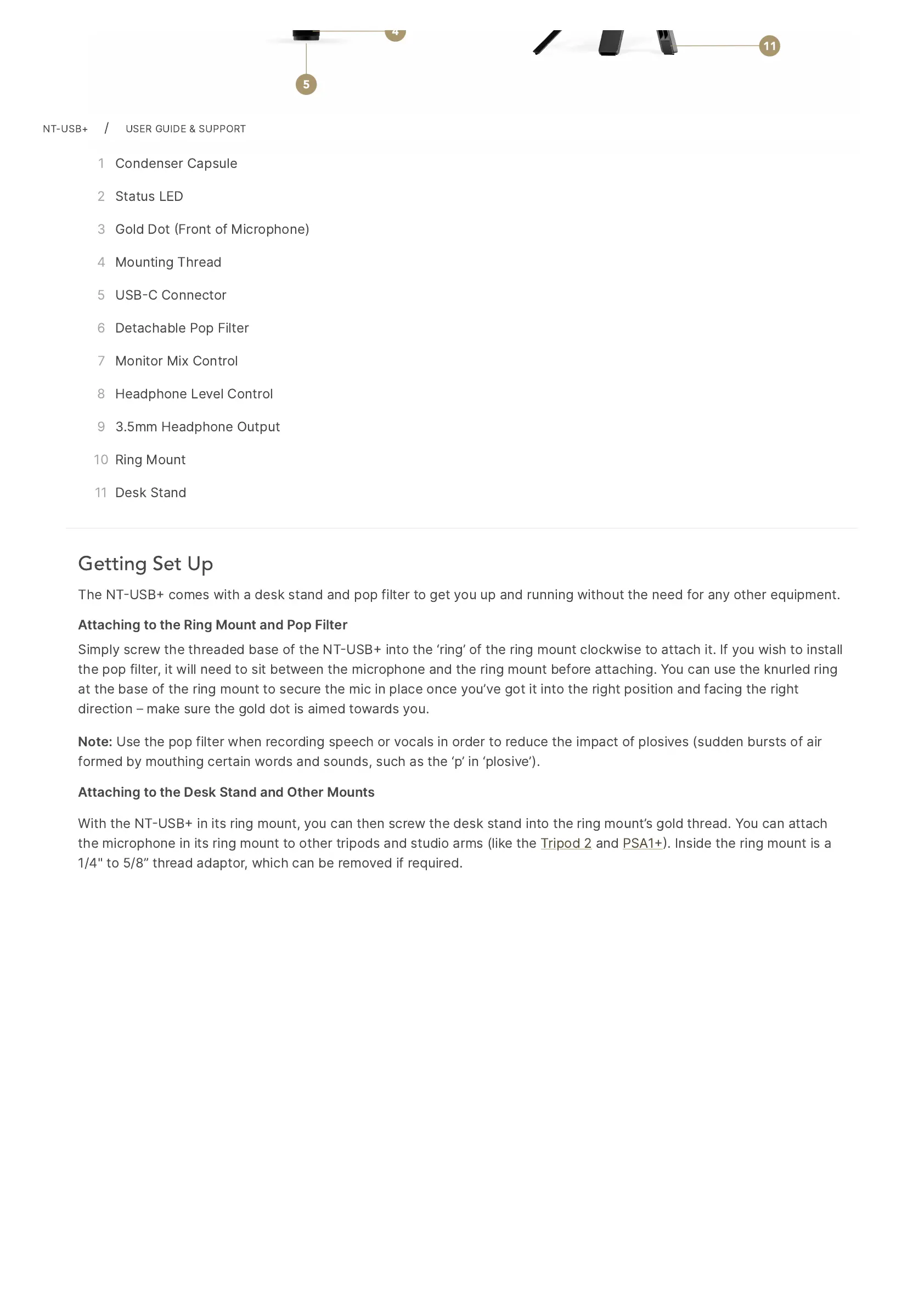
1 Condenser
Capsule
2 Status
LED
3 Gold
Dot
Front
of
Microphone)
4 Mounting
Thread
5 USBC
Connector
6 Detachable
Pop
Filter
7 Monitor
Mix
Control
8 Headphone
Level
Control
9 3.5mm
Headphone
Output
10 Ring
Mount
11 Desk
Stand
Getting Set Up
The
NTUSB
comes
with
a
desk
stand
and
pop
filter
to
get
you
up
and
running
without
the
need
for
any
other
equipment.
Attaching
to
the
Ring
Mount
and
Pop
Filter
Simply
screw
the
threaded
base
of
the
NTUSB
into
the
ring
of
the
ring
mount
clockwise
to
attach
it.
If
you
wish
to
install
the
pop
filter,
it
will
need
to
sit
between
the
microphone
and
the
ring
mount
before
attaching.
You
can
use
the
knurled
ring
at
the
base
of
the
ring
mount
to
secure
the
mic
in
place
once
youve
got
it
into
the
right
position
and
facing
the
right
direction
make
sure
the
gold
dot
is
aimed
towards
you.
Note:
Use
the
pop
filter
when
recording
speech
or
vocals
in
order
to
reduce
the
impact
of
plosives
(sudden
bursts
of
air
formed
by
mouthing
certain
words
and
sounds,
such
as
the
p
in
plosive).
Attaching
to
the
Desk
Stand
and
Other
Mounts
With
the
NTUSB
in
its
ring
mount,
you
can
then
screw
the
desk
stand
into
the
ring
mounts
gold
thread.
You
can
attach
the
microphone
in
its
ring
mount
to
other
tripods
and
studio
arms
(like
the
Tripod
2
and
PSA1.
Inside
the
ring
mount
is
a
1/4"
to
5/8
thread
adaptor,
which
can
be
removed
if
required.
NT-USB+
/
USER
GUIDE
&
SUPPORT

Other manuals for RODE Microphones NT-USB+

Related product manuals