6
ROHO Sensor Ready Cushion Operation Manual
Cushion Adjustment
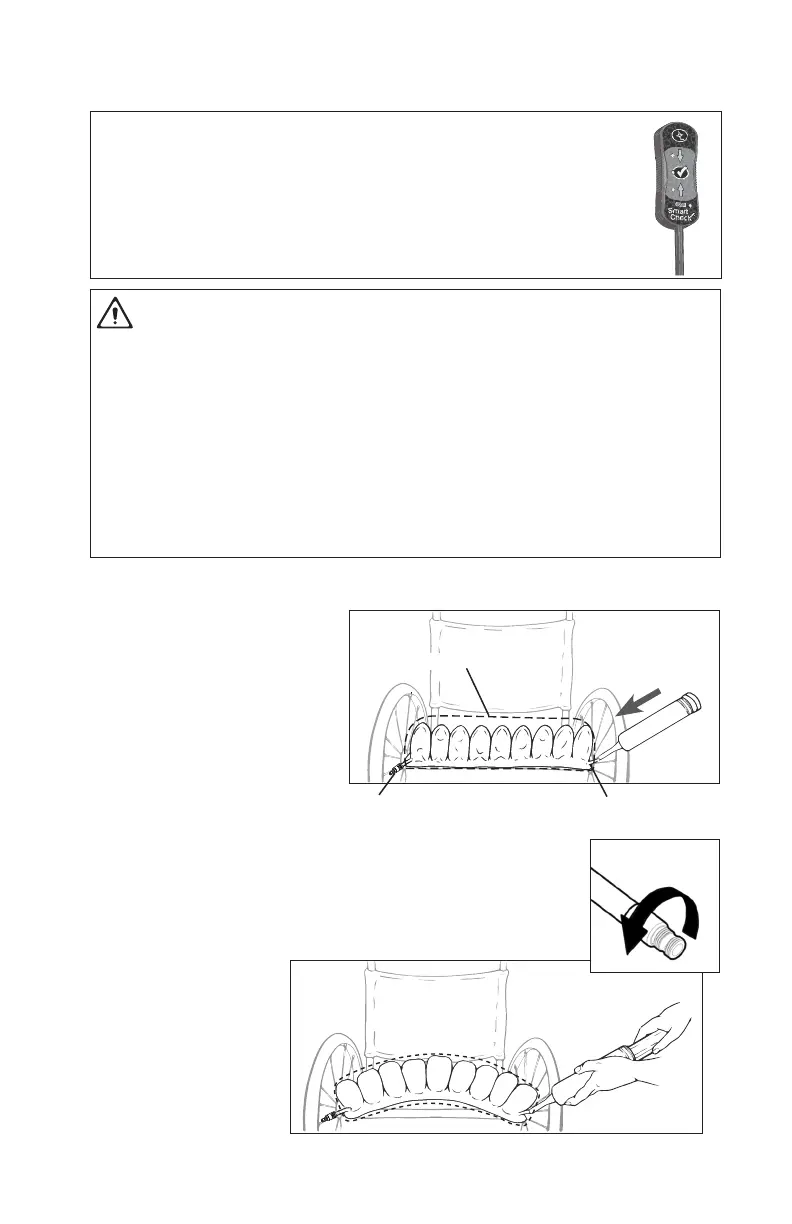
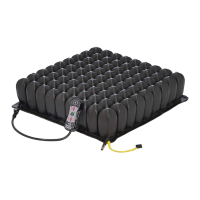
1. Place the cushion in the
wheelchair with the air
cells facing up and the
non-skid surface of the
cover facing down.
2. Slide the rubber nozzle of
the hand pump over the
inflation valve.
3. Pinch the nozzle and open the inflation valve.
4. Inflate the cushion
with the hand pump
until the cushion
bulges.
Open
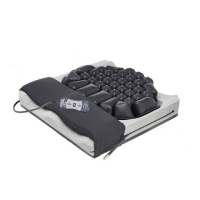
This cushion is equipped with Sensor Ready Technology and can be used with
Smart Check by ROHO, which is a cushion feedback system. Smart Check can
be used to find the individual’s inflation level and help check their cushion. For
more information, contact ROHO Customer Care (see ContaCt InformatIon.)
NOTE: If you own Smart Check by ROHO, STOP HERE and refer to the Smart Check
®
by ROHO
®
Operation Manual.
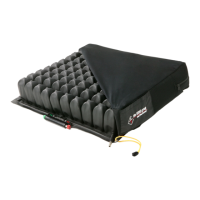
Cushion Cover
Quick Disconnect Inflation Valve
Important Safety Information
• DO NOT use an under-inflated cushion or an over-inflated cushion because the
product benefits will be reduced or eliminated, resulting in an increased risk
to skin and other soft tissue. If the cushion does not appear to be holding air,
or if you are not able to inflate or deflate the cushion, see TroubleshooTing.
Immediately contact your clinical caregiver, distributor, or ROHO, Inc. if the
problem persists.
• When possible, use the hook or loop fasteners to further secure the cushion to
the seating surface.
• Check inflation frequently, at least once a day!


 To Next Page