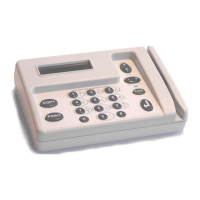
arameters menu provides access to network se
ell as various test functions.
Network terminal settings
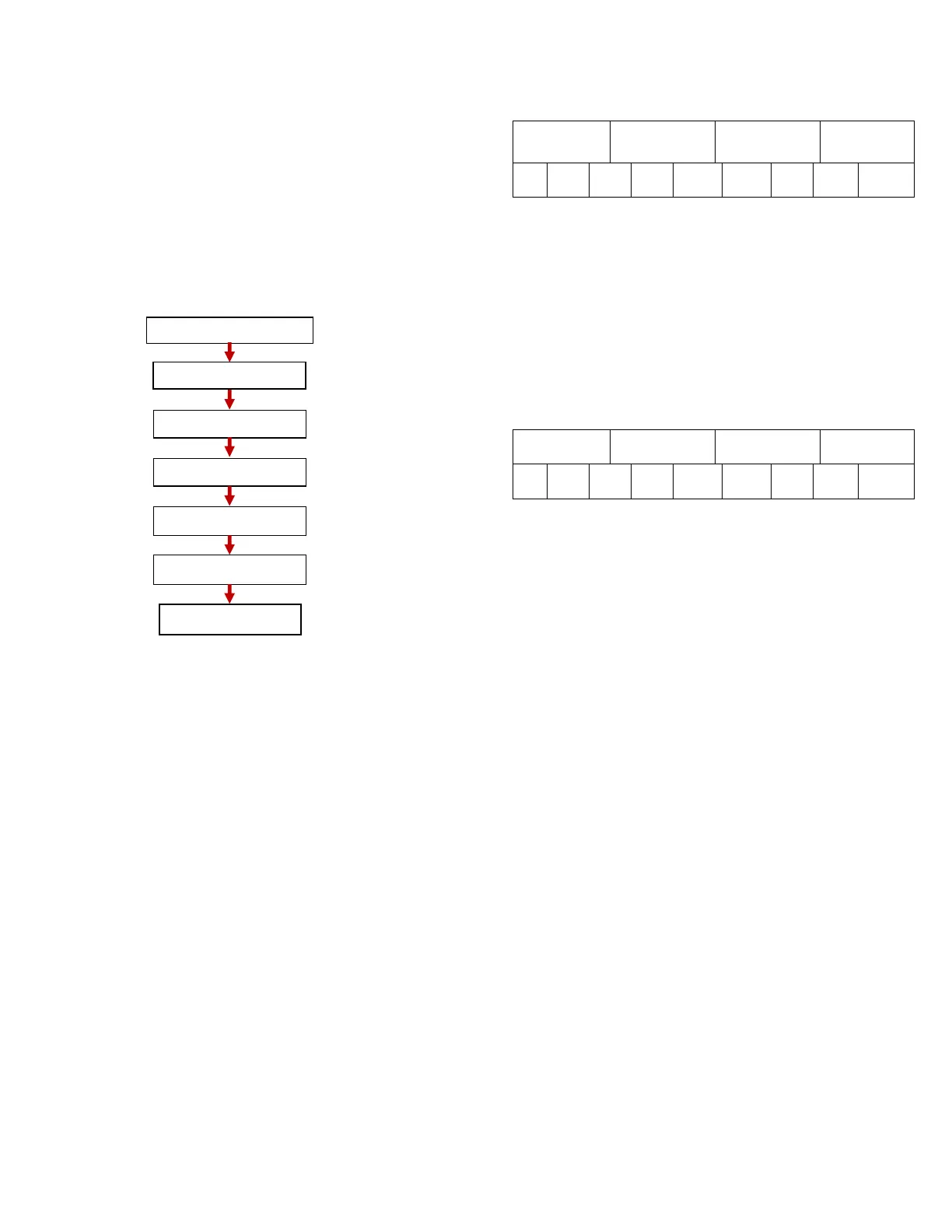
This menu selection provides access to the IP parameters
used for communicating with the print server. See below
for a flow chart and descr
iption of the Network settings
This control provides a way to adjust the sense time, blind
time, reset delay and eject delay used during the copier
test modes, Copier standard and Copier steering. These
used when the VCC is online are downloaded from the
print vend software and must be set there. The timing
adjustments made here apply to both
there are no provisions for separate co
inputs one and two in off
is 10ms. Press Enter or C/CE to exit and save the changes
to move to previous timer
on provides a way to test the VCC in
standard mode using the timing parameters set under
Copier timing. The VCC display provides a visual of the
state each of the optos are in. Relays are turned on and
off by pressing ‘1’ for relay one and pressing ‘2’ fo
wo. Meters roll over at 10. In standard mode, debit pulses
should only come in on optos 1 and 2 and only Mtr 1 and
Mtr 2 should change. Press C/CE to exit this selection
This menu selection provides a way to test the VCC in
steering mode using the timing parameters set under
Copier timing. The VCC display provides a visual of the
state each of the optos are in. Re
off by pressing ‘1’ for relay one and pressing ‘2’ for relay
two. Meters roll over at 10. In steering mode, debit pulses
should come in only on opto 1. Optos 2
steering signal as the copier selection
8 may change. Press C/CE to exit this
This menu selection provides a way to test the card reader
hether it’s a mag swipe, bar code or contactless card.
Everything read off the card is displayed unfiltered. What
is viewed here is what gets sent to the server when on
line. The display can show up to 40 characters. Press
C/CE to exit this selection.
This menu selection provides a way to send periodic PING
echo request packets. When entering this menu for the
first time after a boot up, the IP displayed is the server IP
whether it’s issued through Fixed IP or a DNS operation.
lity will send an ICMP packet with 32 bytes of
data at 2 second increments for as long as this menu is
open. The display shows the bytes sent, bytes received
ceived ping echo reply packets.
display counter will roll over at 255.
address can be edited, simply type in the address you wish
Press C/CE to exit this selection.
This is the name given the VCC for the purpose of
identifying it on a DHCP/DNS enabled network. This name
is not programmable but fix
ed at “VCCxxxx” where xxxx is
the last four digits of the MAC address. The hostname is
passed to the DHCP server in the DHCP request packet.
The DHCP server must be configured to pass this to the
This menu selection is only visible in DHCP


 To Next Page
 Loading...