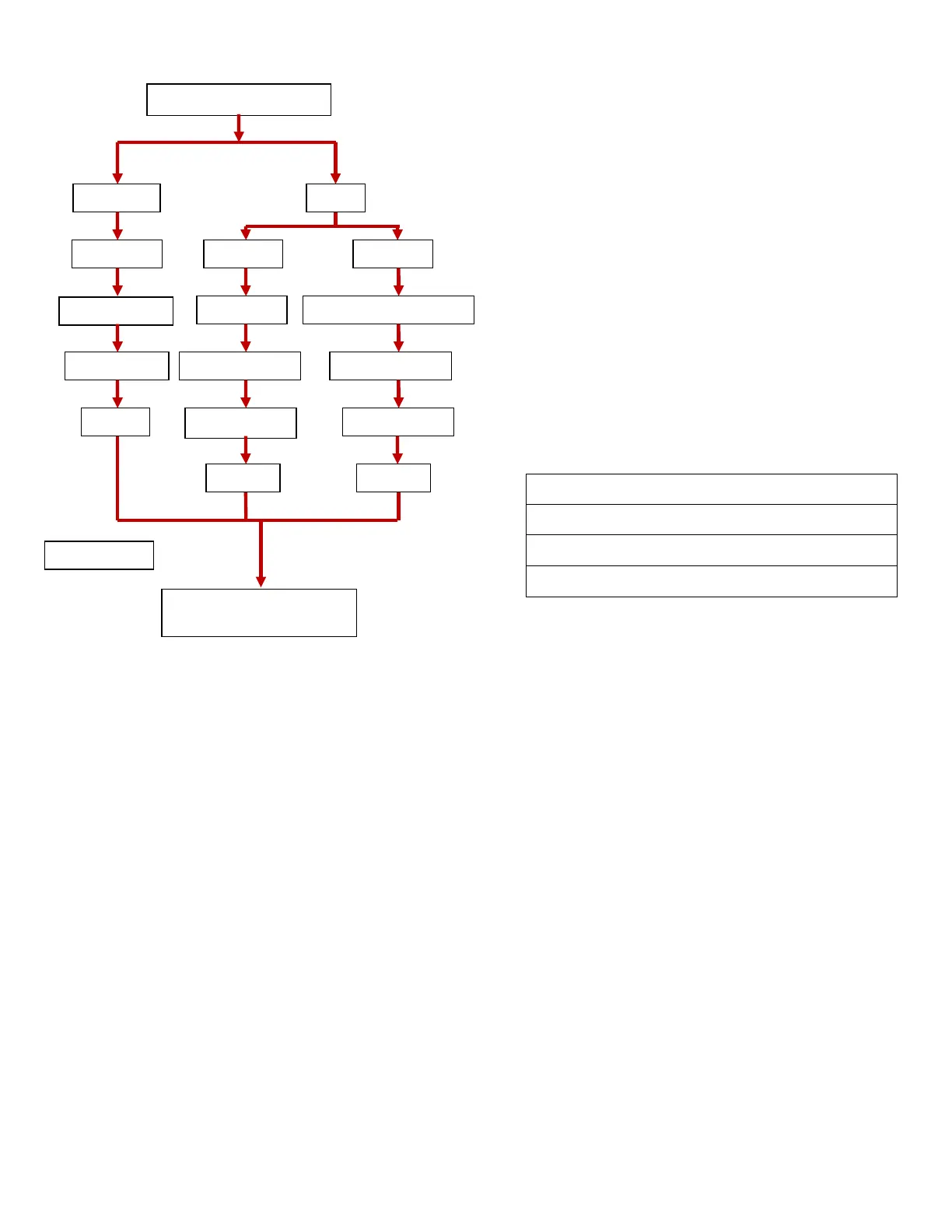
Network settings Flow Chart
Select Static IP if you do not have a
DHCP server or would prefer to manually manage your
VCC IP pool. Select DHCP to obtain various parameters
necessary for the client t
o operate such as the client IP,
subnet mask, gateway IP and DNS servers.
subnet on which the VCC is to operate.
IP of local network’s Gateway. Read only in
client IP assigned to this VCC. Read only in DHCP
Filter located in the EMAC of the
FPGA. Blocks all network traffic except our ARPs and TCP
ay cause additional TCP retri
Turn off if units reboot randomly.
Use this in place of doing a DNS operation to
obtain the server IP. It is recommended that if the server
IP is not going to change that you use this method.
Select this option if you want to use D
obtain your print server’s IP.
Enter the domain name of the
print server here. Maximum characters are 32. All special
characters are supported; the VCC will only read and save
the characters to the left of the first space chara
To change the settings (Static IP mode):
and the unit is fully booted up
If you want to manually control your
atic IP’, otherwise select
Static IP and this will bring up the IP
parameters settings. You can either go through
press the enter key to skip to
the parameter you wish to change
will appear as shown below.
Filter located in the EMAC of the
FPGA. Blocks all network traffic except our ARPs and TCP
ay cause additional TCP retri
Turn off if units reboot randomly.
capability. You should only do this if you have a secure
parameters card, otherwise you will not be abl
settings on your terminals.



 To Next Page