11
Cleaning a Localized Area
When the main unit is in Standby mode or paused, press the Spot button to start
cleaning a localized area. The cleaning area is a 1.6 m × 1.6 m square centred on the
main unit. After cleaning, the main unit automatically docks.
Operation Failure
When there is an abnormality in the operation of the robot cleaner, the switch button
indicator light flashes white quickly and voice broadcasts, please refer to this manual on
how to troubleshoot the robot cleaner to solve abnormal problems.
Dormant
If there is no operation after more than 10 minutes, the robot cleaner will automatically
enter the dormant state, press any key to restart.
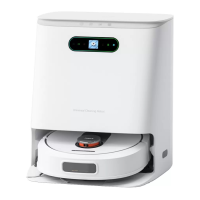
Automatic Dust Collection
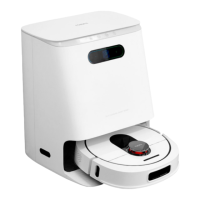
After the cleaning is completed, the robot cleaner will automatically return to the base
station for charging and dust collection.
Reset Button
When the button does not respond or doesn’t power on, reset the system by pressing
the reset button, the robot cleaner will automatically reset and start. after resetting the
schedule, cleaning order and cleaning mode settings of the appliance will be cleared,
and Wi-Fi will be reset.
Notes
• It is recommended to place the robot cleaner in the base station charging
position to start cleaning;
• When the power is insufficient during the cleaning process, the robot cleaner will
automatically return to the base station to recharge and return to the last break
point to resume cleaning after sufficient power is replenished;
• Before using the product, clear the area to be cleaned. Arrange the furniture and
other household items neatly and remove power cords and small items from the
ground to prevent the obstructions of the appliance during cleaning;
• Do not stand in front of the appliance when it is cleaning, lest it cannot identify
the area to be cleaned.


 To Next Page