34
• Information
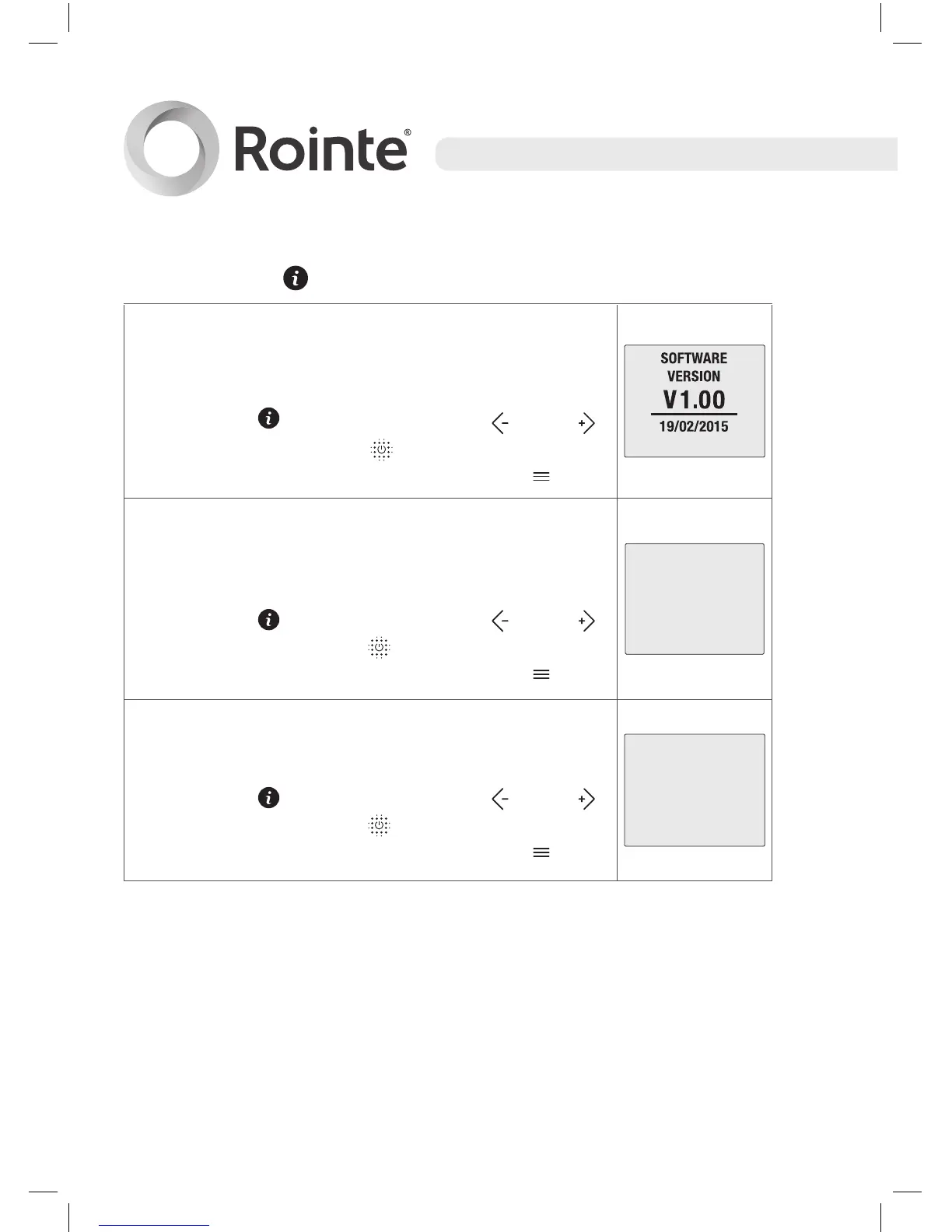
This option shows the software version, the
release date and the nominal power of the
product.
Select the icon by using the and
buttons, then press the button to confirm. To
exit from the information screen, press .
POWER 2400W
This option shows the status of the WIFI
connection, the IP address, subnet mask and
connection port.
Select the icon by using the
and
buttons then press the button to confirm. To
exit from the information screen, press .
This option shows the MAC and RSSi address
and signal strength which is measured in dbm.
Select the icon by using the
and
buttons then press the button to confirm. To
exit from the information screen, press .





 To Next Page