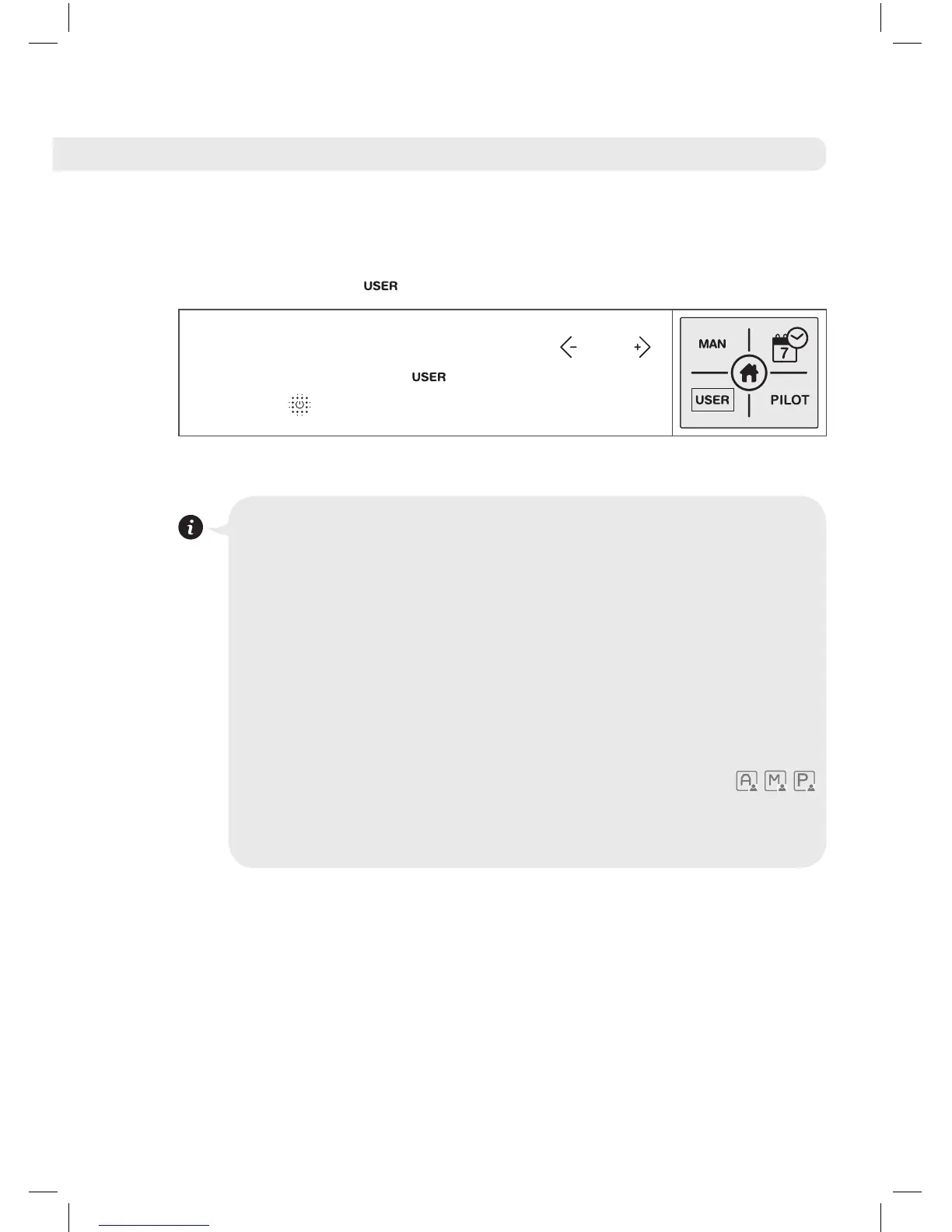
• User Function
To access the User Function, use the and
buttons to select the icon and confirm by
pressing .
USER Function
This allows the user to establish a limited working temperature
range (maximum and minimum temperature).
By way of a 4 digit code you can access a menu where
you can activate or deactivate this function, change the
password and fix a maximum and minimum temperature
range for the product
When the product is working with this function one of the
following symbols will appear on the main screen
depending on whether it is in Automatic mode, Manual mode
or Pilot Wire mode.





 To Next Page