38
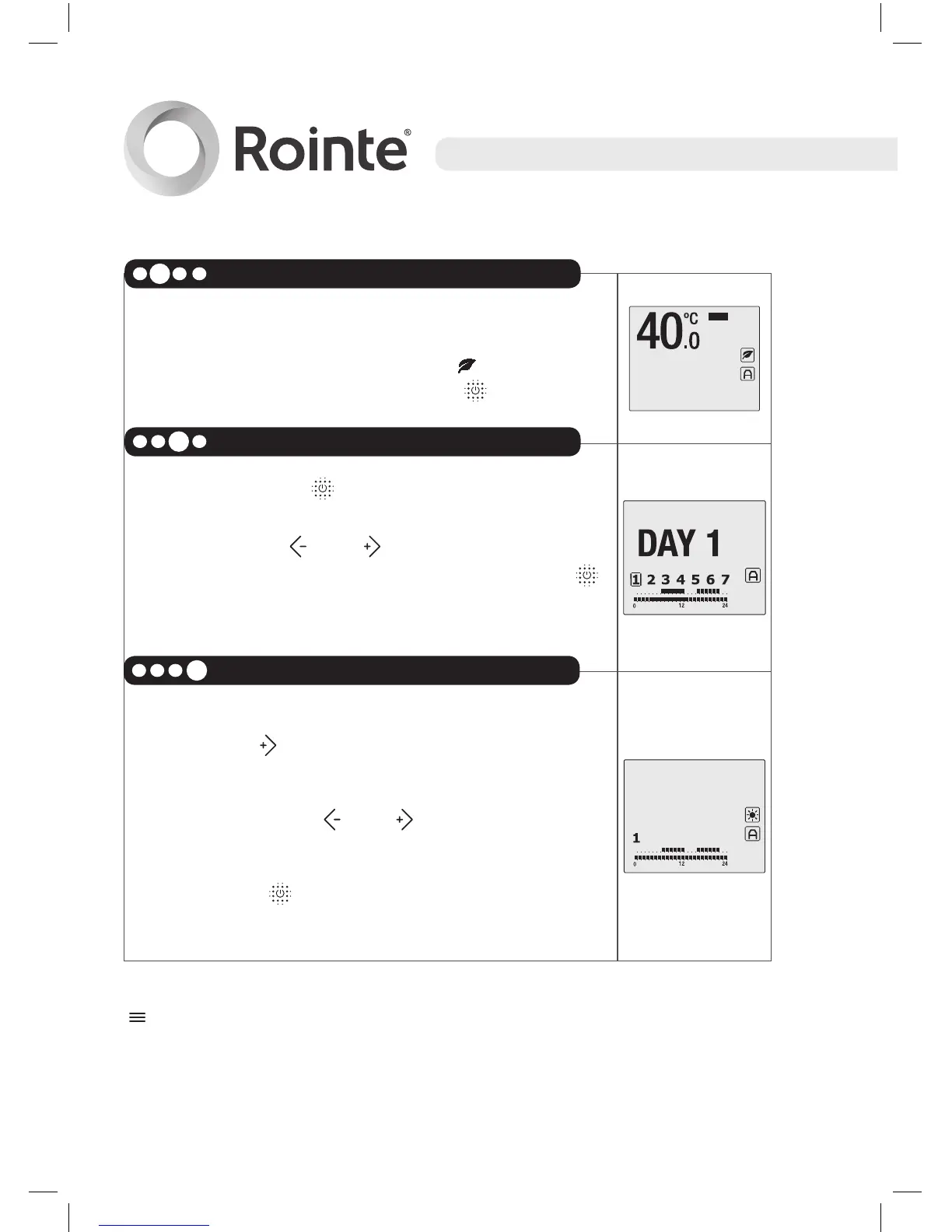
Continue and select the ECO temperature,
between 40ºC and 54.5ºC. The symbol and
the temperature will flash. Press to confirm.
After pressing the button, the days of the week
will flash showing the days as Day1, Day 2 etc.
We can use the and buttons to go forwards
or backwards through the days. Press the
button to select the day or days which you wish
to program with the same programming.
To access the hourly programming of the chosen
days press until you pass day number 7.
You can move back and forward between the
hours by using the and buttons. The hours
are shown as 0h, 1h, 2h…
By using the button you can chose between
the COMFORT, ECO and OFF modes.
Once the hours of the selected days have been programmed, press
or wait 30 seconds without touching any button.
You can program day by day or you can program several days at
the same time.
Select DAYS
3
Asign mode to each HOUR
4
Select the ECO temperature
2





 To Next Page