6
1.3. Setting the day and time
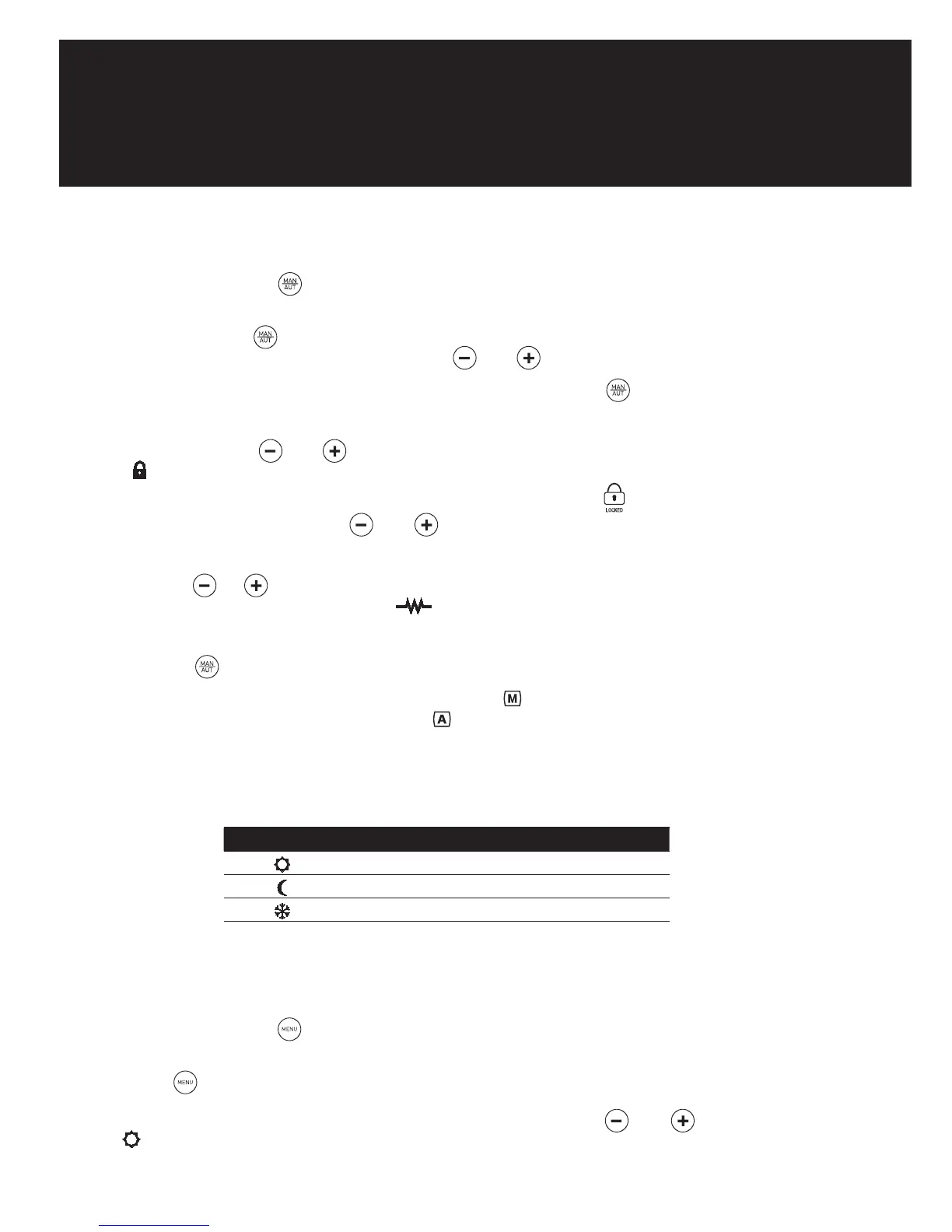
By pressing the button
for 3 seconds, we can access the time and date adjust feature to
adjust the time and date of our radiator.
Pressing the button
, flashes up the hours, minutes and days of the week according to the
number of times it is pressed. With the buttons and we can alter the current settings.
To leave the time and date adjust feature, wait 30 seconds or press
after the date select.
1.4. Blocking the control panel
By pressing the keys
and , at the same time for 3 seconds, we block the control panel,
the control panel symbol is activated, and the keys will not respond when pressed. The
following symbol will appear on the screen if any button is pushed:
To unblock, press again the keys and , at the same time for 3 seconds.
1.5. Temperature selection
By pressing or we change the temperature. When the room temperature is lower than
the one set, the radiator comes on, the symbol appearing.
1.6. Manual / Automatic functions
By pressing
we change between the Manual and Automatic functions.
When the Manual function is selected, the symbol appears on the display. When the
Automatic function is selected, the symbol appears on the display.
1.6.1. Manual function
This enables to choose between the modes of operation COMFORT, ECO and ANTI-FROST,
changing the temperature as indicated in Section 1.5.
ICON MODE TEMPERATURE RANGE
COMFORT 20ºC – 30ºC
ECO 15ºC – 19,5ºC
ANTI-FROST 8ºC
1.6.2. Automatic function
This mode activates the programming set on the radiator.
1.7. Menu/Programming function
By repeatedly pressing
we can see the programming that is saved in the radiator for each
day. Pressing only once shows day one, twice shows day two and so on.
Pressing
for 3 seconds allows you to program the radiator directly:
1. Select the CONFORT temperature setting (20ºC to 30ºC), using
and . The symbol
and the temperature will flash.



 To Next Page