7
2. Press and we can select using and the ECO temperature (15ºC to 19.5ºC).
The symbol and the temperature will flash.
3. After pressing the button
once again, the numbers of the week will start flashing and
show as SEL1, SEL2, SEL3…. We can go forwards and backwards using the button and
. Press to select the day that we wish to program.
4. Pressing , takes us to the hour we wish to program. To change the hours use the or
, buttons. The hours selected will show as (0h, 1h, 2h,…). By pressing the button,
we can select hour by hour the mode required: CONFORT, ECO or OFF.
5.
To finish the programming press or leave it for 30 seconds without pressing any buttons.
1.8. “Open Window” function
This function is activated when the probe detects a reduction of 4º in respect of the set
temperature during 30 minutes. On activation the following image will appear on the radiator
display for 5 seconds:
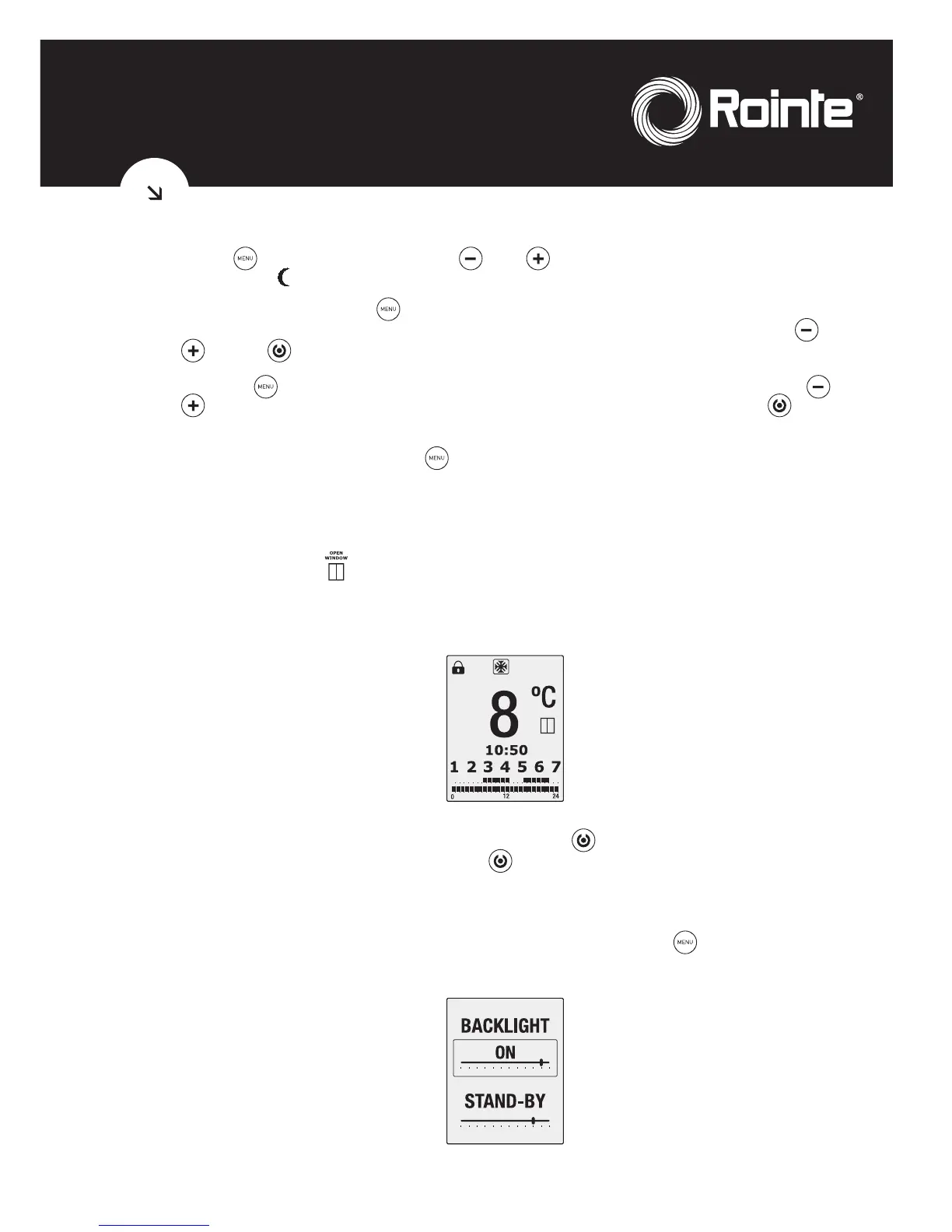
When the “Open window” function is activated, the following screen will appear showing that
the anti-frost mode is activated:
This function will be active for 2 hours. If the button is pushed during this period the
radiator will switch off. Pushing the button again will switch on the radiator without the
“Open window” function being switched on.
1.9. Screen brightness function
You can change the brightness of the screen by pushing the button for 3 seconds when
the product is in manual mode. Entering this mode you will see the following screen:



 To Next Page