IF YOU CAN’T HEAR SOUND:
• Make sure the connectors on the cables between your Roku player and your
TV or home theater receiver are pushed in all the way.
• Make sure the volume on your TV or home theater receiver is turned up and
isn’t on mute.
• If you connected your Roku player to a home theater receiver, make sure you
receiver is turned on.
• Make sure the input on your TV or home theater receiver matches the output
used with your Roku player.
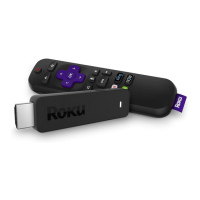
IF THE ROKU REMOTE CONTROL ISN’T FUNCTIONING:
• Point the remote directly at your Roku player.
• Try moving closer to your Roku player.
• Make sure the batteries are working and inserted properly into the remote
(see Step 2).
• Make sure the front of your Roku player is not obstructed.
• If the status light on the front of your Roku player flashes once each time you
press a remote button, the problem is not with the remote.
IF YOU COULDN’T FIND WHAT YOU NEED:
Visit roku.com/support for more help.
TROUBLESHOOTING (CONTINUED)



 To Next Page