EasyManua.ls Logo

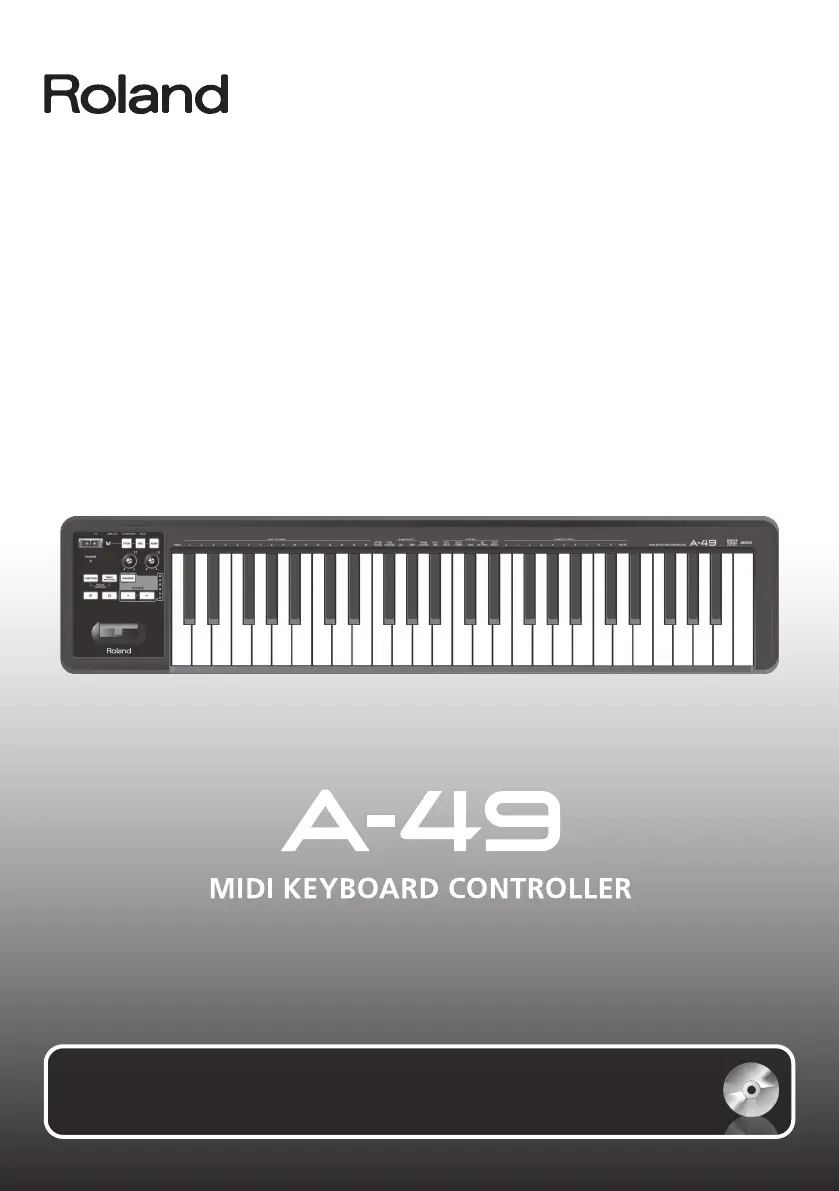
Roland A-49 - User Manual

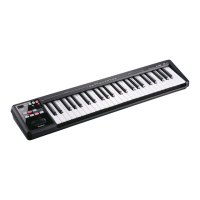
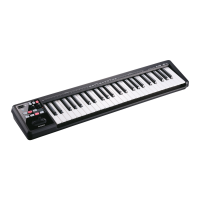
Roland A-49
56 pages
Print Icon
To Next Page IconTo Next Page
Loading...
For the following languages, a PDF version of the Owner’s Manual can be found on the CD-ROM.
Deutsch, Français, Italiano, Español, Português, Nederlands
Owners Manual

Table of Contents

Questions and Answers

  • J
    Jason MaxwellJul 26, 2025
    Why can't I install my Roland A-49 Recording Equipment?
    • O
      oyoderJul 26, 2025
      There are several potential reasons why you might be unable to install your Roland Recording Equipment. First, ensure you are logged into a user account with administrator privileges. Second, if you are using Windows XP, check the “Driver Signing Options” setting. Finally, other running programs, especially antivirus software, can interfere with the installation process. Be sure to exit all other programs before installation.
  • K
    Kevin TorresAug 1, 2025
    What to do if the Roland A-49 installer does not exit?
    • D
      Darren AdamsAug 1, 2025
      If the installer for your Roland Recording Equipment is not exiting, there are a few things to check. Ensure your computer is connected to a power cord and not running on battery. Also, disconnect any USB devices other than a mouse and keyboard. Finally, if you are using a USB hub, make sure it is connected to a power supply.
  • J
    Julia MartinAug 8, 2025
    Why does the Windows XP “Found New Hardware Wizard” appear again after installing the Roland A-49 Recording Equipment driver?
    • C
      Cheryl TaylorAug 8, 2025
      The “Found New Hardware Wizard” might reappear if you connect your Roland Recording Equipment to a different USB connector than the one used during the initial driver installation. To resolve this, follow step 9 of the driver installation procedure (p. 15) and reinstall the driver.
  • L
    Lauren TurnerAug 14, 2025
    What to do if a Windows warning or error appears during Roland Recording Equipment installation?
    • D
      David WeaverAug 14, 2025
      If you encounter a Windows warning or error during the installation of your Roland Recording Equipment, check the Device Manager. If you see “Other device,” “Unknown device,” or a device with “?,” “!,” or “x” displayed, reinstall the driver.
  • B
    Brian KleinSep 10, 2025
    Why does a numeral like “2-” appear at the beginning of my Roland A-49 Recording Equipment device name?
    • S
      Sarah PierceSep 12, 2025
      A numeral appearing at the beginning of your Roland Recording Equipment's device name usually indicates that the unit is connected to a different USB connector than the one used during the driver installation. To remove the numeral, either connect the unit to the same USB connector used during installation, or reinstall the driver.

Summary

Using the Unit Safely

Safety Notices and Symbols

Explains WARNING/CAUTION notices and general symbols used for safety instructions.

General Safety Precautions

Lists crucial safety rules, including avoiding disassembly, unstable locations, and liquid contact.

Important Notes

Panel Descriptions

Front Panel Controls Overview

Identifies and explains the functions of buttons, knobs, and indicators on the front panel.

Rear Panel Connections

Describes the rear panel ports like HOLD, EXPRESSION, and USB COMPUTER for connectivity.

Driver Installation

Windows Driver Setup

Step-by-step guide for installing the A-49 driver on Windows operating systems.

Mac OS X Driver Setup

Step-by-step guide for installing the A-49 driver on Mac OS X operating systems.

Verifying Sound Output

Troubleshooting No Sound

Provides solutions for issues where no sound is produced or MIDI input is not detected.

Performing with the A-49

MIDI Transmit Channel and Sound Switching

Guides on matching MIDI channels and using buttons to switch sounds via program changes.

Changing A-49 Settings

Troubleshooting

Driver Installation Problems

Provides solutions for issues encountered during driver installation.

Unit Operation Problems

Offers help for common issues when operating the A-49, including sound and connectivity.

Roland A-49 Specifications

General IconGeneral
Control typeButtons, Rotary
Number of knobs2
Backlight buttonsNo
MIDI-keyboard number of keys49 keys
Product colorBlack, White
Octave adjustmentYes
Power source typeUSB
Weight and Dimensions IconWeight and Dimensions
Depth182 mm
Width836 mm
Height84 mm
Weight2500 g

Related product manuals