33
Chapter 1 Performance
Chapter 1
Adding Liveliness to the Sound
(Dynamic Emphasis)
You can add liveliness to the sound to give it superb clarity and distinctness.
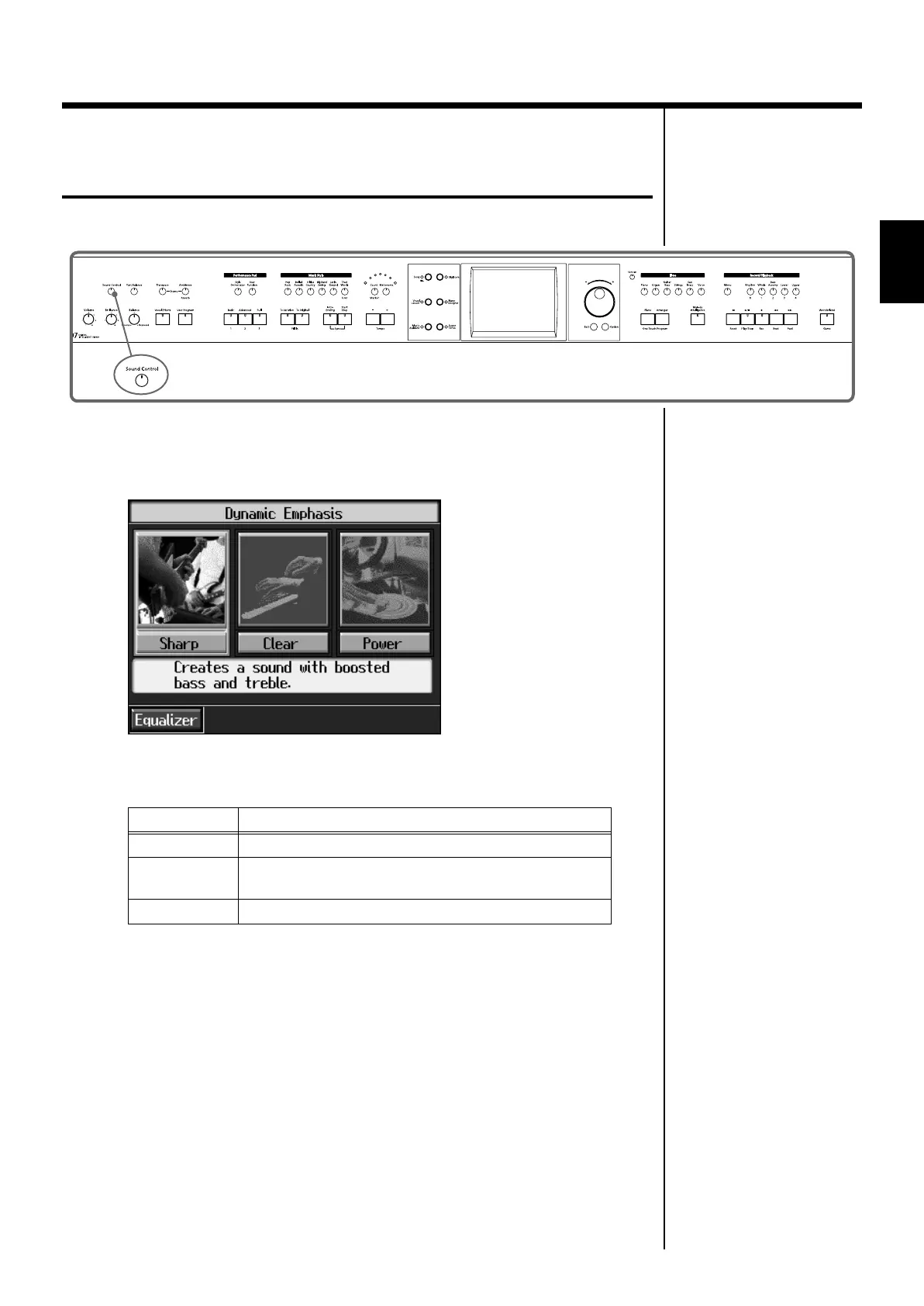
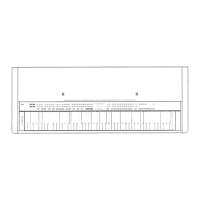
fig.panel2-8
1
Press the [Sound Control] button, to display the “Sound Control screen.”
The Dynamic Emphasis function is switched on, enlivening the sound.
fig.d-adv3dopt.eps_60
2
Touch the Type icon to select the type.
Cancelling the Dynamics Emphasis
3
Press the [Sound Control] button once more, and the indicator light goes
out.
Indicator Description
Sharp
Creates a sound with boosted bass and treble.
Clear
Produces a sound with chords in the low registers that are
clear and distinct.
Power
Creates a sound with boosted bass.
KR107_e.book 33 ページ 2005年8月3日 水曜日 午前9時36分



 To Next Page