44
Chapter 1 Performance
Chapter 1
Using the Metronome
The KR features a built-in metronome. During playback of the song and
accompaniment, the metronome plays at that tempo and beat.
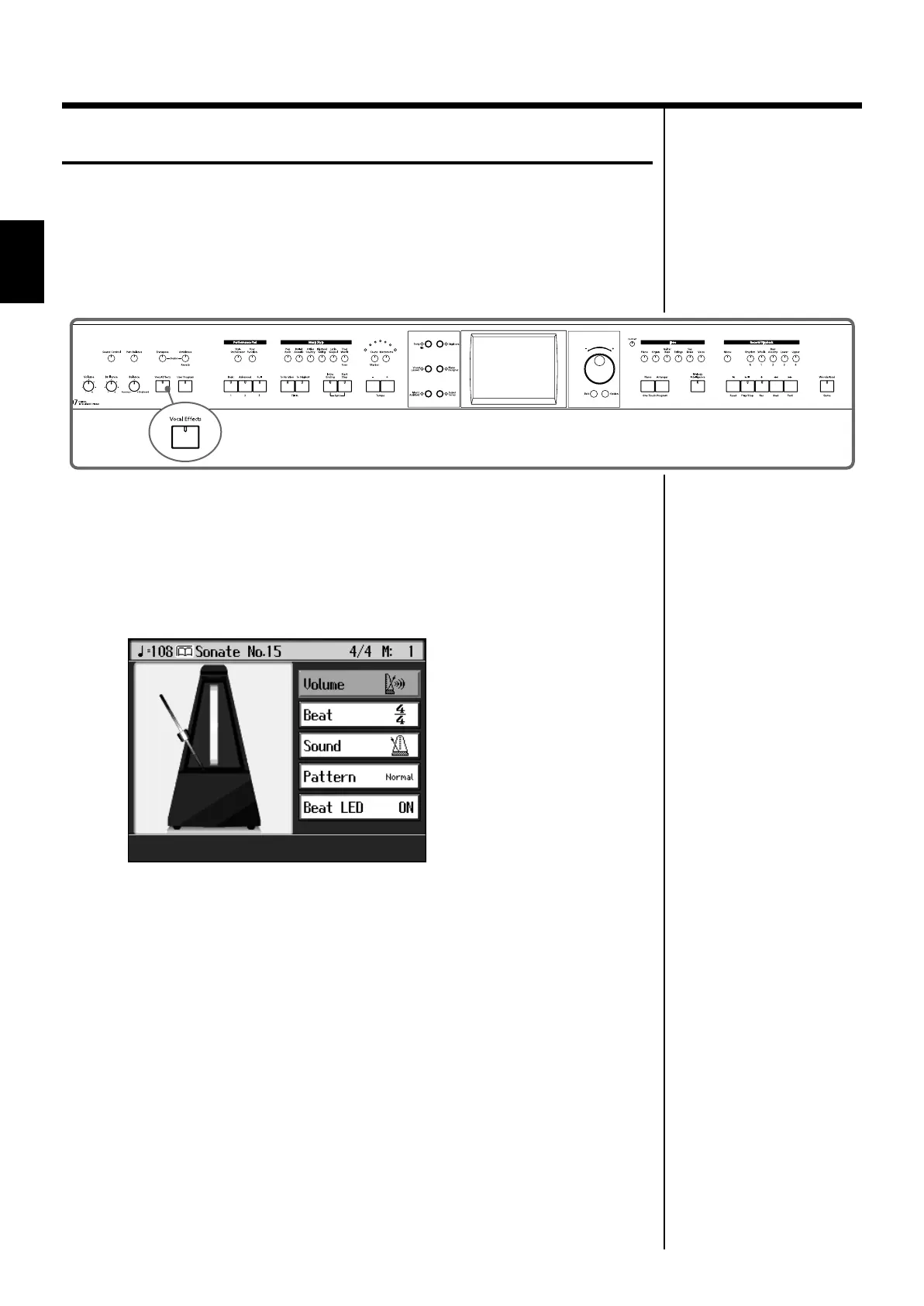
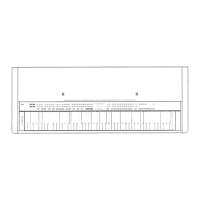
fig.panel1-6
■
Using the Metronome
1.
Press the [Metronome] button and watch the indicator light up.
You will hear the metronome.
The following “Metronome screen” appears.
fig.d-metro.eps_60
You can press the [Exit] button to have the metronome continue to play while you
return to the previous screen.
Stopping the Metronome
2.
Press the [Metronome] button once more, and the indicator light goes
out.
KR107_e.book 44 ページ 2005年8月3日 水曜日 午前9時36分



 To Next Page