15
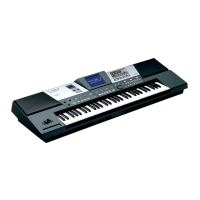
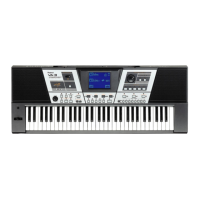
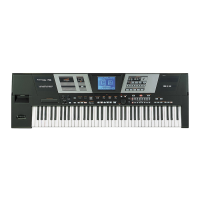
VA-76 – Front panel
J
KEYBOARD MODE section
These three buttons are used to specify whether the
keyboard will be split or whether one sound can be
played using the entire keyboard. Press the [OTHER]
button if you want to use other configurations than
“Arranger left/melody right” (ARRANGER) or “one
sound for the entire keyboard” (PIANO).
[OTHER] also provides access to other keyboard-
related functions, such as transposition, the Octave
function, and parameters for fine-tuning Arranger
response.
K
USER PROGRAM [DOWN]/[UP] buttons
These buttons allow you to select the previous
(DOWN) or next (UP) User Program. User Programs
are registration memories.
Press either or both of them while holding down the
[ONE TOUCH] button (see page 14) to transpose the
VA-76 in semitone steps, or to return to the ‘no trans-
position’ (0 semitones) setting.
L
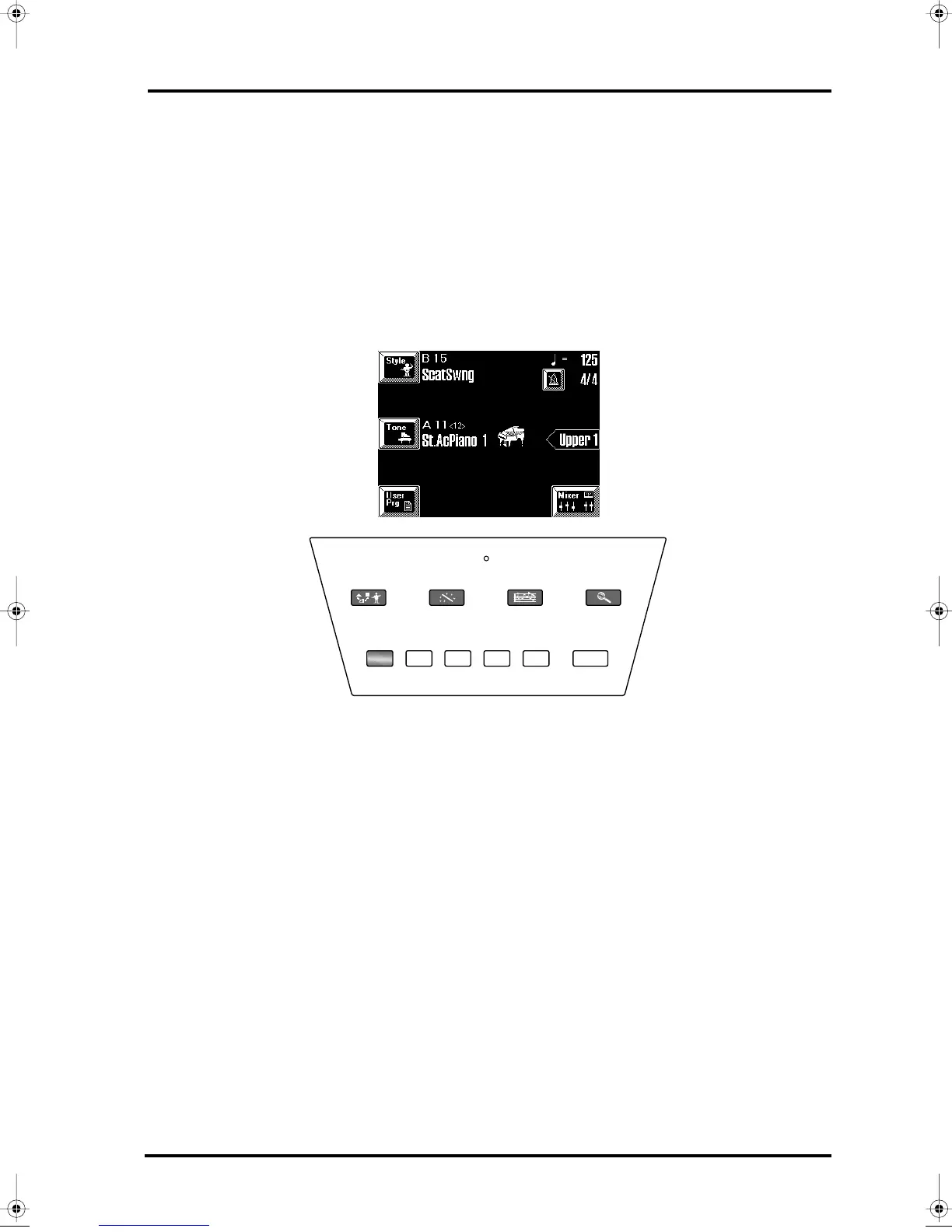
Display
This is a so-called touch screen that allows you to
select functions, parameter values, etc., simply by
touching the corresponding fields. Please note that the
bulk of the VA-76’s functions can only be selected via
the display.
M
ORCHESTRATOR button
This button allows you to call up a display page where
you can select another orchestration for the currently
selected Music Style and/or take advantage of the Style
Morphing feature. See page 62 for details.
N
VIRTUAL BAND button
Press this button if you wish to listen to the VA-76’s
demo songs, or take advantage of a very powerful fea-
ture that allows you to configure the VA-76 simply by
answering a few questions. This is called “Easy Rout-
ing” and is available in 6 languages.
O
DISK indicator
This indicator lights when the VA-76 reads or writes
data from/to disk (Zip or floppy).
P
SONG COMPOSER button
Press this button if you want to play back, or record
and edit your music with the VA-76’s digital recording
function called “Song Composer”.
Q
FUNCTION MENU button
This button allows you to access the VA-76’s function
menu where you can find all functions you probably
only need sporadically.
Note: The FUNCTION MENU page also contains a
PANEL INFO field. Press this field to get at-a-glance infor-
mation about the special functions assigned to the front-
panel buttons.
R
Arranger control buttons
Use these buttons to select the desired Music Style pat-
tern, and to start/stop Music Style playback.
INTRO ORIGINAL FILL VARIATION ENDING START/STOP
ORCHESTRATOR
VIRTUAL
BAND
SONG
COMPOSER
FUNCTION
MENU
DISK
M
L
N
O
PQ
R
VA-76.book Page 15 Friday, January 12, 2001 12:35 PM


 To Next Page