10. Other features
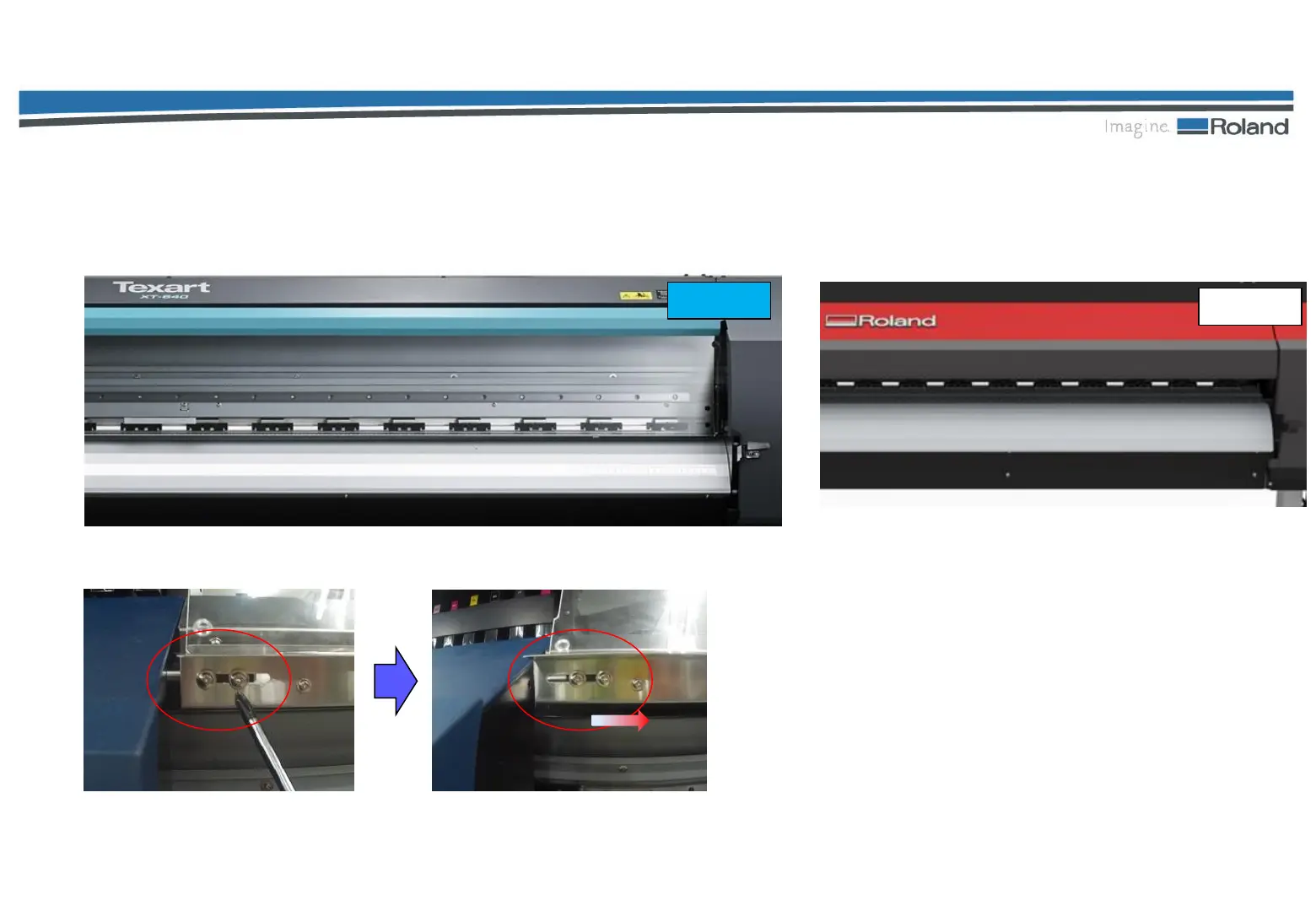
Large-Sized Acrylic Cover
The visibility has been improved so that the printing progress can be checked easily.
How to remove the cover
Loosen the screws on the left side
of the front cover. Then, slide them
to the right to remove the cover.
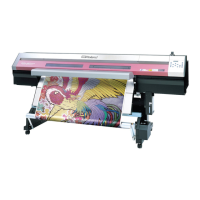
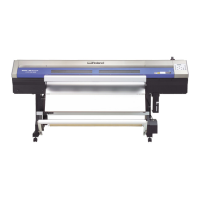
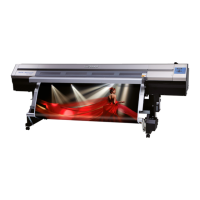
XT-640
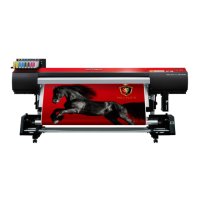
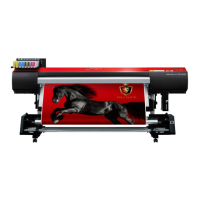
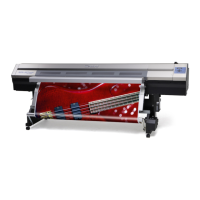
XF-640
42/47





 To Next Page