EasyManua.ls Logo

Rollei Actioncam 310 - Playing Back Videos and Photos; Storage;Microsd Cards; Charging the Battery

Rollei Actioncam 310
10 pages
Print Icon
To Next Page IconTo Next Page
To Previous Page IconTo Previous Page
Loading...
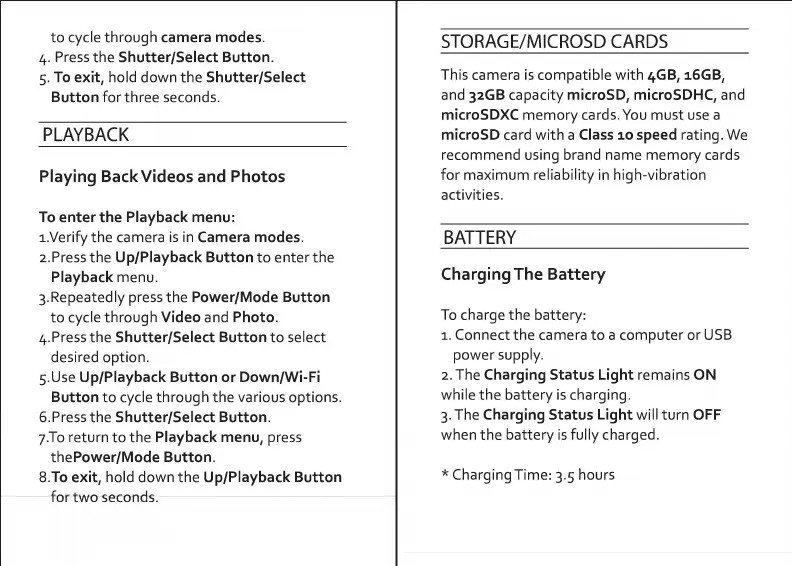
to
cycle
through
camera
modes.
4.
Press
the
Shutter/Select
Button.
5.
To
exit,
hold
down
the
Shutter/Select
Button
for
three
seconds.
PLAYBACK
Playing
Back
Videos
and
Photos
To
enter
the
Playback
menu:
1.
Verify
the
camera
is
in
Camera
modes.
2.
P
r
ess
the
Up/Playback
Button
to
enter
the
Playback
menu.
3.
R
e
p
ea
tedly
press
the
Power/Mode
Button
to
cycle
through
Video
and
Photo.
4.
Press
the
Shutter/Select
Button
to
select
desired
option.
5.
U
s
e
Up/Playback
Button
or
Down/Wi-Fi
Button
to
cycle
through
the
various
options.
6.
P
r
ess
the
Shutter/Select
Button.
7.
T0
return
to
the
Playback
menu,
press
thePower/Mode
Button.
8.
T
o
exit,
hold
down
the
Up/Playback
Button
for
two
seconds.
STORAGE/MICROSD
CARDS
This
camera
is
compatible
with
4GB,
16GB,
and
32GB
capacity
microSD,
microSDHC,
and
microSDXC
memory
cards.
You
must
use
a
microSD
card
with
a
Class
10
speed
rating.
We
recommend
using
brand
name
memory
cards
for
maximum
reliability
in
high-vibration
activities.
BATTERY
Charging
The
Battery
To
charge
the
battery:
1.
Connect
the
camera
to
a
computer
or
USB
power
supply.
2.
The
Charging
Status
Light
remains
ON
while
the
battery
is
charging.
3.
The
Charging
Status
Light
will
turn
OFF
when
the
battery
is
fully
charged.
ChargingTime:
3.5
hours

Related product manuals