9
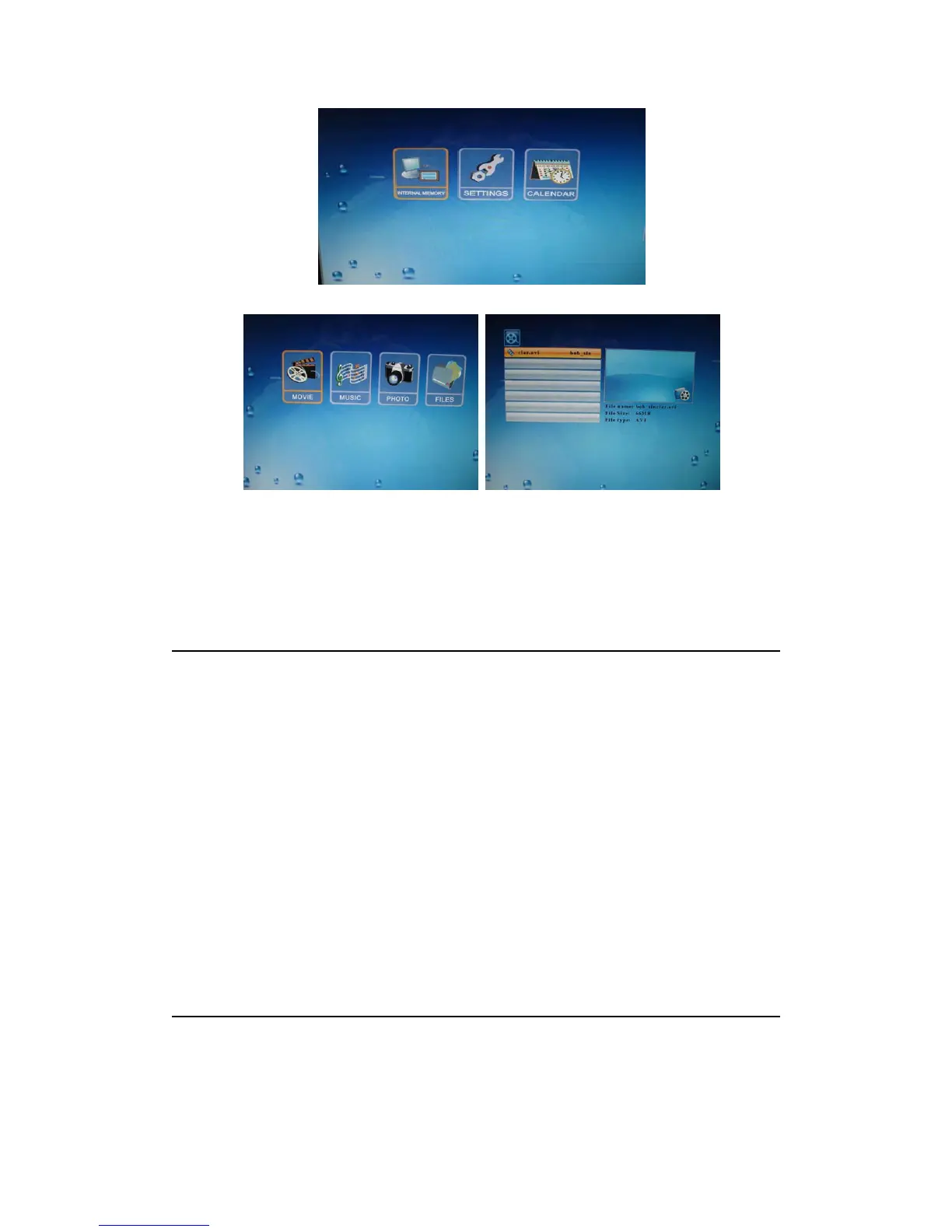
Use the directional keys to select MOVIE icon in the device menu and enter the movie list.
Selecting and playing a movie
After selecting the desired movie, press either ENTER button to play the movie.
Movie
Adjusting the volume
During playback, use the VOL (+) or VOL (-) buttons to adjust the volume.
Muting the sound
During playback, Press the MUTE button to mute the sound.
NOTE: This frame supports the following video file types for direct playback:
1. MPEG-1, MPEG-4(AVI)
2. Video recorded on most digital cameras.
Editing Files
Editing files
Use the navigation buttons on the remote control to select FILE icon in the device menu and
press ENTER to enter the file list.


 To Next Page