6
ESC Press ESC to stop the current action and return to previous menu
Photo
Enter the Photo Directory
Note: press ESC to return to main menu.
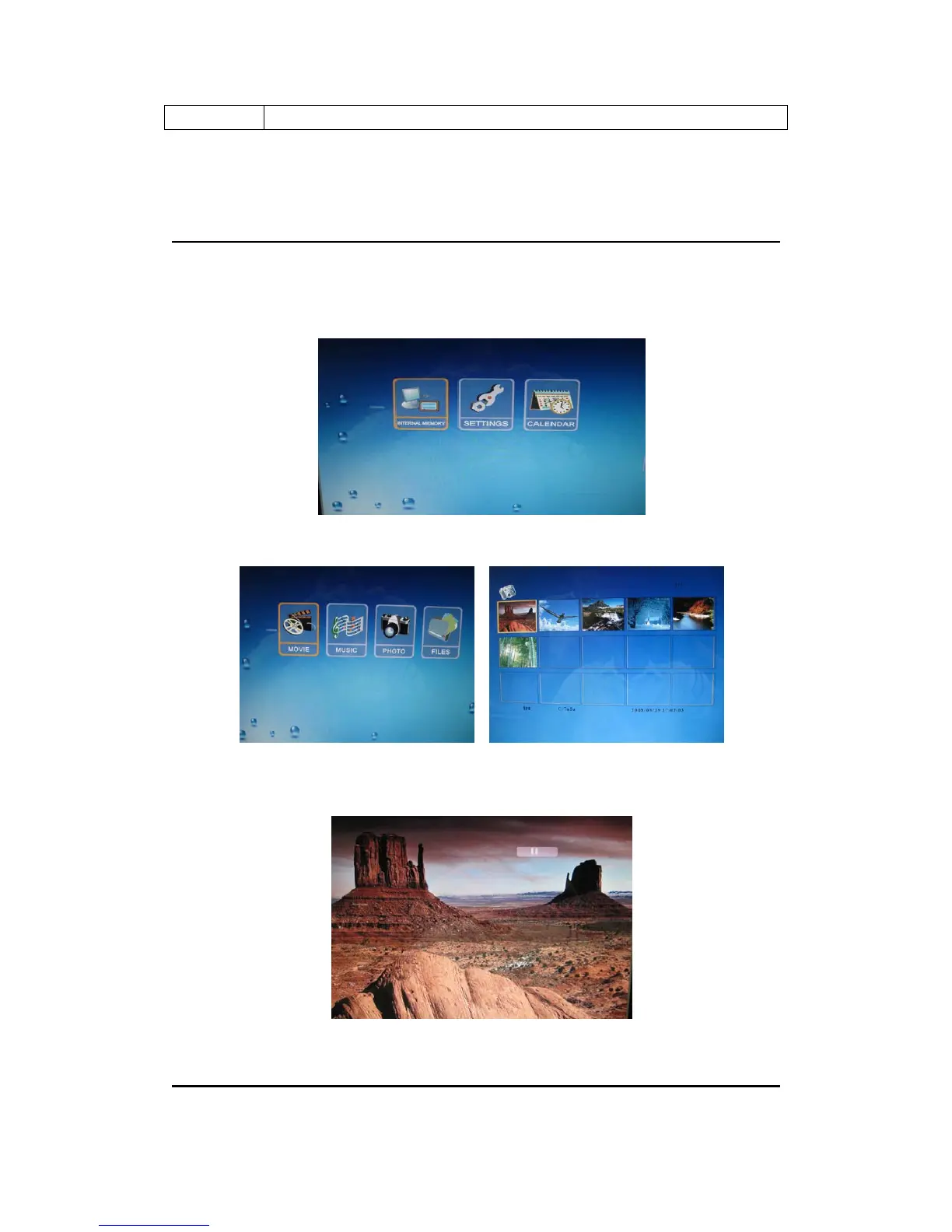
Select the device icon and press ENTER button to enter the device menu.
Use the directional keys to select PHOTO icon in the device menu and press ENTER to enter
the 3X5 photos screen.
Viewing a Photo in the full Pictures Screen
You can use the directional keys to select a photo, press ENTER to view it in the
full pictures screen.
Photo
Viewing a photo in Full Screen


 To Next Page