5
3. Press POWER to turn the player on.
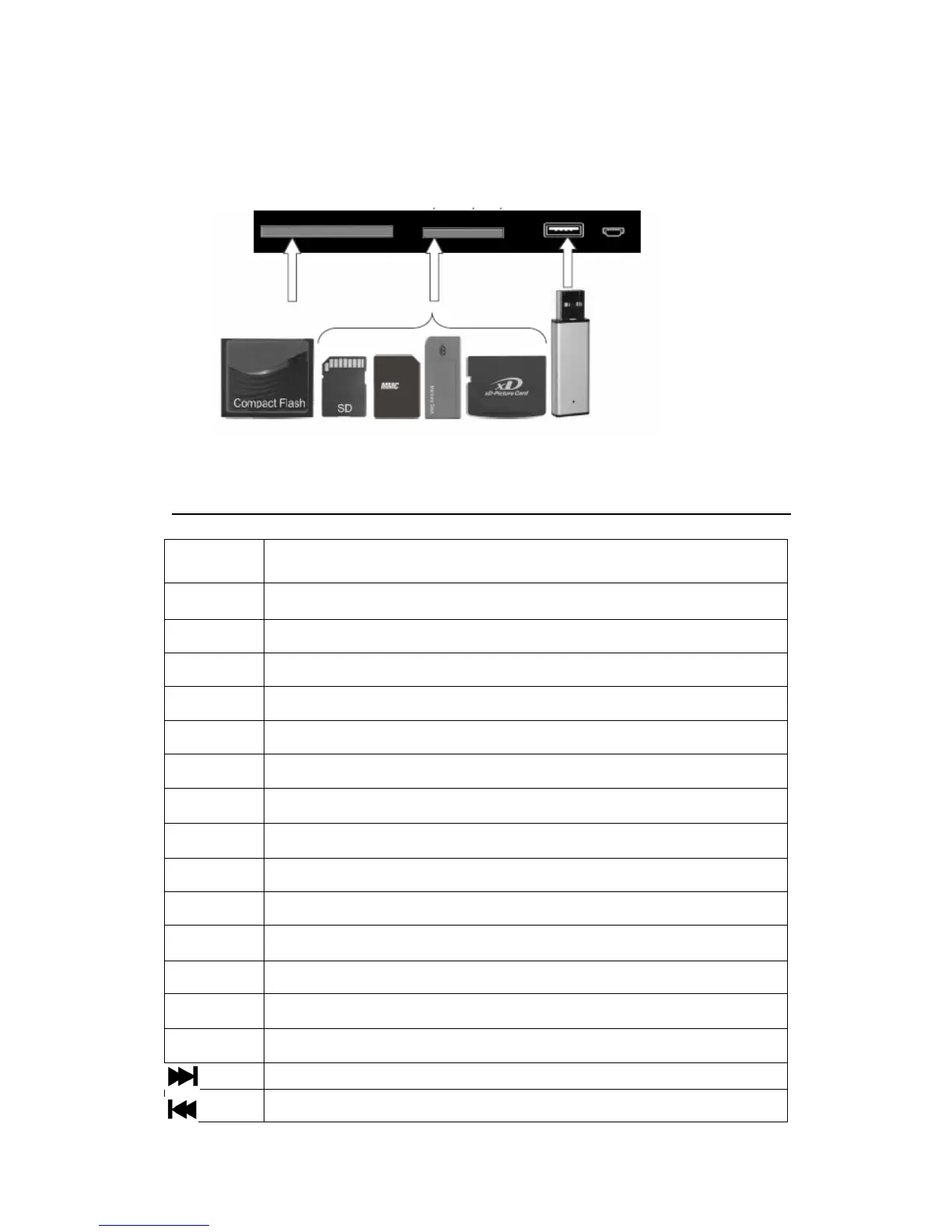
II. Connecting the Cards and USB Port
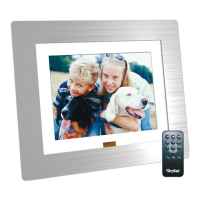
Remote Control
Mute Press Mute to toggle the sound on and off
Mode Adjust the background music
Power
standby
AV
Obligate
▲
Upward
▼
Down
←
Left
→ Right
Enter Confirm
OSD Press OSD to display the state of the playing file
Zoom Press the Zoom repeatedly to zoom in/out the picture
VOL+ Increase the volume
VOL- Decrease the volume
→→
Fast forward
←←
Rewind
Next
Last



 To Next Page