3
Components
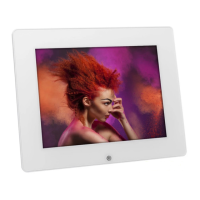
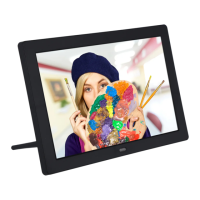
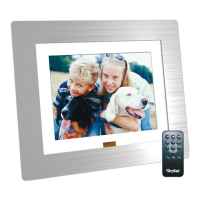
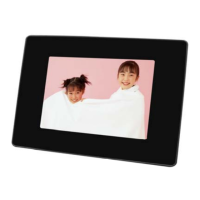
Digital Photo Frame x1
Remote Control x1
Power Adapter x1
User Manual x1
8. Spilling water or any other liquid on the product can cause critical damage.
9. Striking or scratching the LCD screen cause critical damage.
11. Subjecting the product to severe humidity and/or heat can cause damage.
10. When cleaning the LCD screen, avoid damage by turning off the power and then
wiping gently with a cloth.
12. Make sure to turn the power off before connecting or disconnecting the power
supply.
7. Dropping the product or subjecting it to a significant impact can cause critical
damage.


 To Next Page