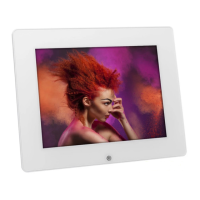
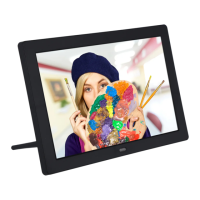
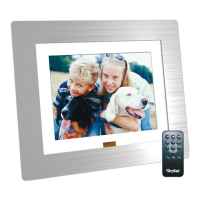
card (MMC) Memory Stick, CF, XD,
Memory stick Pro.
How do I store music files? Use a personal computer and a popul
audio editing software such as Mus
match to convert your music to
MP3 Format.
Transfer the MP3 file to the mem
file?
NO. The device only works with
AVI files taken by most digit
cameras.
What is the best picture resolution
displayed on the screen?
The player’s best resolution is
800×480.
Can I rotate a picture on the screen? Yes. Use the OSD buttons on the remote
control to rotate a picture.
Note: The rotated picture will return to
original orientation after you power off
the digital frame.
Why Digital picture frame does not
show the next picture?
1. There is only one picture on
your card or the internal
memory
2. You are viewing
high-resolution pictures,
High-resolution pictures can
take some time to be displayed.
3. You are in still display mode.
4. The next picture is faulty
Can I adjust the colors of the
picture?
You can adjust the color in the
setup menu.
You can also adjust the brightness and
contrast; however, this will not alter
the original pictures files
My Digital Picture Frame does not show the
pictures.
1. Ensure the pictures are
stored on the card or
USB-Device
2.
The unit only recognizes
pictures stored in JPEG or JPG
format.


 To Next Page