Troubleshooting
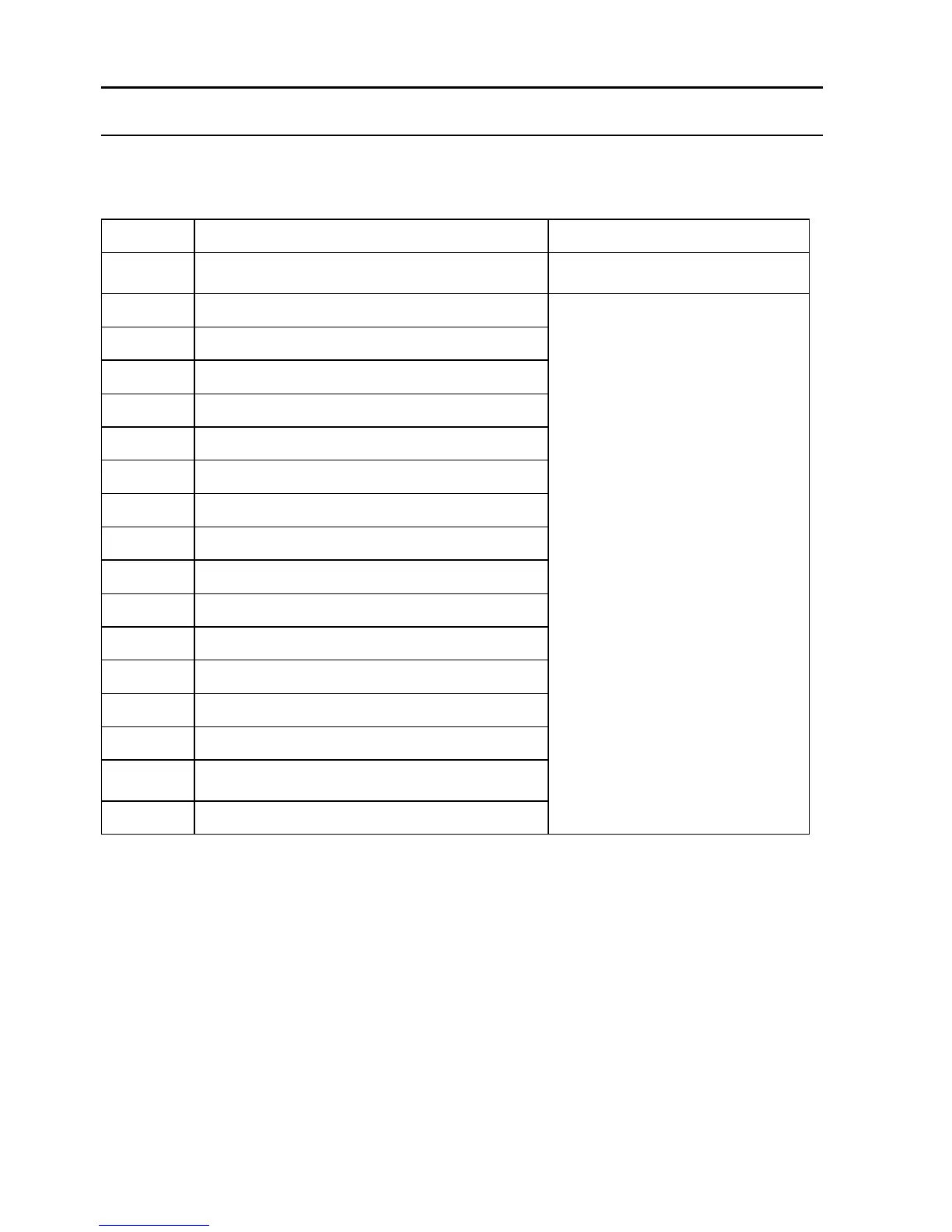
Troubleshooting for Motors
Check if fan is pressed, and clean
dust bin
Check if it’s stuck or wired by
obstacles
Left and right wheels overloaded
Left side brush overloaded
Left wheel and left side brush overloaded
Right wheel and left side brush overloaded
Left and right wheels, left side brush overloaded
Right side brush overloaded
Left wheel and right side brush overloaded
Right wheel and right side brush overloaded
Left and right wheels, right side brush overloaded
Left and right side brushes overloaded
Left wheel, left and right side brushes overloaded
Right wheel, left and right side brushes overloaded
Left and right wheels, left and right side brushes
overloaded
Note:
1. There is no problem for the robot when it displays L000
2. X is the number or letter might appear on display for different fault
3. If robot displays E001 or E004, please directly find the relative solution referred in troubleshooting
4. If robot displays EC07, please find ECXX and EXXX for relative solution referred in troubleshooting.
5. Likewise, if robot displays EE91, please find EXX1, EEXX and EX9X for relative solution referred in
troubleshooting.
6. If above solution does not work, please try below:
a. Reset the robot by switching off the unit and then turn it on, and check again.
b. If it still does not work after reset, contact the after sales.
7. UV light might hurt your eyes, so please do not stare directly at the light when turned on.


 To Next Page