EasyManua.ls Logo

rollibot BL800 - Battery Removal; Product Specifications

rollibot BL800
25 pages
Print Icon
To Next Page IconTo Next Page
To Previous Page IconTo Previous Page
Loading...
22
Battery Removal
1. Remove the screws on battery cover with a screw driver.
2. Remove the battery cover.
3. Grasp the insulating tape at two sides of the battery and lift the battery.
4. Unplug the wire connector that links the battery and robot.
Note: Only use the original battery of the product, otherwise it may cause product damage.
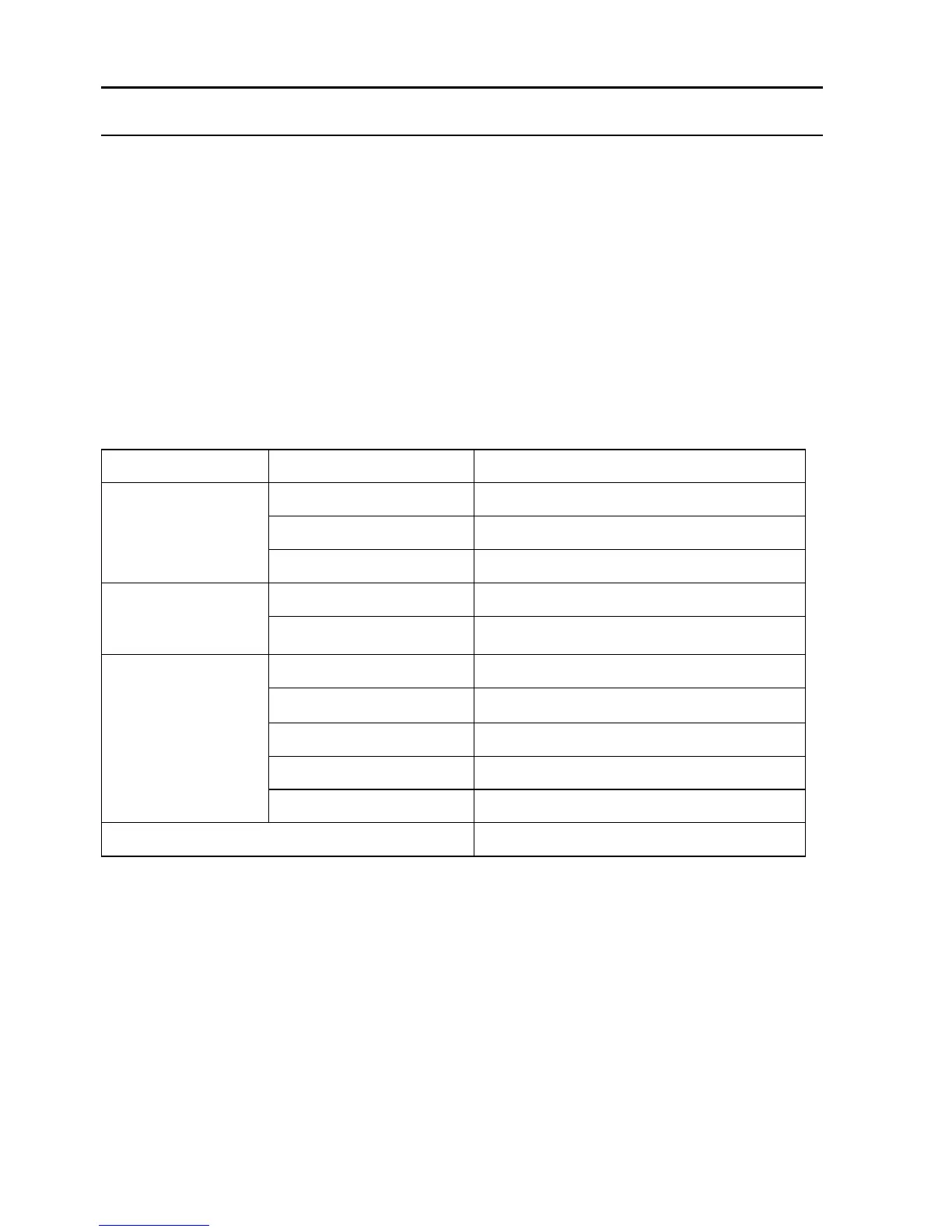
Product specifications
Classification
Item
Detail
Mechanical
Specifications
Diameter
340mm
Height
88mm
Weight
3.3Kg
Electrical
Specifications
Power Rating
14.4V
Battery Specifications
Ni-MH 2000mAH
Cleaning
Specifications
Dust Bin Capacity
0.5L
Charging Type
Auto Charging/ Manual Charging
Cleaning Mode
Auto, Spot, Edge, Zig-zag, Schedule
Charging Time
240~360 mins
Cleaning Time
90 mins at max
Main Body Button Type
Touch (LED display)
Note: Particular specifications are subjected to change without prior notice.

Related product manuals