9
RolliBot RolliCool 310 Portable AC with Heater User Manual
2.4 – Remote Overview
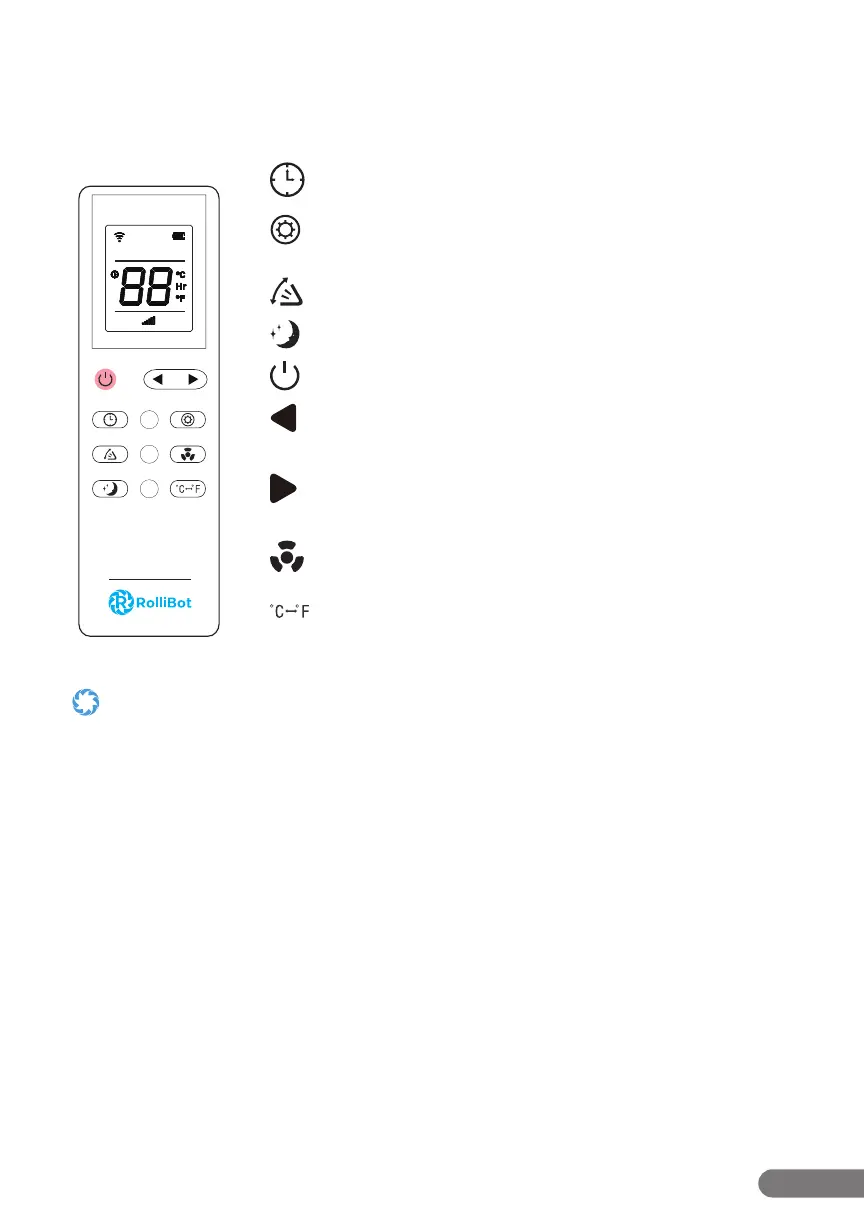
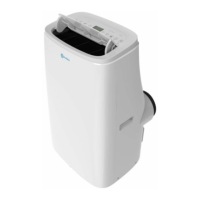
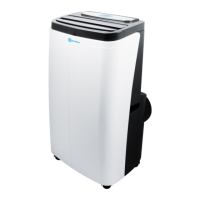
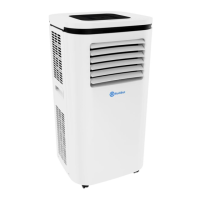
The 310 features a remote with a digital display which may be used with the unit.
Remote Buttons
Timer Button: Press to turn timer mode on or o .
Mode Button: Press to cycle between cool, dehumidify, heat,
and fan modes.
Vent Button: Press to turn open or close the louvres.
Sleep Button: Press to turn on sleep mode.
Power Button: Press to turn the unit on or o .
Left Button: Press to lower temperature or adjust timer
duration.
Right Button: Press to raise temperature or adjust timer
duration.
Fan Speed Button: Press to cycle through 3 fan speeds.
°C/°F Button: Press to switch between Celsius and Fahrenheit.
• Avoid pressing two remote buttons simultaneously as this may cause malfunctions.
• Avoid using the remote in areas with extreme temperature uctuations.
• If the remote will not be used for extended periods of time, remove the battery.
• The remote control’s range is approximately 23 ft. Use it within this range.
• Use only two AAA batteries with the included remote. Do not mix old and new batteries or batteries from di erent brands.
Sleep
Fan
Cool
TEMP
Dry
Swing
Heat


 To Next Page