EasyManua.ls Logo

rollibot ROLLICOOL 208 - User Manual

rollibot ROLLICOOL 208
19 pages
Print Icon
To Next Page IconTo Next Page
Loading...
1
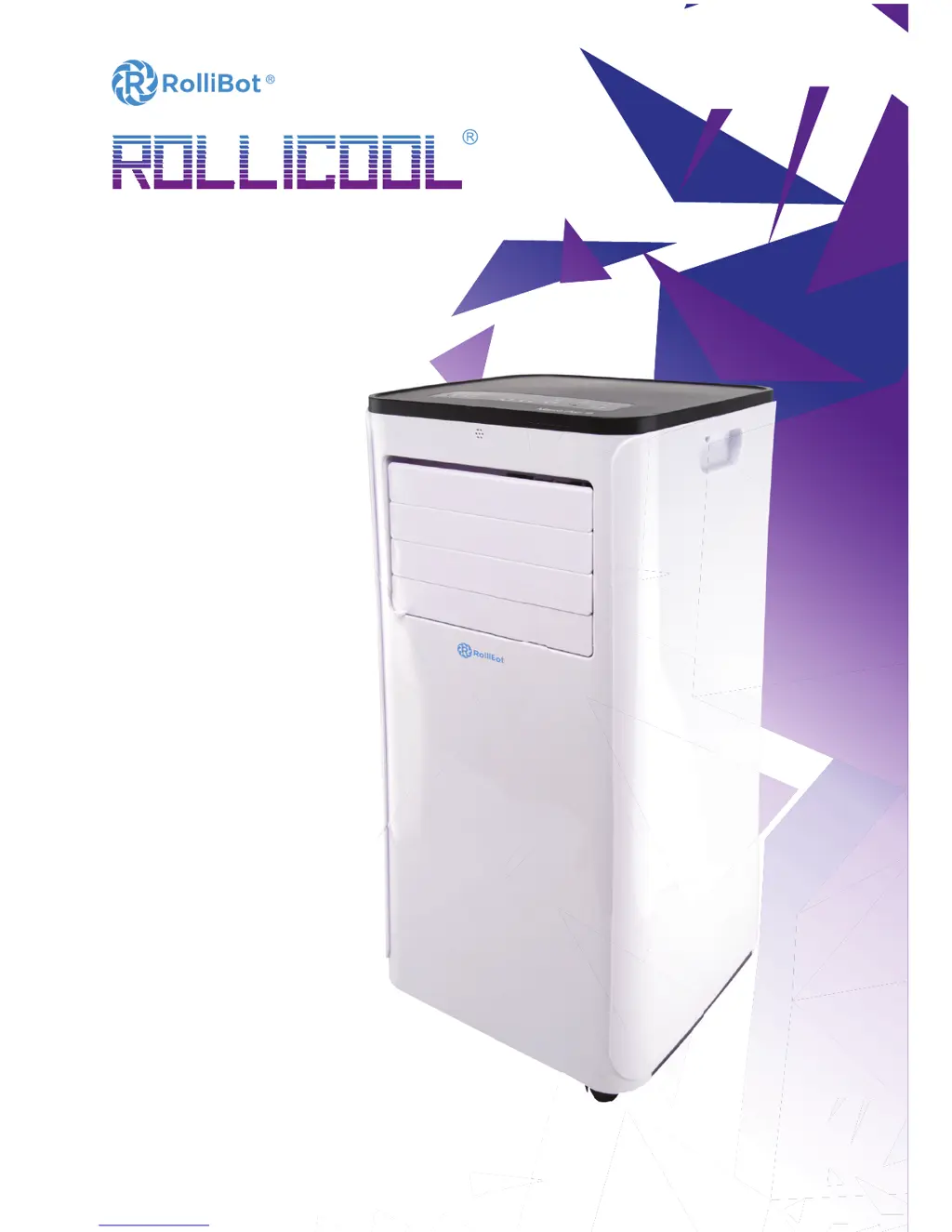
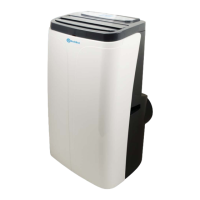
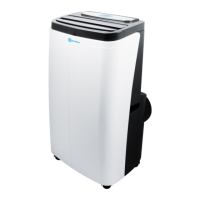
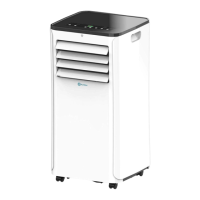
RolliBot RolliCool 208 Portable AC with Heater User Manual
Portable AC with Heater
USER MANUAL
COOL 208
SAVE THIS MANUAL FOR FUTURE REFERENCE
In order to continue serving our customers and providing the best products, our product information including our
user manuals may receive updates from time to time. Please check our website for the latest user manuals and product
materials. Ver.2.0 05/24/18

Questions and Answers

  • N
    Nancy BallardAug 4, 2025
    Why is my rollibot Air Conditioner not cooling properly?
    • F
      floresdanaAug 4, 2025
      Several factors can cause weak cooling. Direct sunlight can impact performance, so cover any windows. Open doors or windows, many people in the room, or other heat sources can also reduce cooling, so close doors and windows. A dirty filter will reduce cooling, so clean or replace it. Finally, make sure that nothing is blocking the air inlet or outlet.
  • M
    Michael SimpsonAug 11, 2025
    What to do if my rollibot ROLLICOOL 208 Air Conditioner does not work?
    • V
      Veronica MckinneyAug 11, 2025
      First, ensure the unit is connected to a working electrical socket. If the overflow indicator is on, drain the water. Also, the unit may not operate correctly if the indoor temperature is too low or too high; use it when the indoor temperature is between 44-95°F (7-35°C). Finally, try changing the set temperature.
  • G
    greenrachaelAug 18, 2025
    What to do if my rollibot Air Conditioner remote control does not work?
    • E
      Edward AguirreAug 18, 2025
      First, ensure you're close enough to the Rollibot Air Conditioner and that the remote control is pointed directly at the unit. Also, check the batteries and replace them if necessary.
  • J
    jesus72Aug 26, 2025
    Why is my rollibot ROLLICOOL 208 making excessive noise?
    • M
      Michael JohnsonAug 27, 2025
      Excessive noise often occurs because the unit isn't placed on a flat surface. Make sure to place the Rollibot Air Conditioner on a flat and stable surface.

Summary

Information & Safety Warnings

Safety Warnings

Details critical safety precautions for product usage and installation.

RolliCool Parts

Control Panel

Details the buttons and display functions on the unit's control panel.

Remote Overview

Explains the buttons and operation of the remote control for the unit.

Setting Up the Unit

Window Kit Installation

Guides through the process of installing the window kit for exhaust.

Wireless Setup

App Installation

Instructions for downloading and installing the RolliCool mobile application.

App Pairing

Steps to connect the RolliCool unit to a smartphone via Bluetooth and Wi-Fi.

How to Use the RolliCool

Maintenance

Troubleshooting

rollibot ROLLICOOL 208 Specifications

General IconGeneral
Brandrollibot
ModelROLLICOOL 208
CategoryAir Conditioner
LanguageEnglish

Related product manuals