9
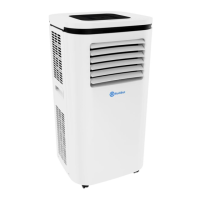
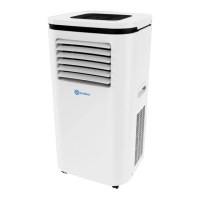
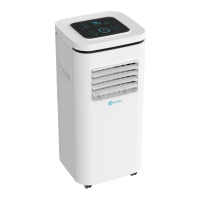
RolliBot RolliCool 208 Portable AC with Heater User Manual
2.4 – Remote Overview
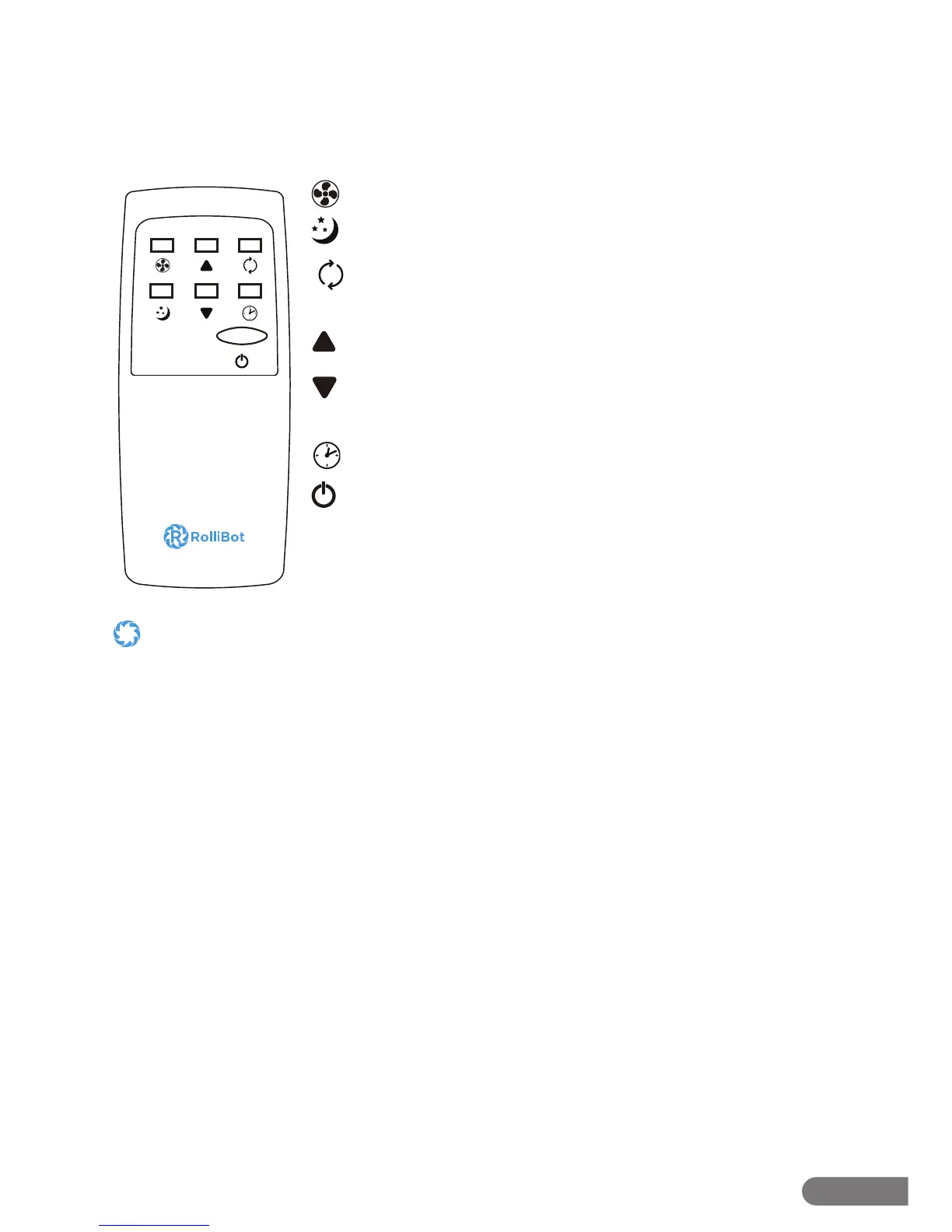
The 208 features a remote which may be used with the unit.
Remote Buttons
Fan Speed Button: Press to switch between 2 fan speeds.
Sleep Button: Press to turn on sleep mode.
Mode Button: Press to cycle between cool, dehumidify, fan, and
heat modes.
Up Button: Press to raise temperature or adjust timer duration.
Down Button: Press to lower temperature or adjust timer
duration.
Timer Button: Press to turn timer mode on or o .
Power Button: Press to turn the unit on or o .
• Avoid pressing two remote buttons simultaneously as this may cause malfunctions.
• Avoid using the remote in areas with extreme temperature uctuations.
• If the remote will not be used for extended periods of time, remove the battery.
• The remote control’s range is approximately 23 ft. Use it within this range.
• Use only two AAA batteries with the included remote. Do not mix old and new batteries or batteries from di erent brands.


 To Next Page