9
RolliBot RolliCool Mini-Split AC User Manual
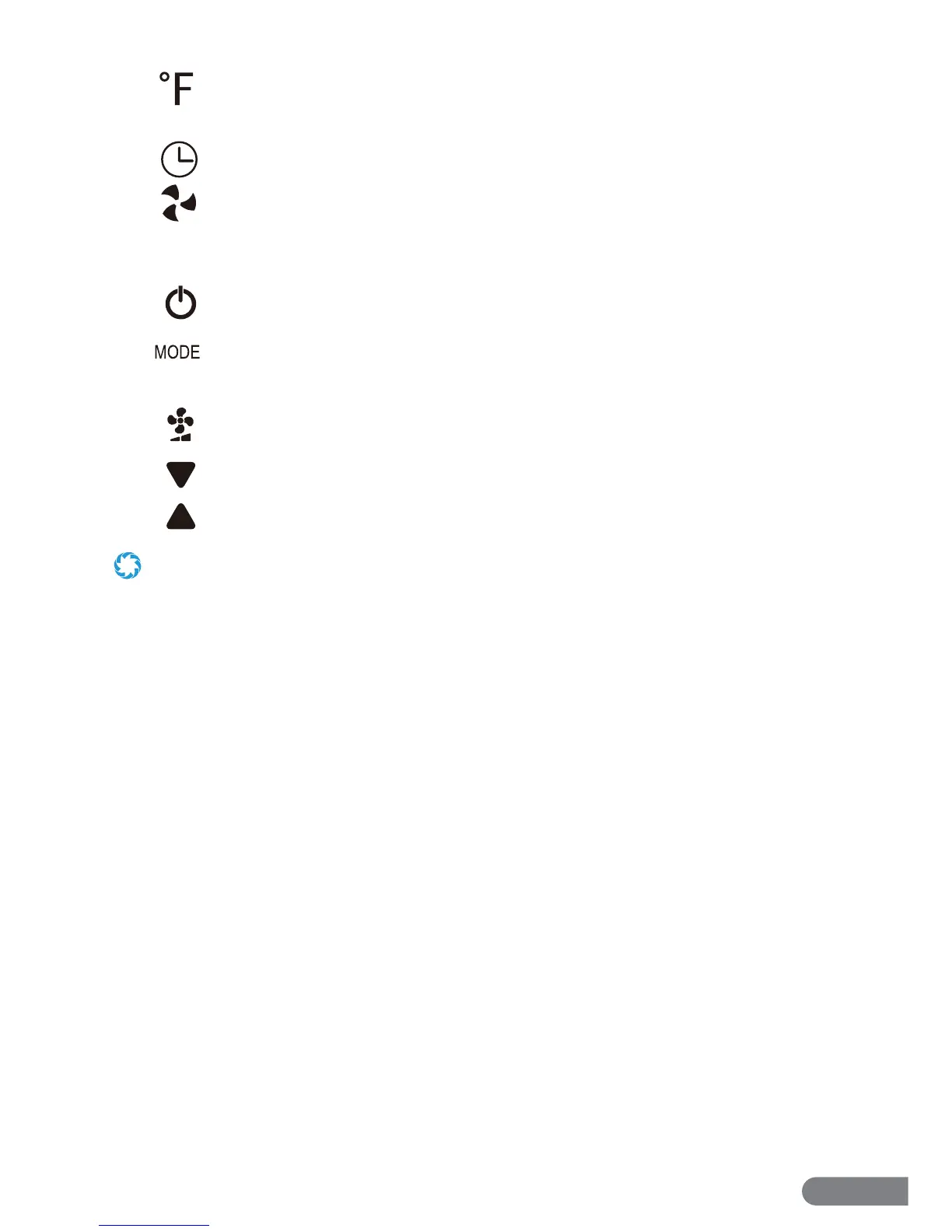
Fahrenheit: If selected, this icon will light up when the current temperature is
being displayed.
Schedule: This icon will light up when a schedule has been programmed.
Fan Speed: This icon will light up and change according to the selected fan speed.
CONTROL PANEL BUTTONS
Power Button: Press to turn the unit on or o .
Mode Button: Press to cycle between Auto, Cool, Dehumidify, and Fan Only
modes.
Fan Speed Button: Press to cycle between 3 fan speeds.
Down Button: Press to lower temperature.
Up Button: Press to raise temperature.
• Scheduling can be done and/or adjusted via the Control Panel, remote, or the app. See the following section for more
information about the remote. See Section 4 for information about the app.


 To Next Page