14
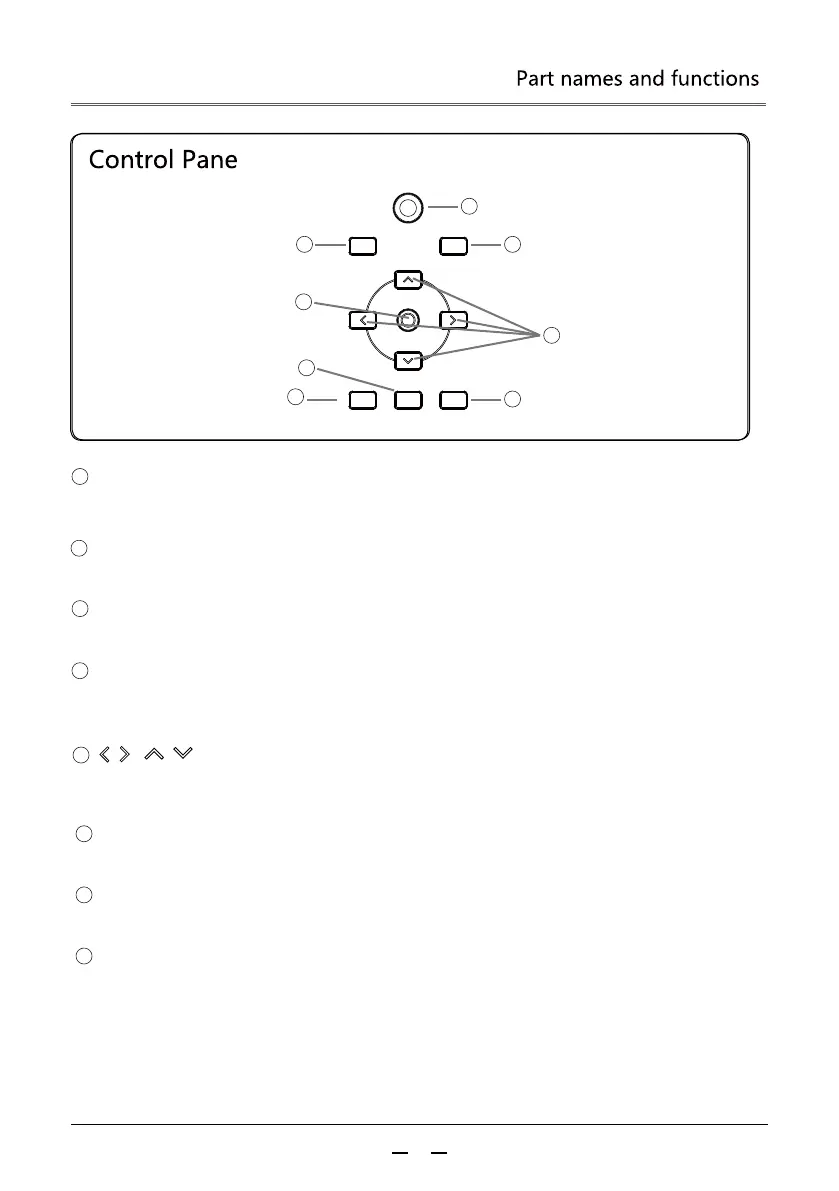
ON/STANDBY
BLANK
INPUT
ZOOM/FOCUS MENU LENS SHIFT
1
3
8
2
7
4
6
5
7
8
ZOOM / FOCUS Button
Adjusts the focus, zoom
LENS SHIFT Button
Adjusts the lens shift (vertical position and horizontal position of the lens).
2
3
1
5
6
4
POWER Button
Turn on or off the projector.
BLANK Button
Temporarily turn off the image on the screen.
INPUT Button
Select the input source.
OK Button
- Enter the menu operation.
- Perform the selected item.
/ VOL- / VOL+ Button
- Select an item or adjust the data in the on-screen menu.
- Adjust the Volume
MENU Button
Turn on or off the on-screen menu.



 To Next Page