—22—
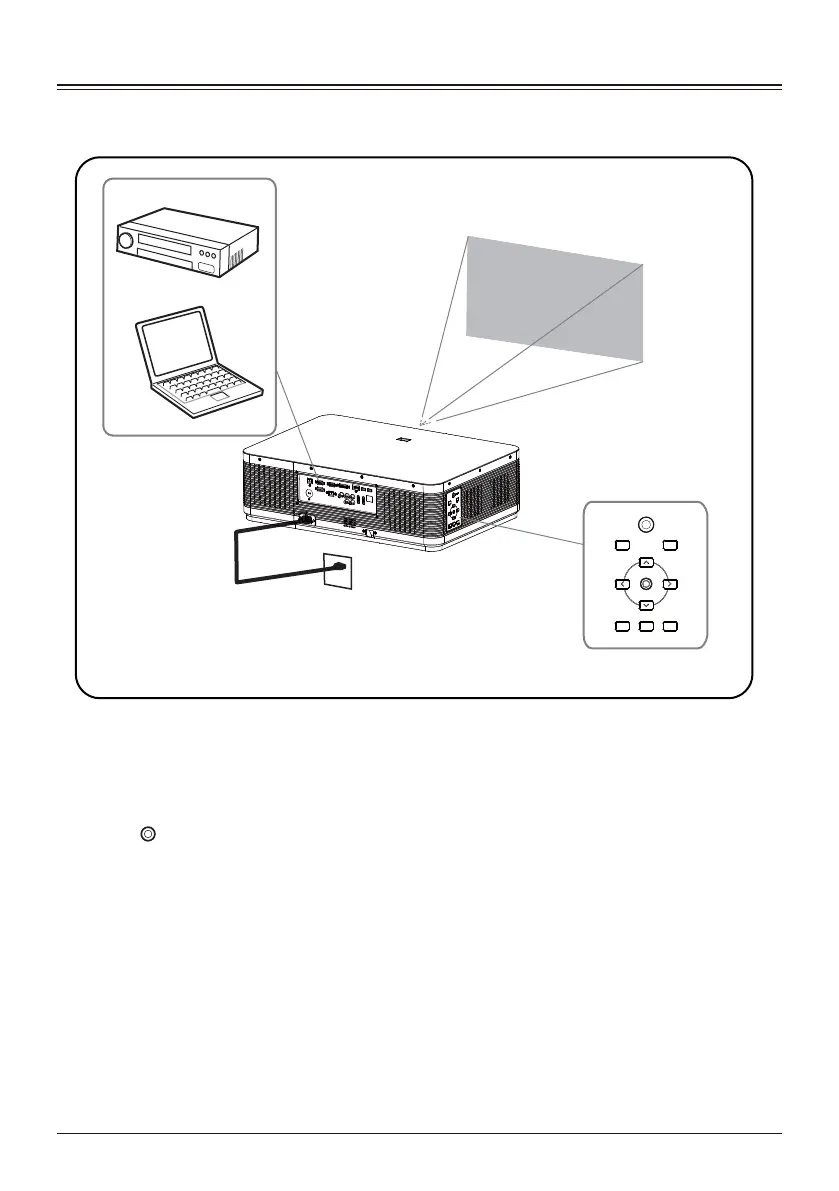
Turning On the Projector
Projector
Power outlet
2
5
4
1
3
ON/STANDBY
BLANK INPUT
ZOOM/FOCUS MENU LENS SHIFT
Video device
Computer
Complete the connection of external devices first before turning on the projector.
Connect the AC power cord to the AC outlet.
The power indicator lights up in red.
Press button to turn on the projector.
Turn on the connected devices.
Select the input source.
Press the input selection button of INPUT on the projector to display the input source
switching menu on the screen. Press OK button repeatedly to select the device channel
you want to project.
1
2
3
4
5



 To Next Page