EasyManua.ls Logo

Rosemount 8700 Series - User Manual

Rosemount 8700 Series
122 pages
Print Icon
To Next Page IconTo Next Page
Loading...
www.rosemount.com
Reference Manual
00809-0100-4727, Rev EA
October 2010
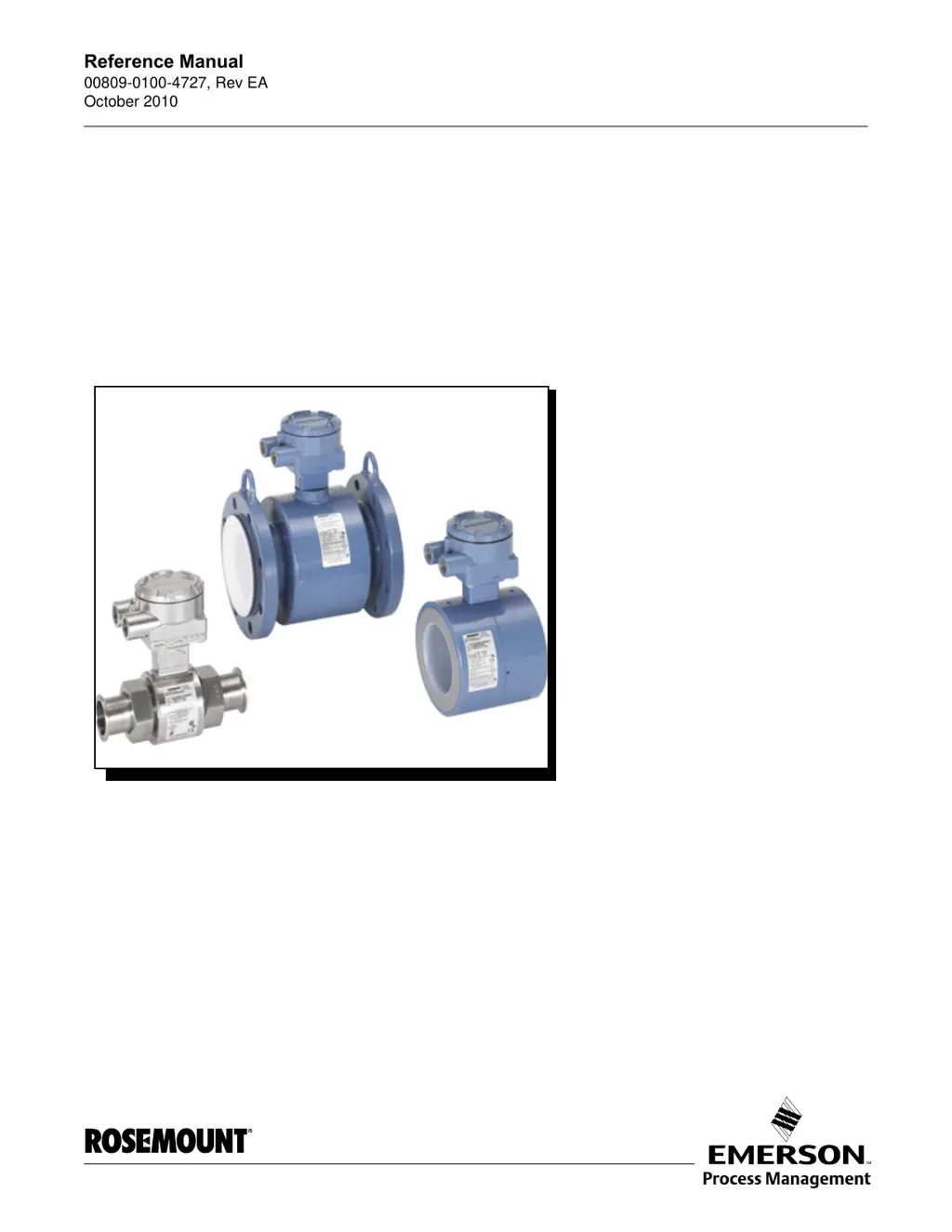
Rosemount 8700 Series
Magnetic Flowmeter Sensors
Aotewell Ltd
www.aotewell.com
Industry Automation
HongKong|UK|China
sales@aotewell.com
+86-755-8660-6182

Table of Contents

Questions and Answers

  • S
    Shannon SchultzAug 14, 2025
    What to do if Rosemount Measuring Instruments show 'Sensor Hi Limit Exceeded'?
    • B
      Brooke ClementsAug 14, 2025
      If the Rosemount Measuring Instruments display 'Sensor Hi Limit Exceeded', it could be due to the flow rate being greater than 43 ft/sec. Try lowering the flow velocity or increasing the pipe diameter. Another possible cause is improper wiring. In this case, you should check the coil drive wiring and sensor coils and perform sensor test A - Sensor Coil.
  • R
    Rebecca MarquezAug 17, 2025
    What to do if Rosemount Measuring Instruments detect 'Reverse Flow'?
    • C
      crystalnortonAug 17, 2025
      If the Rosemount Measuring Instruments detect 'Reverse Flow', first verify the wiring between the sensor and transmitter, as the electrode or coil wires might be reversed. If the wiring is correct, check if the flow is indeed reversed; if it is, turn ON Reverse Flow Enable to read the flow. Finally, ensure the sensor is installed correctly; if not, reinstall it or switch either the electrode wires (18 and 19) or the coil wires (1 and 2).
  • H
    Heather EdwardsAug 21, 2025
    What to do if Rosemount Measuring Instruments show 'Empty Pipe Detected'?
    • J
      Jeffrey BauerAug 21, 2025
      If your Rosemount Measuring Instruments display 'Empty Pipe Detected', here are a few things to check: * If the pipe is actually empty, the message will clear when the pipe is full. * Verify the wiring matches the appropriate wiring diagrams. * Perform sensor tests C and D. * Ensure the conductivity is greater than or equal to 5 microsiemens per cm. * Adjust tuning of Empty Pipe parameters.
  • D
    daniel18Aug 25, 2025
    What to do if Rosemount Measuring Instruments experience 'Universal Trim Failure'?
    • S
      Sabrina DudleyAug 25, 2025
      If the Rosemount Measuring Instruments experience a 'Universal Trim Failure', consider the following: 1. Ensure a known flow is established in the sensor before performing Universal Auto-Trim calibration. 2. Verify that the wiring matches the appropriate wiring diagrams. 3. Maintain a constant flow in the sensor during the Universal Auto-Trim routine. 4. Confirm the flow rate through the sensor matches the value entered during the Universal Auto-Trim routine. 5. Replace the sensor calibration number with 1000005010000001 if the incorrect calibration number was entered. 6. Correct the sensor size setting. 7. Perform sensor tests C and D.
  • K
    Katie TurnerAug 27, 2025
    What to do if Rosemount Measuring Instruments have 'Coil Drive Open Circuit'?
    • E
      erika44Aug 28, 2025
      If the Rosemount Measuring Instruments indicate a 'Coil Drive Open Circuit', first check the coil drive wiring and sensor coils, and perform sensor test A - Sensor Coil. If you are using another manufacturer’s sensor, change the coil current to 75 mA and perform a Universal Auto Trim to select the proper coil current. If the issue persists, it could be a Circuit Board Failure, in which case you should replace the Rosemount 8732 Electronics. If it is a Coil Circuit OPEN Fuse, return the device to the factory for fuse replacement.
  • S
    Samantha SanchezAug 31, 2025
    What to do if Rosemount Measuring Instruments show 'Auto Zero Failure'?
    • M
      Melinda SmithAug 31, 2025
      If Rosemount Measuring Instruments display 'Auto Zero Failure' (after cycling power without making changes), ensure the flow is set to zero and then perform autozero. Also, replace any unshielded cable with shielded cable. Check for moisture problems. Finally, ensure the sensor is filled with process fluid, as an empty pipe can cause this issue.
  • V
    Vanessa GriffinSep 3, 2025
    What to do if Rosemount Measuring Instruments display 'Electronics Temperature Out of Range'?
    • C
      christopherdavisSep 3, 2025
      If the Rosemount Measuring Instruments show 'Electronics Temperature Out of Range', it means the ambient temperature has exceeded the electronics temperature limits. Move the transmitter to a location with an ambient temperature range of -40 to 165 °F (-40 to 74 °C).
  • M
    moniquemeyersSep 6, 2025
    What to do if Rosemount Measuring Instruments experience 'Electronics Failure'?
    • B
      Barbara HallSep 6, 2025
      If the Rosemount Measuring Instruments experience an 'Electronics Failure' due to an electronics self-check failure, replace the electronics.
  • M
    Melissa StephensSep 10, 2025
    What to do if Rosemount Measuring Instruments say 'DSP Hardware not compatible with software'?
    • J
      josephsmithSep 10, 2025
      If Rosemount Measuring Instruments display the message 'DSP Hardware not compatible with software', install a software revision equal to Hornet's Expectation.

Summary

Section 2 Installation

Safety Messages

Highlights safety warnings specific to installation procedures to prevent injury or damage.

Sensor Handling

Guidelines for safely handling the sensor to prevent mechanical damage and distortion.

Sensor Mounting

Instructions for correctly mounting the sensor in the pipeline, including piping and orientation.

Installation (Flanged Sensor)

Detailed steps for installing flanged sensor types, including gasket and bolt procedures.

Section 3 Operation and Maintenance

Grounding

Critical details on proper grounding for sensor installation and stable readings.

Section 4 Maintenance and Troubleshooting

Safety Information

Safety warnings relevant to maintenance and troubleshooting tasks.

Diagnostic Messages

Explanation of system diagnostic messages, potential causes, and corrective actions.

Transmitter Troubleshooting

Guidance for troubleshooting common transmitter issues and symptoms.

Quick Troubleshooting

Step-by-step troubleshooting for wiring errors, process noise, and sensor tests.

Rosemount 8700 Series Specifications

General IconGeneral
BrandRosemount
Model8700 Series
CategoryMeasuring Instruments
LanguageEnglish

Related product manuals