Wireless N Dual Band Adapter N600PCE User Manual
36
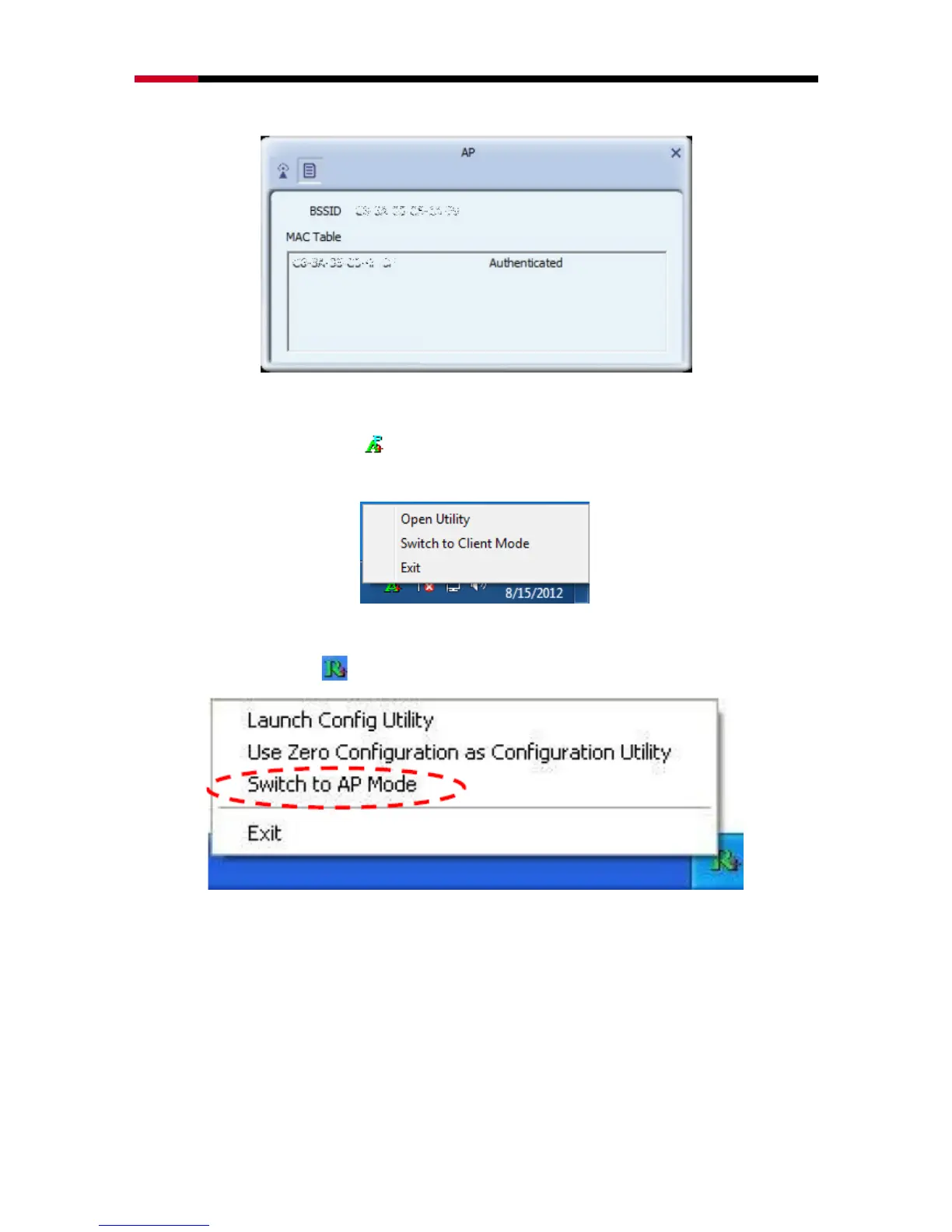
AP.
4.3.1.2 Switching to Client Mode
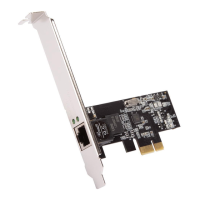
In AP mode, right-click the icon in the system tray and choose Switch to Client Mode, then
N600PCE will switch to client mode with an interface as wireless client.
4.3.2 Windows XP / Vista
Right-click the tray icon and select switch to AP Mode.
When main window pop out, select button from the menu bar for more settings.


 To Next Page