028 GB/US
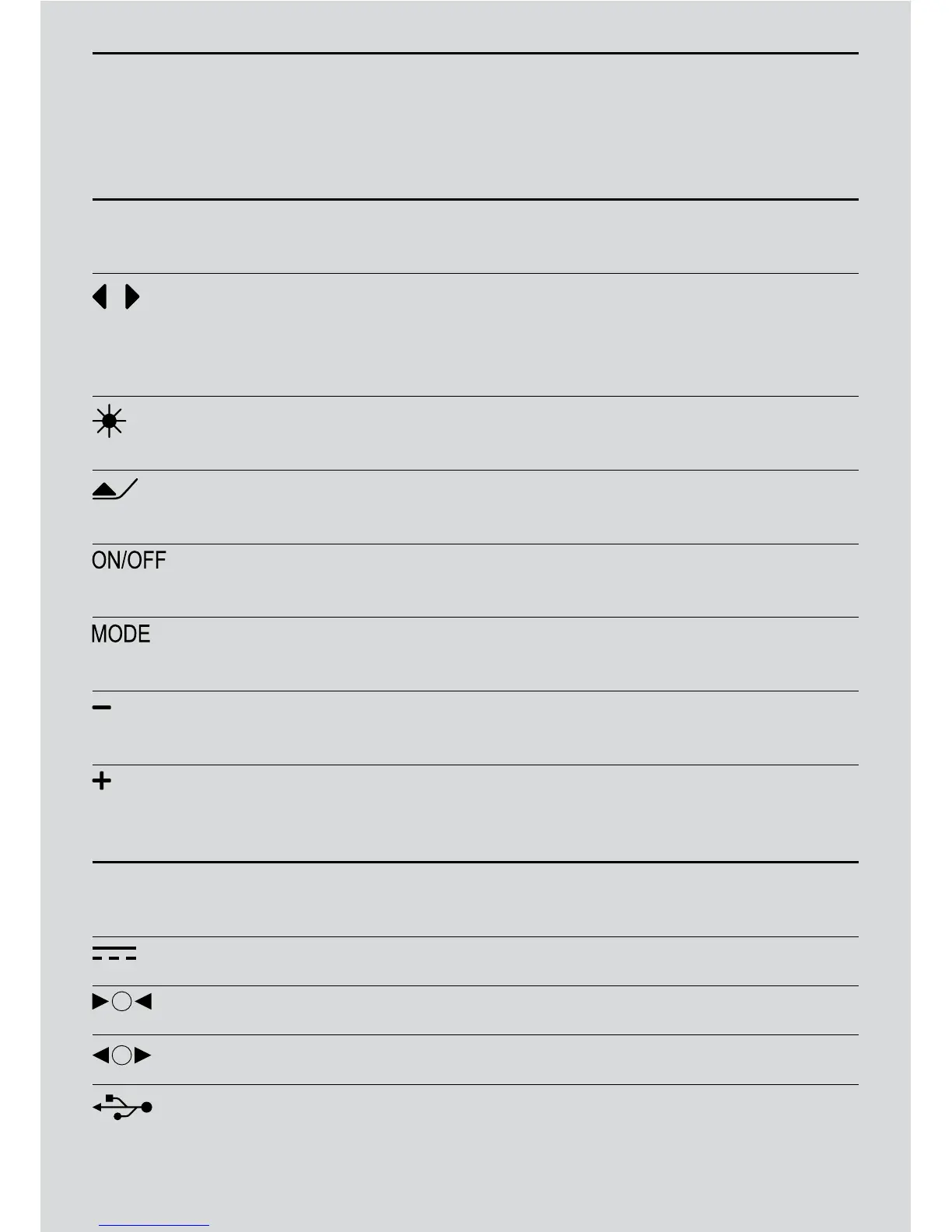
Symbols Front Control Panels
1
Choose the song you wish to play on your iPod,
iPhone or USB key.
2
Fast forward or backward within your chosen track.
3
Choose your FM radio station.
Switch the LED lamp ON or OFF.
Open the LED lamp arm.
1
Turn the system ON.
2
Switch to standby mode (OFF).
Choose your required function:
iPod; FM; USB; AUX or set the time.
1
Turn down the volume.
2
Set the time.
1
Turn up the volume.
2
Set the time.
Symbols Connectors
Power cable.
Audio In for radio, DVD/CD, mp3 player or computer.
Audio Out for external speakers.
USB key
Control Panels


 To Next Page