029GB/US
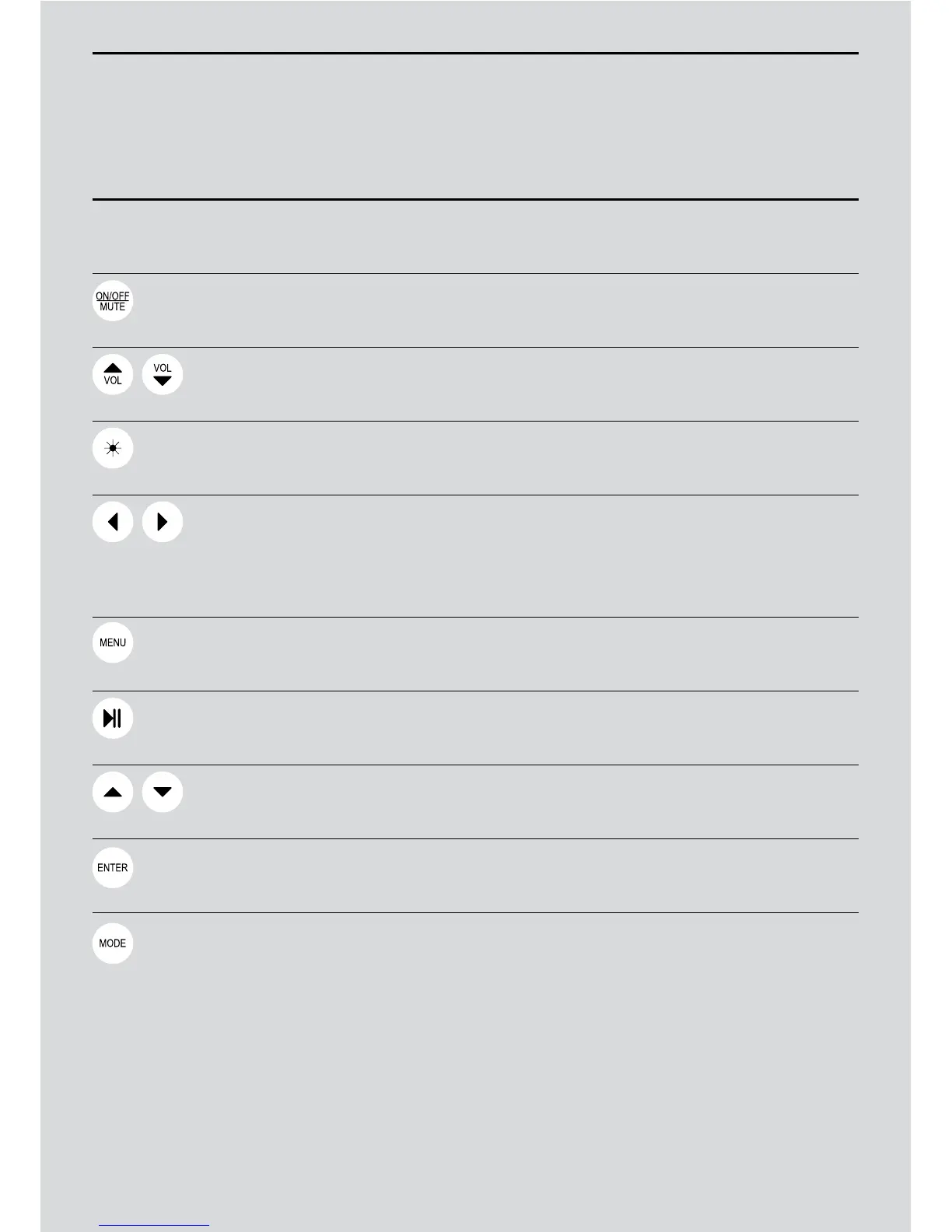
Symbols Remote Control
1
Turn ON the Diva or put it on standby.
2
Mute the sound.
Adjust the volume.
Turn the LED light ON or OFF.
1
Choose the track to play on your iPod,
iPhone or USB key.
2
Fast forward or backward within your chosen track.
3
Find an FM station.
See your iPod’s menu.
Listen to or stop your iPod music.
Scroll up and down your iPod menu.
Confirm your iPod selection.
Select: iPod; FM; USB; AUX.
Control Panels


 To Next Page