4
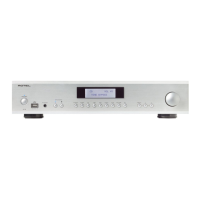
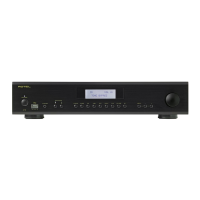
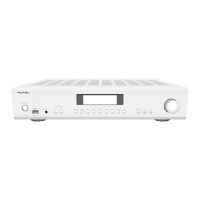
A8 Stereo Integrated Amplifier
A
C
D
E
I
G
H
F
B
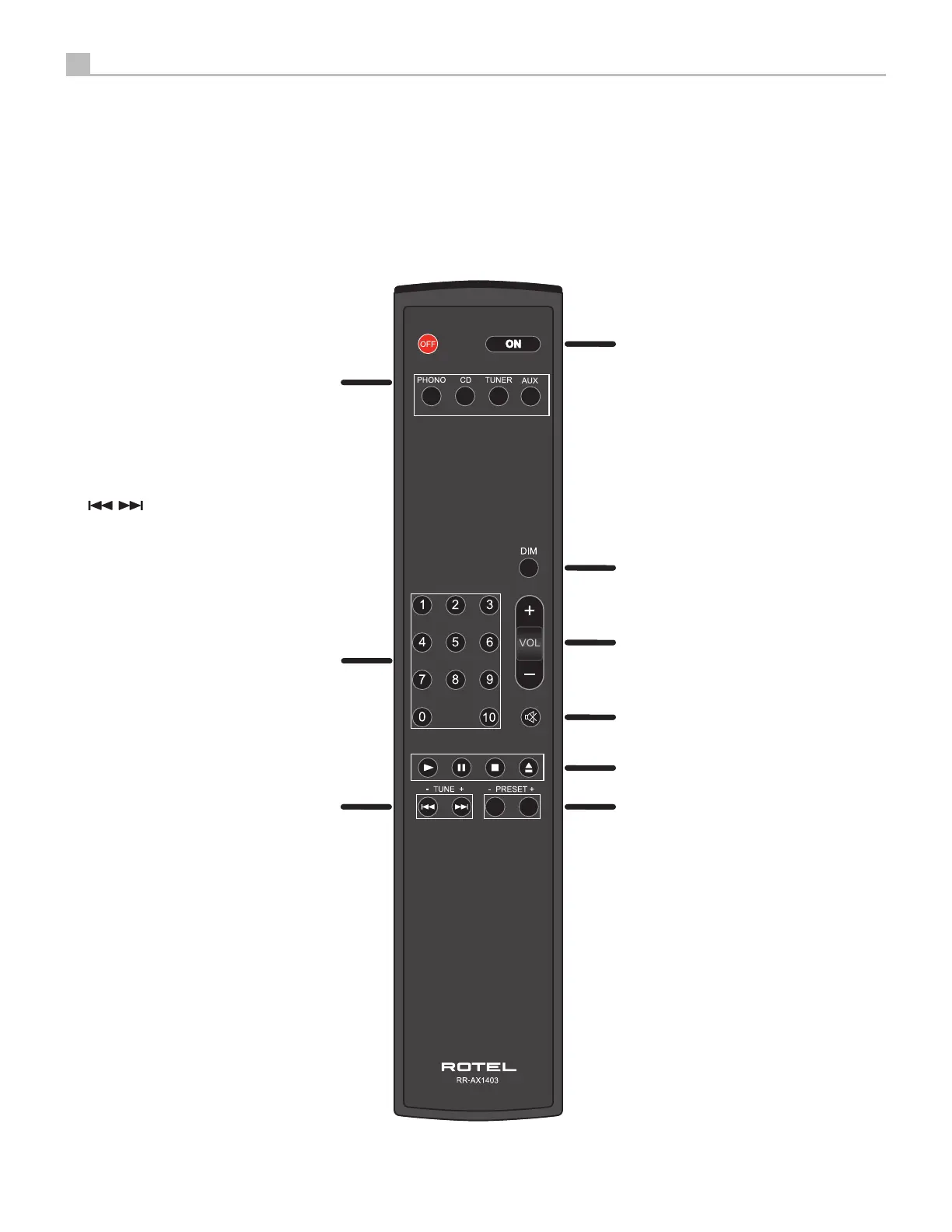
Figure 2: RR-AX1403 Remote Control
Télécommande infrarouge RR-AX1403
Fernbedienung RR-AX1403
Mando a Distancia RR-AX1403
Afstandsbediening RR-AX1403
Telecomando RR-AX1403
RR-AX1403 fjärrkontroll
Пульт ДУ RR-AX1403
A
: Power Button
Activate the unit or put it into standby
mode.
B
: DIM Button
Cycle the brightness of the LEDs on the
front panel.
C
: Volume Button
Adjust the volume output level.
D
: Mute Button
Mute the audio.
E
: Play/Stop/Pause/Eject Buttons
Control the stop, play, pause of the
audio. (Available when used with a Rotel
CD player)
F
: PRESET + and - Buttons
Control the fast reverse and fast forward
of the audio. (Available when used with
a Rotel Audio player)
G
: SOURCE Buttons
Selects the input signal source.
H
: Numeric Buttons
Allows direct access to a track when used
with a Rotel CD Player or Preset Station
Recall when used with a Rotel Tuner.
I
: /
TUNE + and - Buttons
Control the previous track and next
track, or previous staion and next station.
(Available when used with a Rotel CD
Player or Tuner)
4
A8 Stereo Integrated Amplifier
A
C
D
E
I
G
H
F
B
Figure 2: RR-AX1403 Remote Control
Télécommande infrarouge RR-AX1403
Fernbedienung RR-AX1403
Mando a Distancia RR-AX1403
Afstandsbediening RR-AX1403
Telecomando RR-AX1403
RR-AX1403 fjärrkontroll
Пульт ДУ RR-AX1403
A
: Power Button
Activate the unit or put it into standby
mode.
B
: DIM Button
Cycle the brightness of the LEDs on the
front panel.
C
: Volume Button
Adjust the volume output level.
D
: Mute Button
Mute the audio.
E
: Play/Stop/Pause/Eject Buttons
Control the stop, play, pause of the
audio. (Available when used with a Rotel
CD player)
F
: PRESET + and - Buttons
Control the fast reverse and fast forward
of the audio. (Available when used with
a Rotel Audio player)
G
: SOURCE Buttons
Selects the input signal source.
H
: Numeric Buttons
Allows direct access to a track when used
with a Rotel CD Player or Preset Station
Recall when used with a Rotel Tuner.
I
: /
TUNE + and - Buttons
Control the previous track and next
track, or previous staion and next station.
(Available when used with a Rotel CD
Player or Tuner)
4
G
0:
®
R
□
TEL
RR-1403
@
o
p





 To Next Page