3
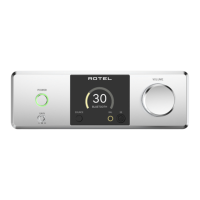
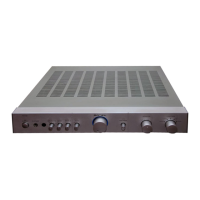
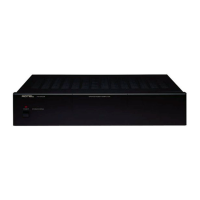
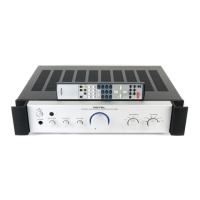
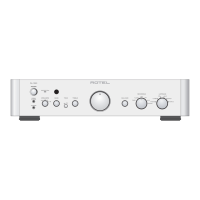
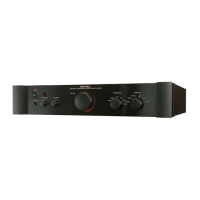
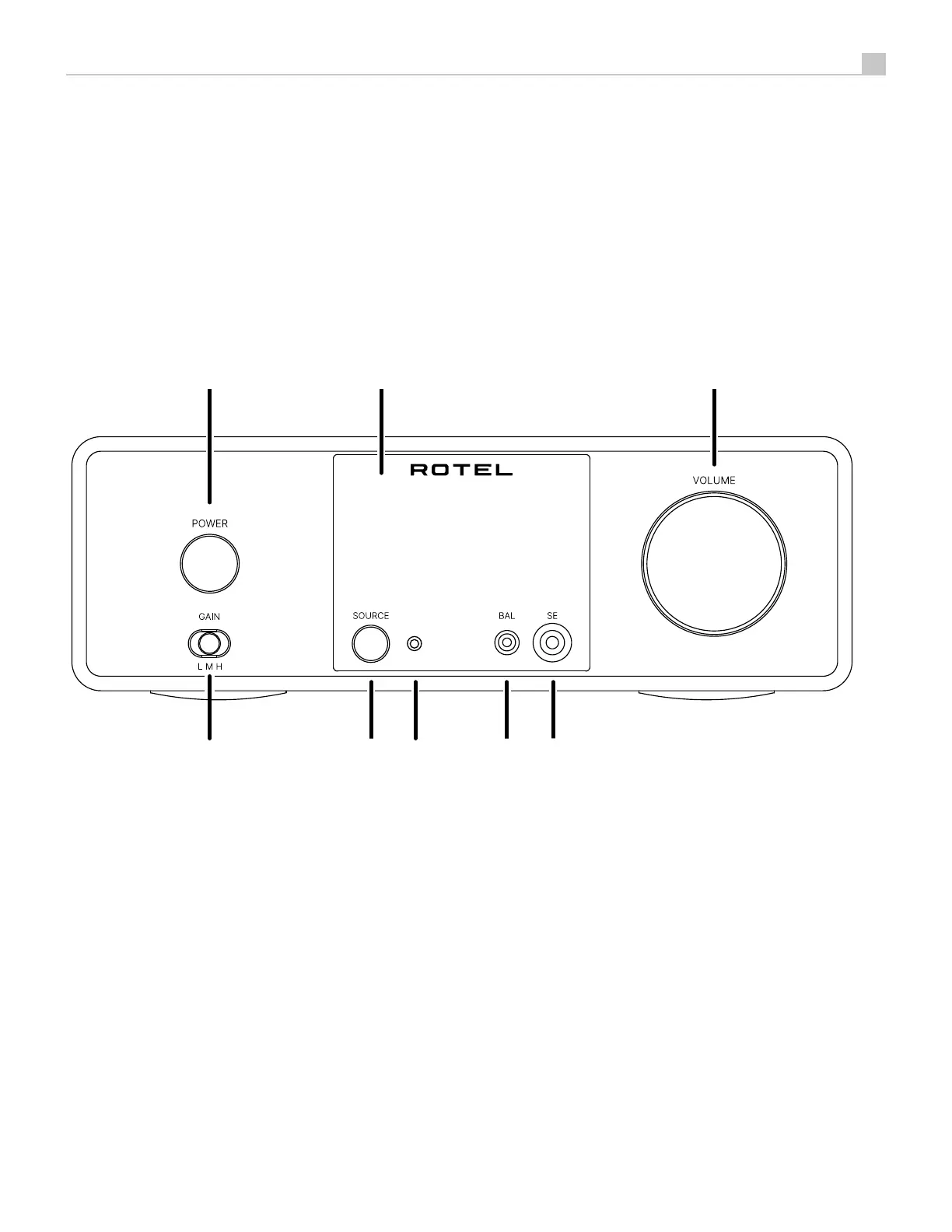
Figure 1-1: Controls and Connections
Commandes et branchements
Bedienelemente und Anschlüsse
Controles y Conexiones
De bedieningsorganen en de aansluitingen
Controlli e collegamenti
Kontroller och anslutningar
Органы управления и разъемы
1 2 31 2 3
4
5
6
5 7
8
4
6
1
: POWER Button and Indicator
Activate the unit or put it into standby mode.
2
: Display
3
: VOLUME Knob
Adjust the volume output level.
4
: Headphone Gain Selector
5
: SOURCE Button
Used to select the desired listening source.
6
: Remote sensor
Receives IR commands from the remote control.
7
: Balanced Headphone Connection
Accepts a standard 4.4 mm Balanced stereo headphone connector.
8
: Single Ended Headphone Connector
Accepts a standard 6.35mm Single Ended stereo headphone connector.


 To Next Page
 Loading...