Cable Tester with Probe / English
EN- 2
Instructions for Operation :
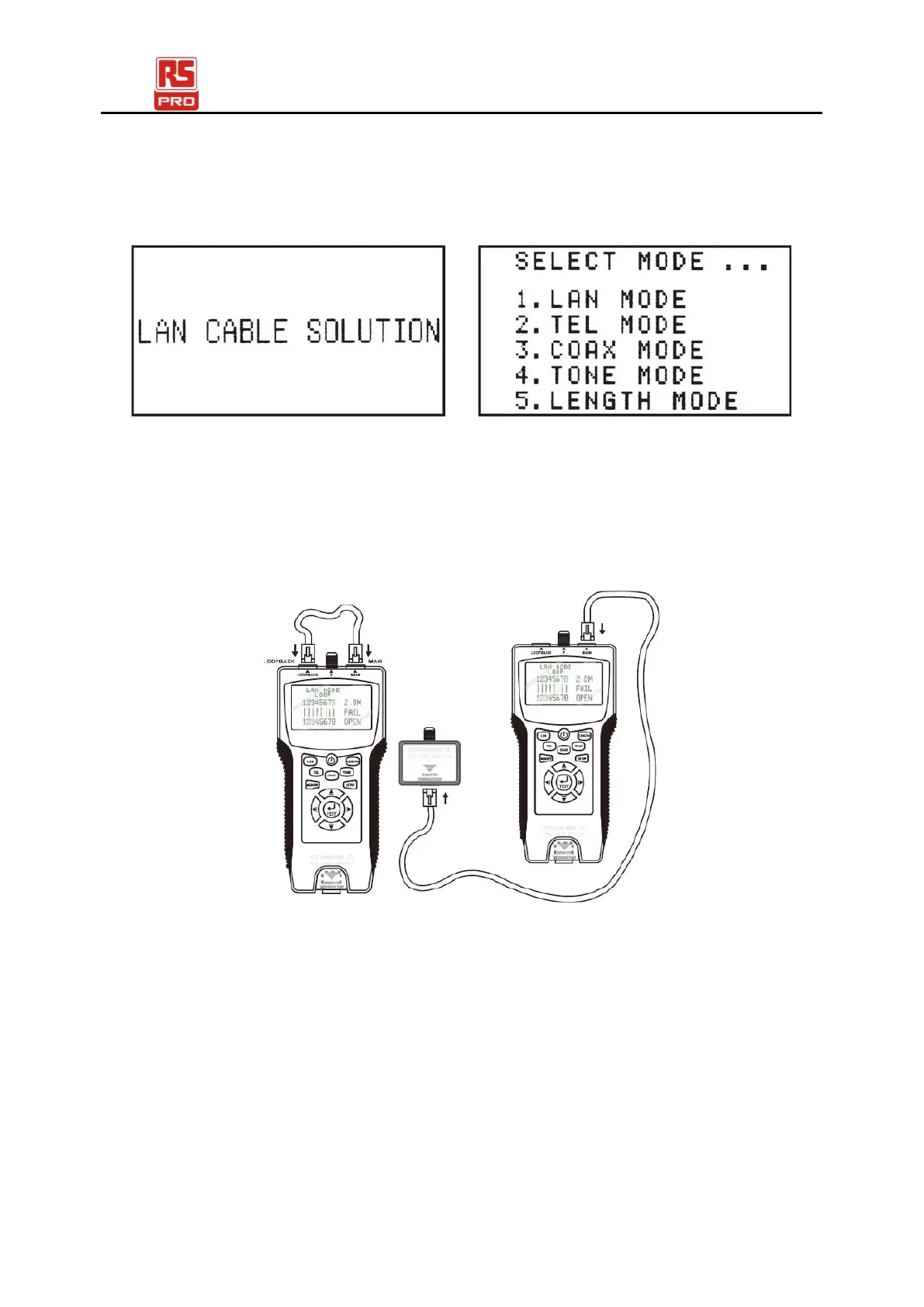
● Power On, Unit will beep one time, The Starting picture as follow: Select mode
will display as follow:
Testing LAN Mode::
Connecting way
(1). Testing from MAIN connector to LOOPBACK connector: Connect the LAN
cable from MAIN to LOOPBACK.
(2). Testing from MAIN connector to REMOTE terminator connector : Connect the LAN
cable from MAIN to REMOTE terminator
Test Function:
(a). PASS、OPEN、SHORT、CROSS、SPLIT etc.
(b). Test FTP or UTP LAN cable .
(c). W hen LA N c able is O P E N FA I L, t he dist anc e f rom M A I N connector to
broken point will be displayed.
● Press LAN KEY or TEST KEY to start the test


 To Next Page