Cable Tester with Probe / English
EN- 4
● Review the record of 8 sets memories.
(a). To enter the memory mode push the Memory Key and hold for over 3
seconds until the Memory screen is displayed on the LCD.
(b). Push the ▲▼ Key to Review the 8 records..
Exemple :
The currently display is record (MR-2).
Case 1 :
When Push the ▲ Key it will display the record (MR-1).
Case 2 :
When Push the ▼ Key it will display the record (MR-3).
● Erase the record of 8 sets memories.
(a). In case of deleting/erasing the stored memory Press the Memory Key and
hold for over 3 seconds until the Memory screen is displayed.
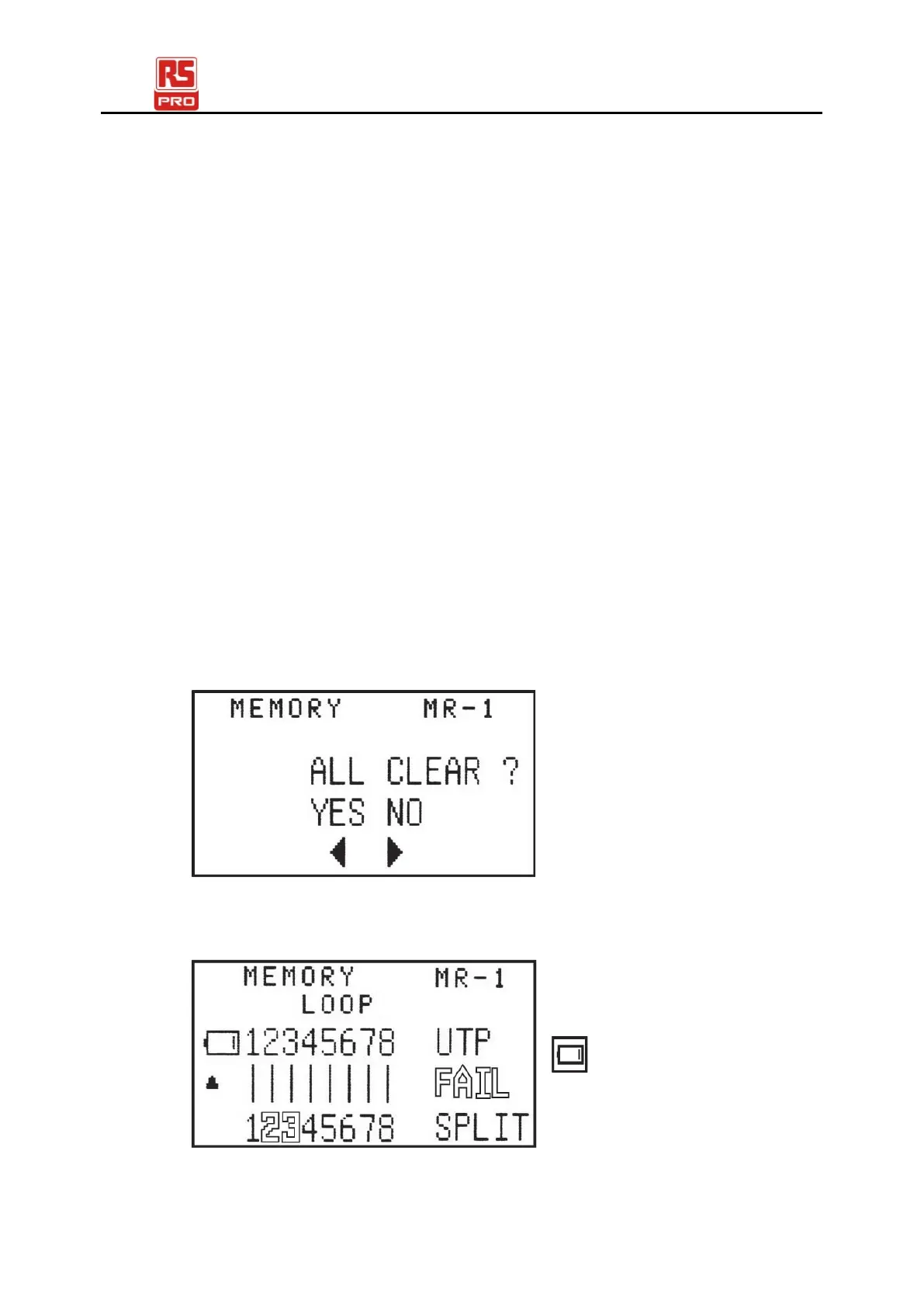
(b). Push the Test Key to enter the Erase function.
All 8 Sets of results of LAN cable test will be shown.
Case 1 :
Push ◄ Key to clear all 8 sets of results. The LCD screen will then
display MR-0.
Case 2 :
Push ► Key to keep all 8 sets of results.
● Battery is shown as low when voltage of battery is lower than 6.0V


 To Next Page