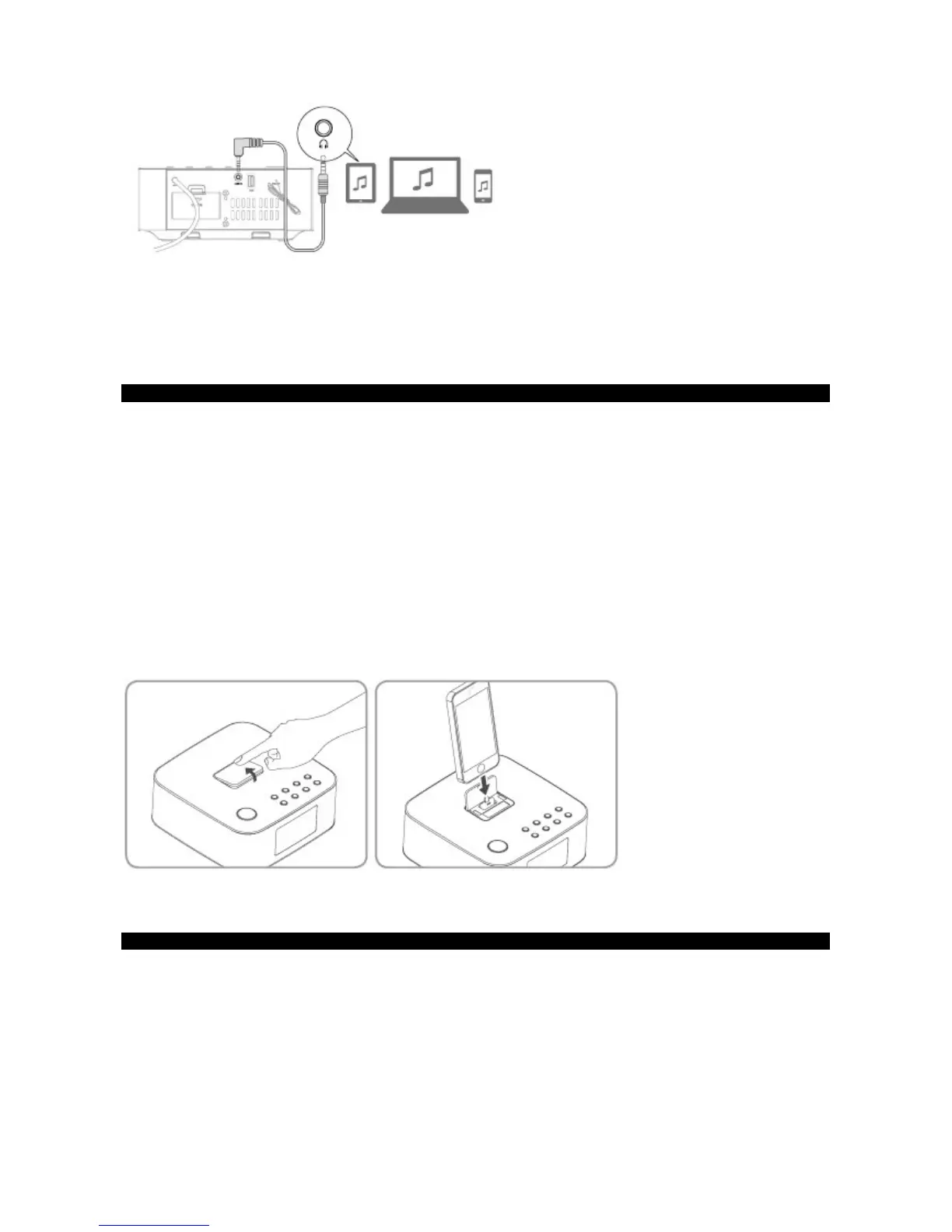
1 Ensure that the unit is connected to the TV or audio device.
- Connect the 3.5mm audio cable to the LINE IN socket on the rear of unit and to the headphone socket on the audio player.
2 Press the ON/OFF/SOURCE button on the main unit repeatedly or the LINE IN button on the remote control to select the LINE
source.
3 Start to play on the audio player.
4 Press the VOL +/– buttons on remote control or on the main unit to adjust the volume to your desired level.
iPod/iPhone/iPad Operation
Using the Lightening Connector dock, you can use the unit to play music files stored on your iPod/iPhone/iPad.
Listening to your Apple device
You can enjoy audio from your iPod/iPhone/iPad through this unit.
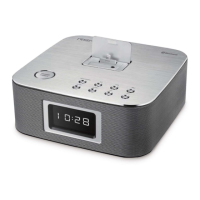
1. Press down docking cover of the unit to flip the docking cover up.
2. Insert your device into the dock.
3. Press the ON/OFF/SOURCE button repeatedly on the unit or press the DOCK button on the remote control to select the DOCK mode.
4. Start to play from the connected device.
- To pause/resume play, press the
BF
button.
- To skip to a track, press the
H/G
buttons.
- To search during play: press and hold
H/G
buttons, then release to resume normal play.
- To select repeat play options: press the REPEAT button repeatedly to select a repeat option play mode.
• This apparatus does not support Apple devices with the 30-pin dock connectors.
Charge the iPod/iPhone/iPad
The docked iPod/iPhone/iPad begins to charge as soon as the unit is connected to AC power.
Bluetooth Operation
Pair Bluetooth-enabled Devices
The first time you connect your Bluetooth device to this player, you need to pair your device to this player.
Note:
- The operational range between this player and a Bluetooth device is approximately 26 feel (8m).
- Before you connect a Bluetooth device to this unit, familiarize yourself with the Bluetooth capabilities of the device.
- Compatibility with all Bluetooth devices is not guaranteed.
- Any obstacle between this unit and a Bluetooth device can reduce the operational range.
- Keep this player away from any other electronic device that may cause interference.


 To Next Page