EasyManua.ls Logo

RTS TR-1800 - User Manual

RTS TR-1800
158 pages
Print Icon
To Next Page IconTo Next Page
Loading...
F.01U.306.750
Rev. 01
APRIL/2017
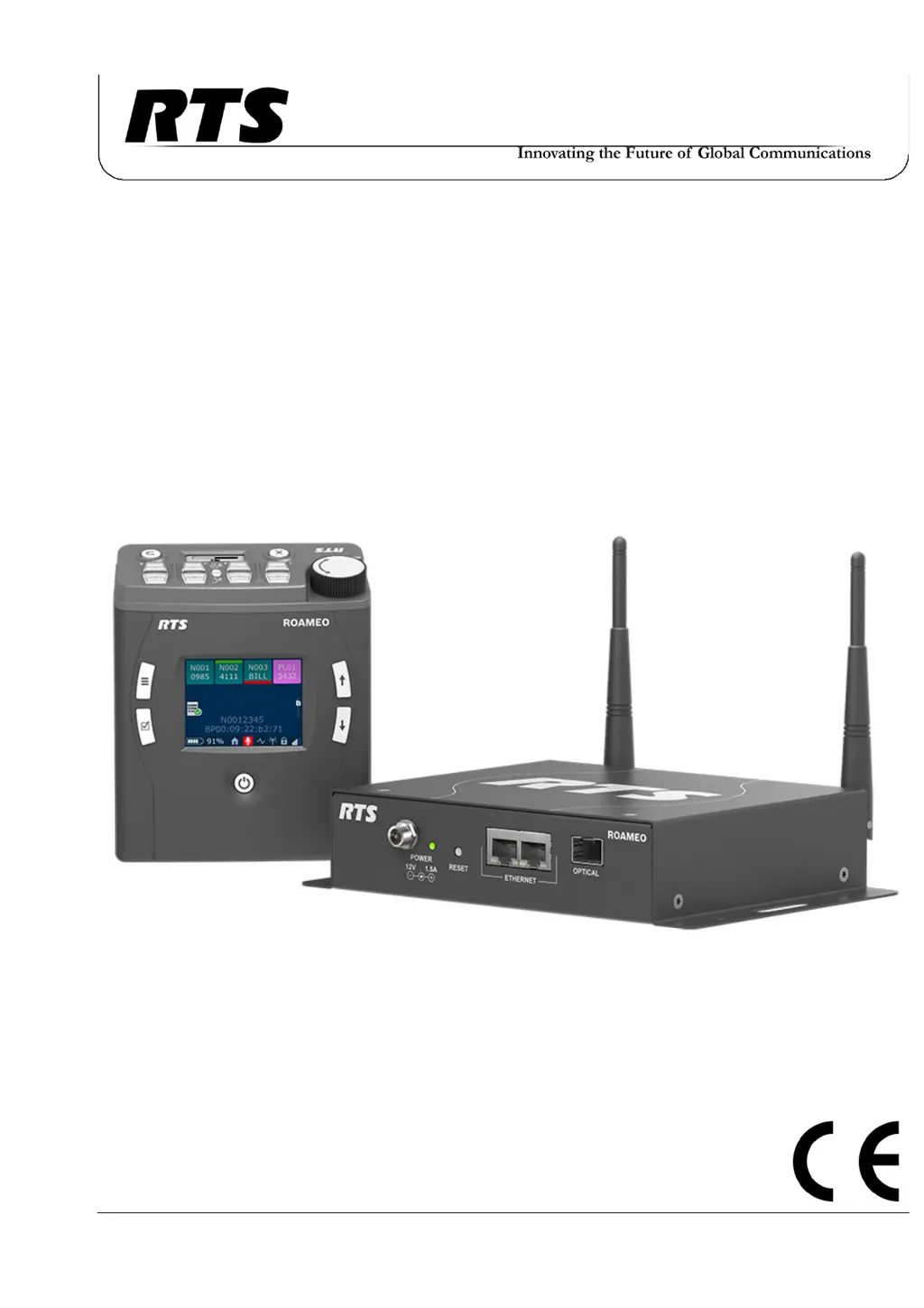
ROAMEO Family
Wireless Intercom System
•TR-1800
•AP-1800

Table of Contents

Questions and Answers

Summary

Important Safety Instructions

Certification Information

FCC Compliance

Device accepted under United States Federal Communication Commission Part 15.

Industry Canada Compliance

Device certified to Industry Canada RSS-213 and ICES-003.

European Directives Compliance

Equipment compliant with RoHS, WEEE, and RED directives.

Introduction to ROAMEO System

General Description and Features

Overview of the ROAMEO system's capabilities, including comms, roaming, and DECT.

TR-1800 Beltpack Details

TR-1800 Reference View and Controls

Details of the TR-1800 beltpack's front and back panel controls and displays.

TR-1800 Connections

Description of TR-1800 connectors including XLR, 3.5mm auxiliary, USB, and charging jacks.

TR-1800 Specifications

Detailed technical specifications for the TR-1800 beltpack, including audio modes, RF, and environmental.

AP-1800 Access Point Details

AP-1800 Reference View and Connections

Reference view of the AP-1800 access point and details of its connectors.

AP-1800 Specifications and Frequencies

Technical specifications for the AP-1800 and information on its RF operating frequencies.

Frequencies of Operation

Details on DECT RF channels used in Europe and North America.

System Overview

System Description and Considerations

Description of the ROAMEO system and factors for system design.

Access Points and Roaming

Types of access points (Home/Visitor) and seamless beltpack roaming between them.

System Configuration Examples

Diagrams illustrating typical small, medium, and large ROAMEO system configurations.

ROAMEO System Setup Checklist

Checklist for setting up the ROAMEO system, covering beltpacks, network, and configuration.

Site Survey Procedures

Site Survey Description and Setup

Purpose and setup of the site survey application for planning RF coverage.

Performing a Site Survey

Steps to conduct a site survey using beltpack RSSI and QF readings for RF coverage.

Installation Guide

Access Point Placement and RF Considerations

Critical placement of APs for RF performance and managing RF signal interactions.

AP-1800 Mounting Options

Recommended mounting methods: wall, ceiling, pole, rail, and free-standing.

Antenna Connection and Powering

Attaching antennas and information on powering the AP-1800 via Ethernet (PoE).

Connecting AP to Intercom System

Configuring OMI and AP-1800 using AZedit and IPedit software for system integration.

Basic Operation

Intercom Key and Display Functions

Understanding key assignments, color codes, and display icons for beltpack operation.

Call Operations and Management

Procedures for making, receiving, and managing calls, including call waiting.

Beltpack Menu Navigation and Settings

Navigating beltpack menus and configuring audio, mic, brightness, and alerts.

Key Assignments and System Setup

Configuring beltpack key assignments locally and system setup options.

Access Point Overview

AP-1800 Front Panel and Reset Functions

Description of AP-1800 front panel components and the reset button functionality.

IPedit Configuration and Requirements

Software requirements and overview of the IPedit interface for device configuration.

Device Information and Configuration Fields

Displaying and configuring device details like IP address, Netmask, MAC, and DECT settings.

Status, DECT, and Channel Configuration

Interpreting status indicators and configuring DECT and channel parameters for APs.

Maintenance Procedures

Access Point Maintenance

Updating AP firmware, creating systems, replacing APs, and resetting APs.

Beltpack Maintenance

Updating beltpack firmware, splash screen, and performing beltpack resets.

Troubleshooting and Parts

Troubleshooting Common Issues

Solutions for common problems like RF range, DECT connection loss, and audio dropouts.

Accessories and Replacement Parts

List of available accessories and replacement parts for the ROAMEO system.

RTS TR-1800 Specifications

General IconGeneral
BrandRTS
ModelTR-1800
CategoryIntercom System
LanguageEnglish

Related product manuals