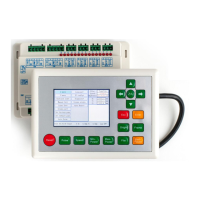
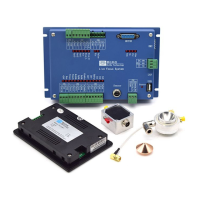
RDV6442G Control System manual V1.3
SHENZHEN RUIDA TECHNOLOGY
8.3.11 IP Setup
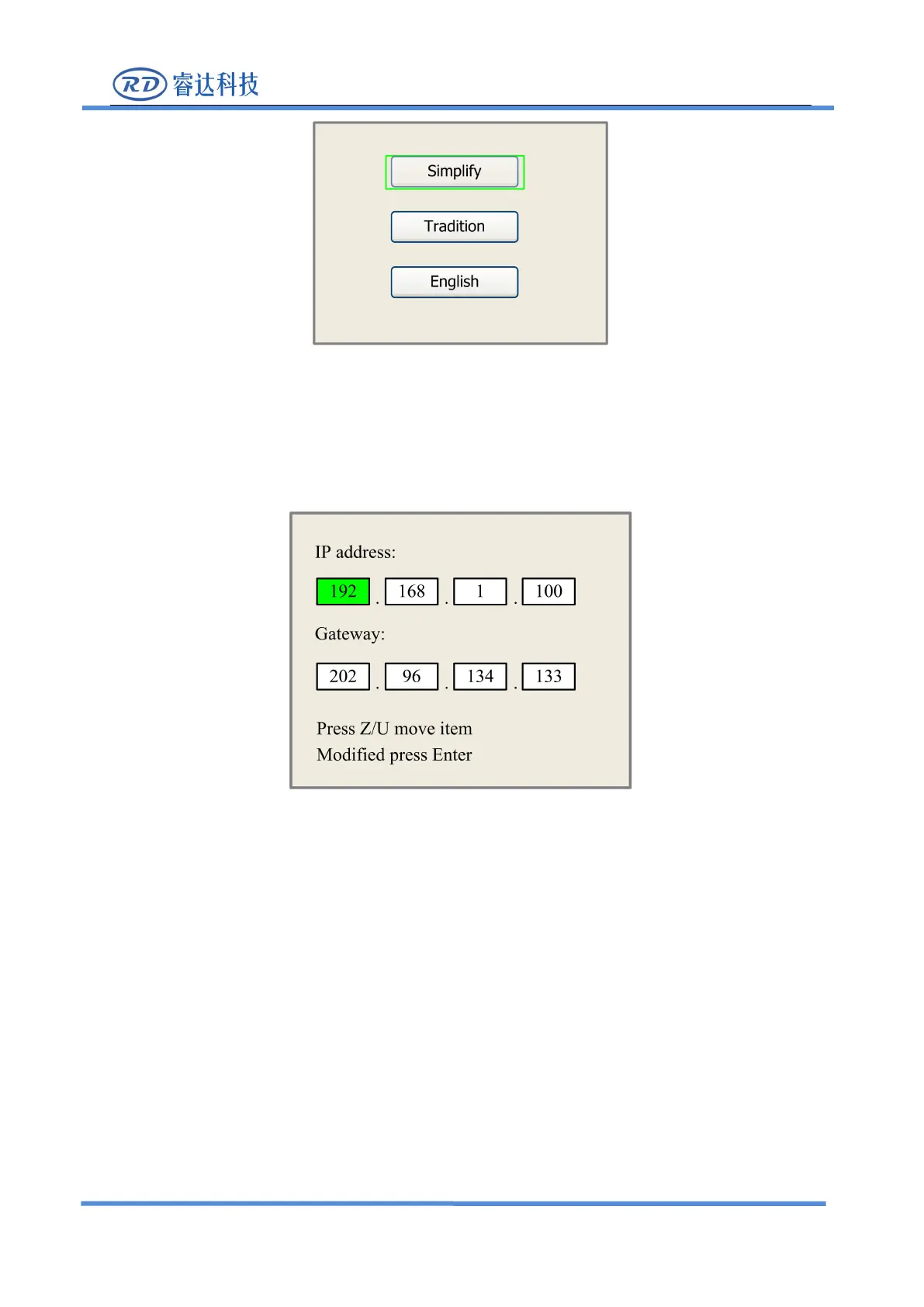
When the green block is on this item, push the
“
Enter
”
key to show as below:
Push “Z/U” key to move the changing item, then push “X+/-” keys and “Y+/-” keys to change
the value, when all the IP value and the Gateway value are changed, push
“
Enter
”
key to validate the
change, or “Esc” key to invalidate the change.
8.3.12 Diagnoses
If the
“
Diagnoses
”
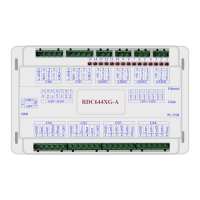
item is pressed, the system will show as below:


 To Next Page