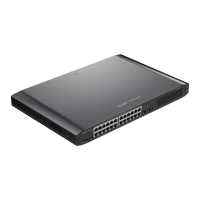
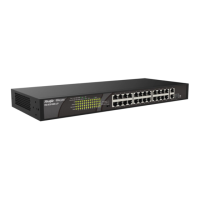
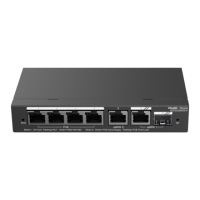
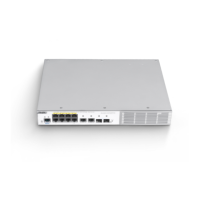
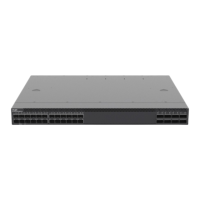
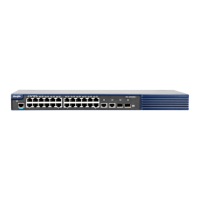
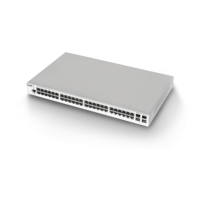
Ruijie RG-NBS3200 Series Switches Hardware Installation and Reference Guide Product Overview
17
When you install devices, reserve 1U (44.45 cm) distance space between neighbor devices to allow air circulation.
LED
The switch is not receiving power.
The switch is running, but is not connected to
Ruijie Cloud.
The switch is being upgraded or initialized.
The switch is connected to Ruijie Cloud.
10/100/1000Base-T
Ethernet port status
LED
The port is not connected.
The port is connected at a rate of 10/100/1000
Mbps.
The port is receiving or transmitting traffic.
The port is not connected.
The port is receiving or transmitting traffic.
1.5 RG-NBS3200-48GT4XS-P
Technical Specifications
Built-in CPU, dual-core processor, and 1 GHz
The copper cable is not supported. See Appendix B.
The supported module type may change at any time. Consult Ruijie Networks for the latest
information.


 To Next Page
 Loading...